Profiles, teams and permissions

Add or remove team members

  1. Open the profile’s Settings → Team.
  2. To add someone, enter an email, choose Editor or Admin, and select Invite Teammate.
  3. To remove access, find the person under Active Members or Pending Invitations and use that row’s removal action.
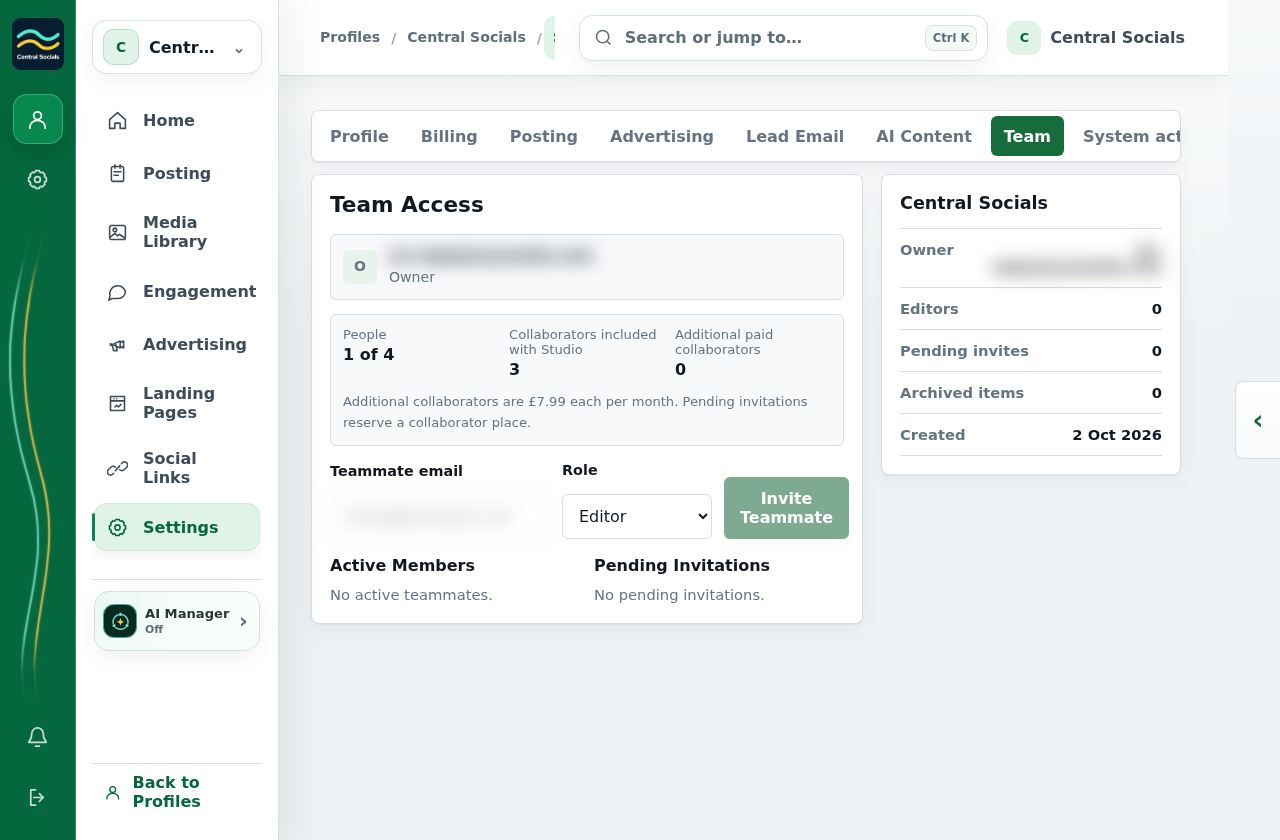
Profile Settings Team tab showing access and invitation controls, with the owner email blurred.
Steps 1–3 The Team tab contains the invite form and member area.Tap the screenshot to view it full size.
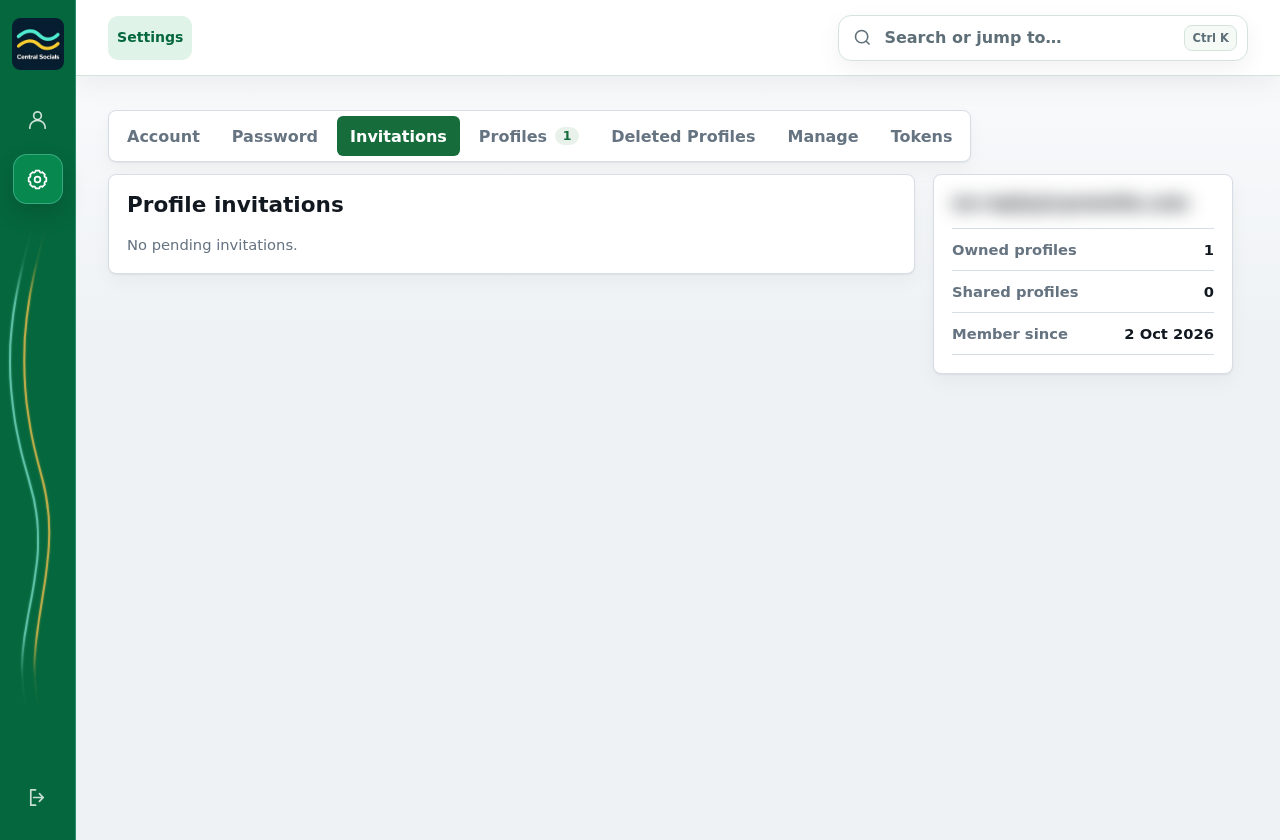
Account Settings Invitations tab with the account email blurred.
Recipient view Invitations are reviewed from Account Settings.Tap the screenshot to view it full size.