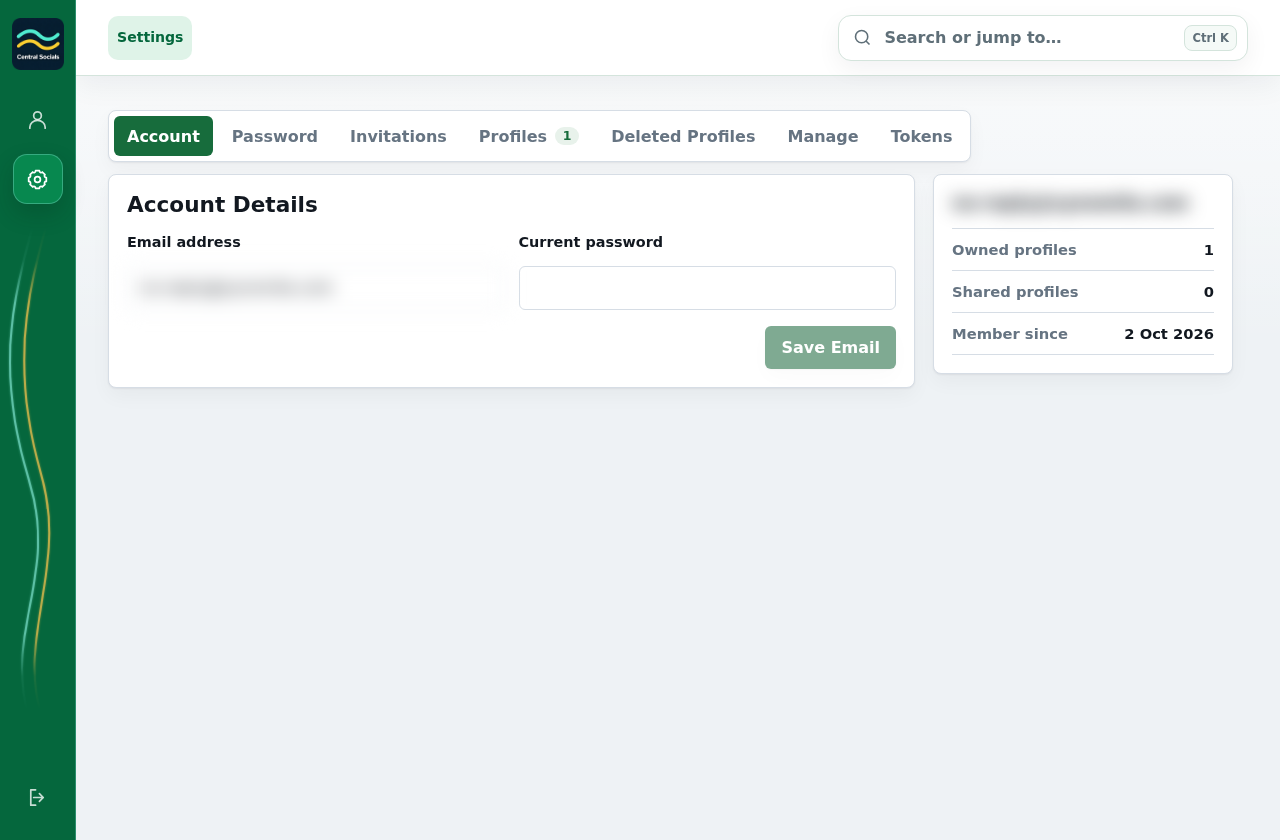
Open Account Settings from the application navigation.
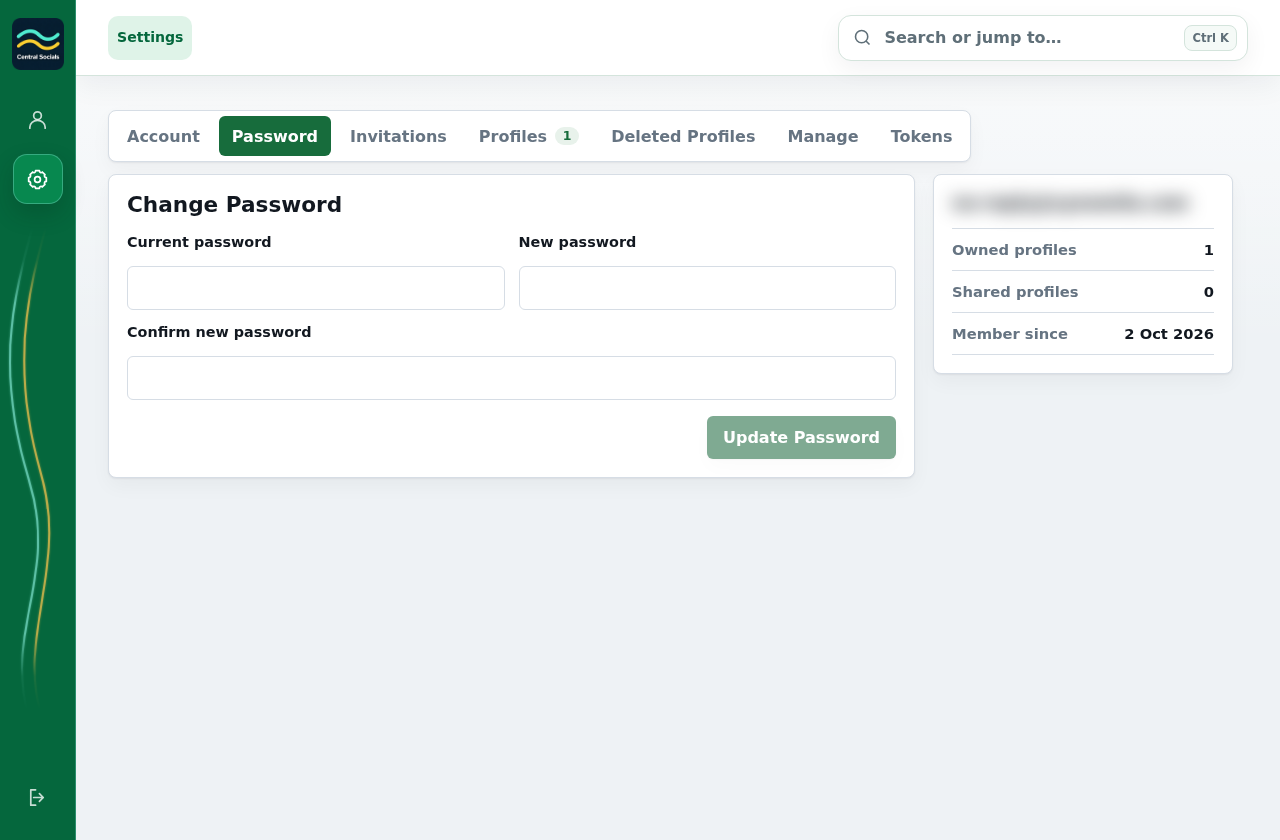
Select Account to change account details, Password to change your password, or Invitations to manage profile invitations.
Save changes in the selected section.
Step 1 Open Account Settings for account details.Tap the screenshot to view it full size.Step 2 Choose Password for password changes; the test email is blurred.Tap the screenshot to view it full size.