Campaigns and growth

How to follow up with website enquiries

  1. Open Landing Pages → Responses and select a response.
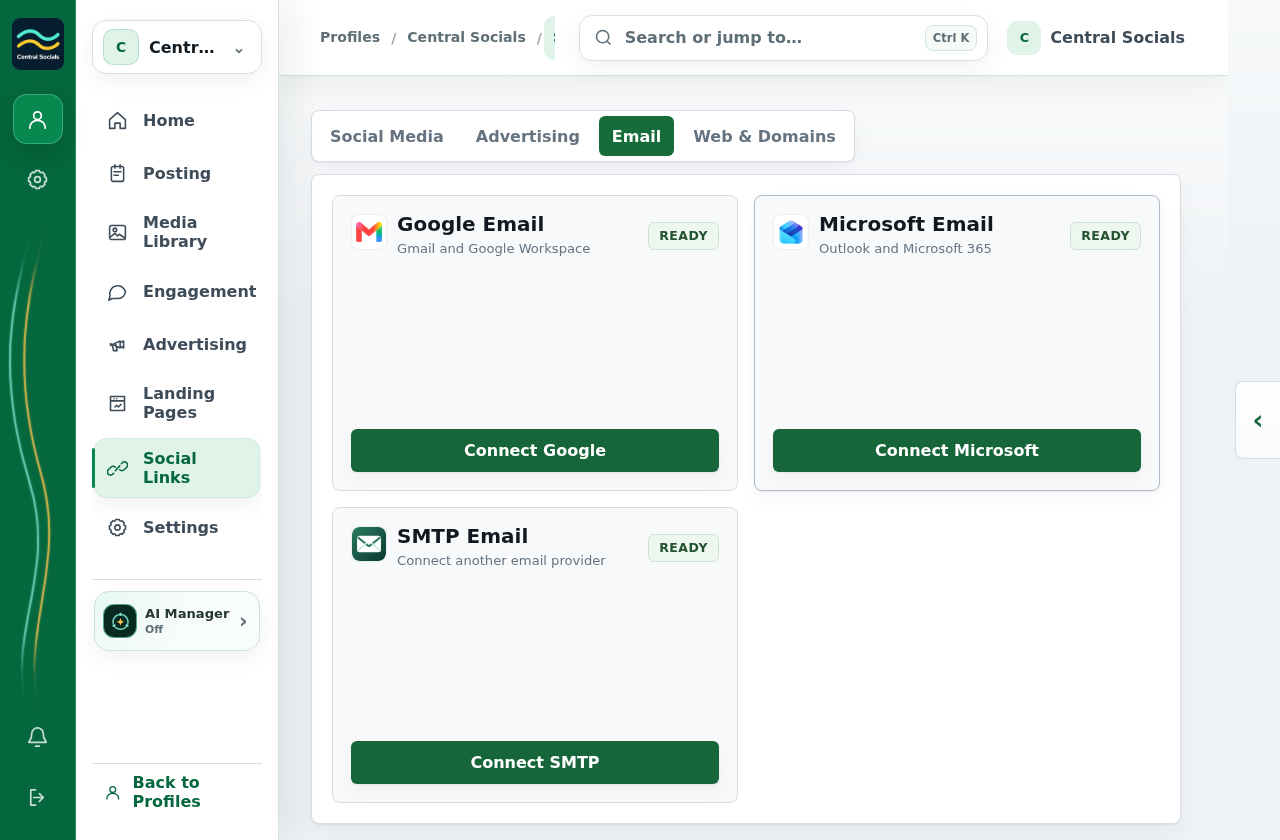
  2. Use Send Email if an email address is connected in Social Links → Email.
  3. Add or update an opportunity to track its stage.

No response or connected email account exists in the example profile, so no message was sent.
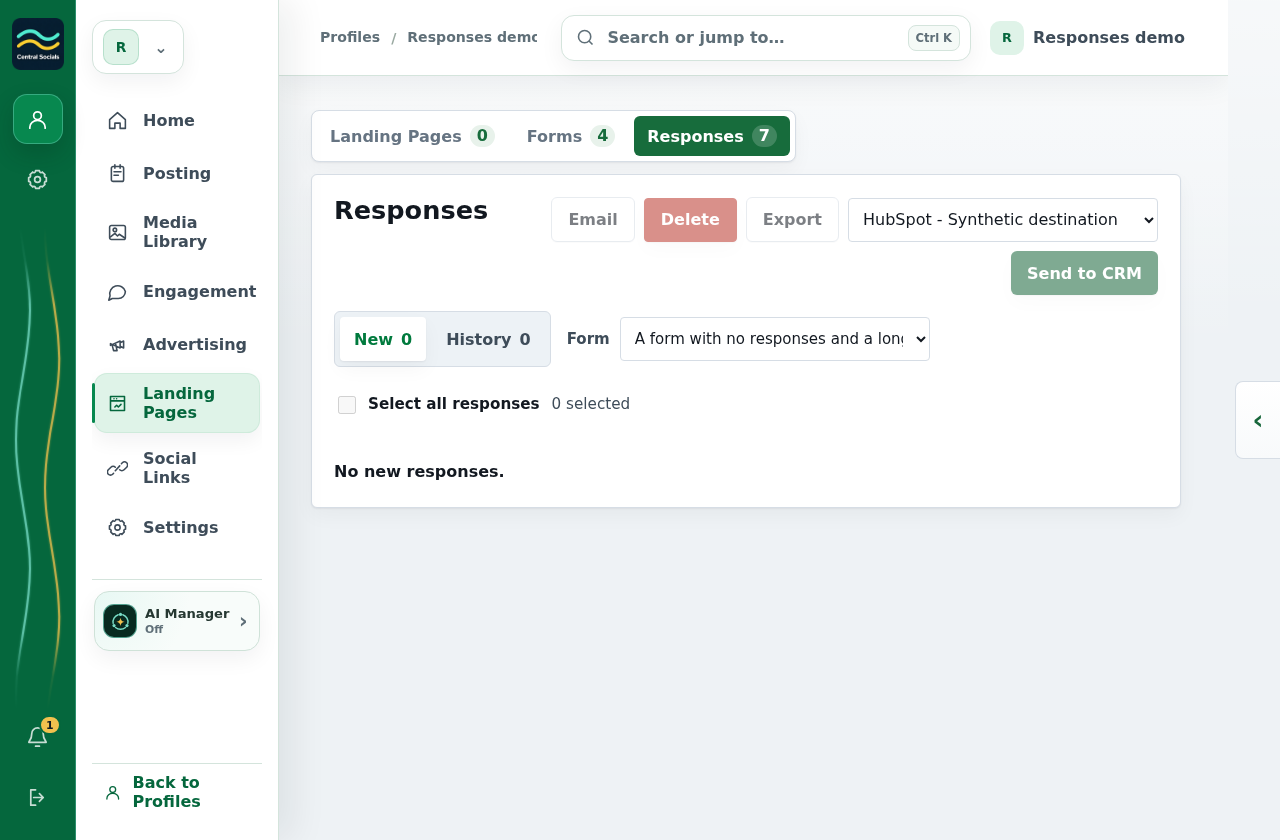
Landing Pages Responses tab with a form filter.
Step 1 Open Responses and choose a form, then select the responses to work with.Tap the screenshot to view it full size.
Social Links Email tab showing available email connection options.
Step 2 Email must be connected in Social Links before response email can be sent.Tap the screenshot to view it full size.