Publish and approve
How to post to multiple social networks
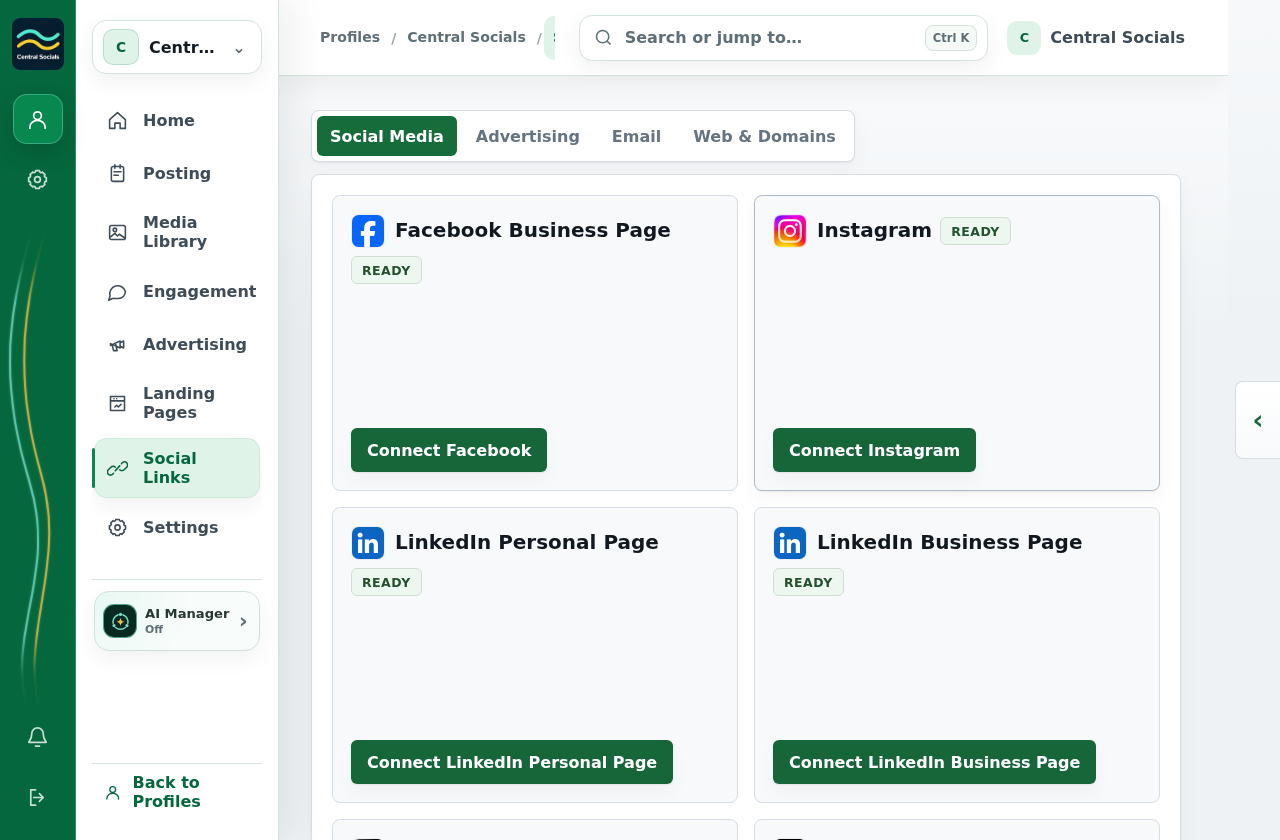
- Connect each destination in Social Links → Social Media.
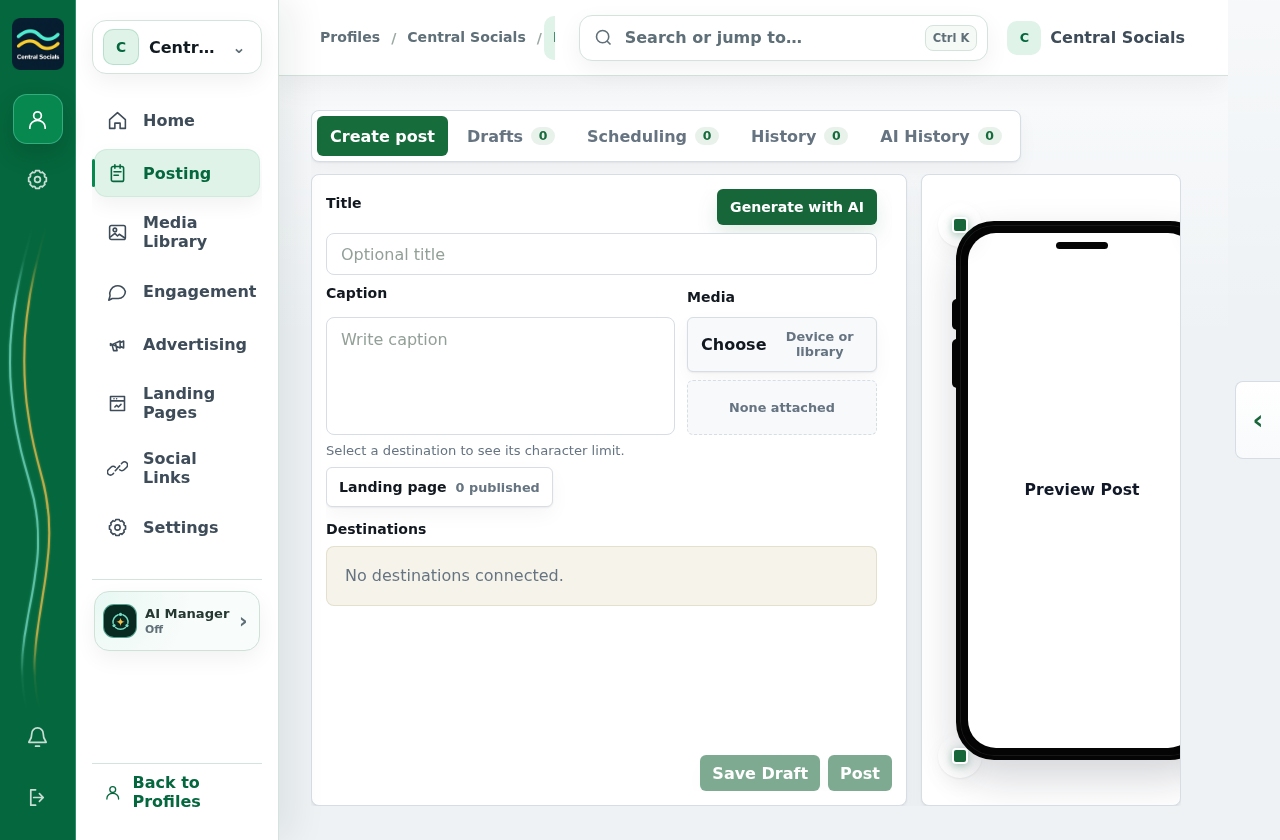
- Open Posting → Create post, add content, and select the destinations for this post.
- Check each destination preview, then select Post and confirm.
No social accounts were linked for these screenshots, so the composer shows an empty destination area.