Create content

How to reuse social media content

  1. Open Posting → History and select the post to reuse.
  2. Select Duplicate Draft.
  3. Open the new draft in Posting → Drafts, make changes, and save or post it.

The example profile has no completed post. Duplicate Draft becomes available on an eligible post in History.
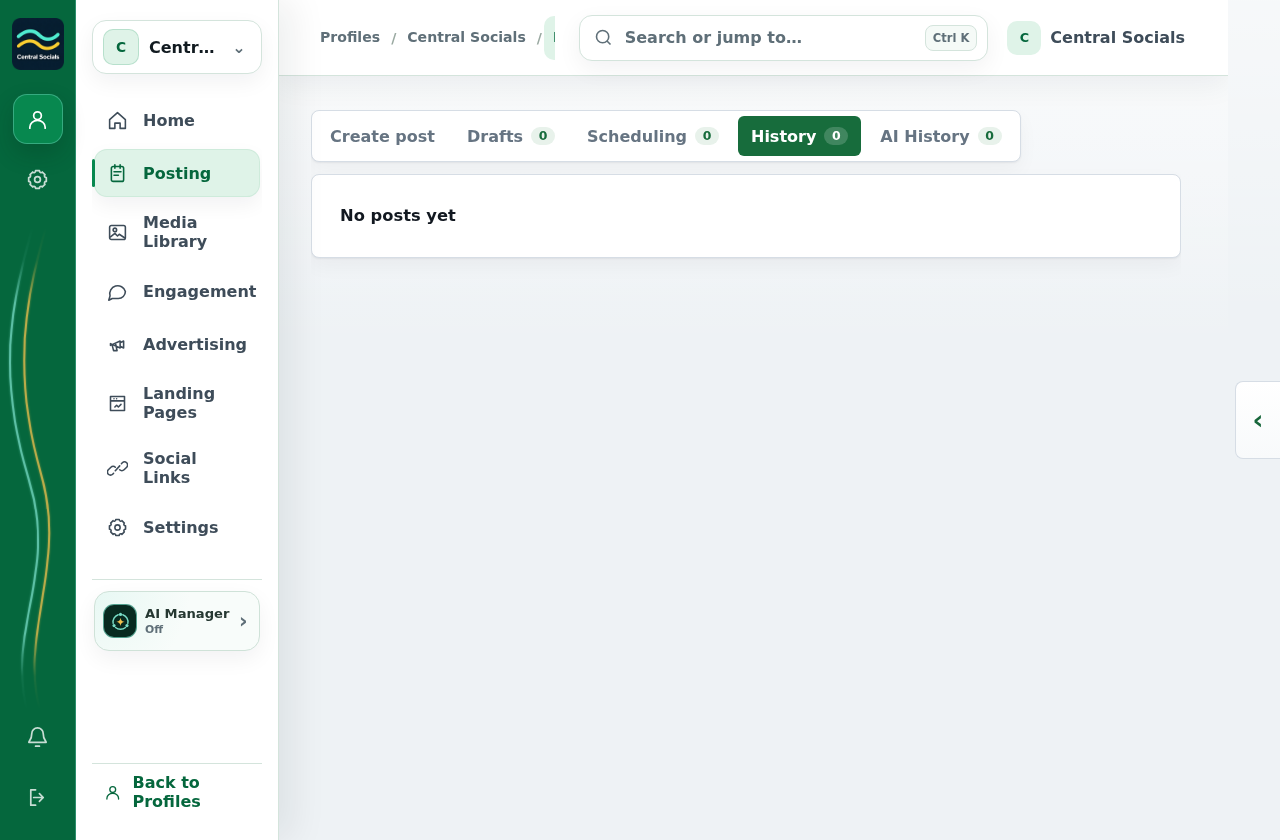
Posting History tab showing that this new test profile has no posts yet.
Step 1 Find a completed post in History before using its duplicate action.Tap the screenshot to view it full size.
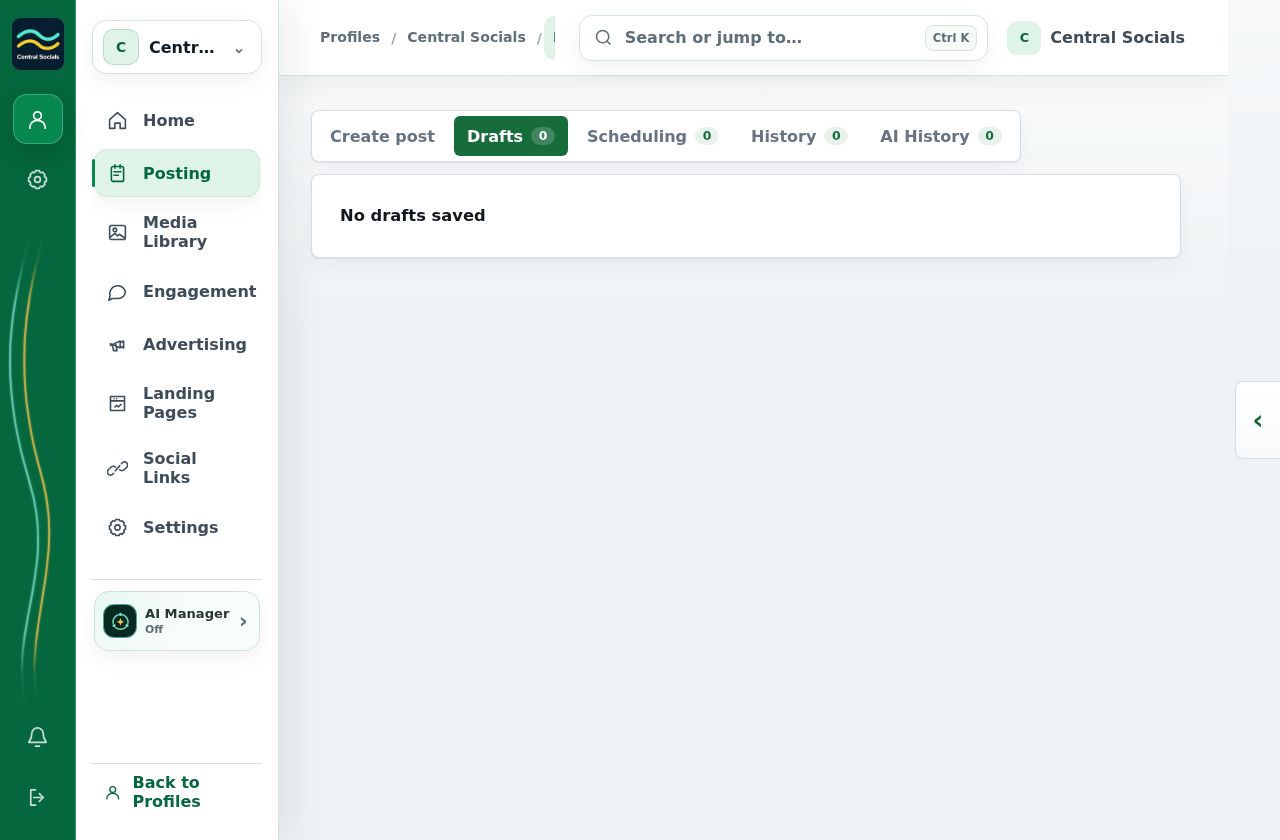
Posting Drafts tab showing that no drafts are saved.
Step 3 The copied post appears in Drafts when one has been created.Tap the screenshot to view it full size.