Profiles, teams and permissions

Approval access

  1. Open the profile’s Settings → Posting to review its posting and approval settings.
  2. Open a draft in Posting → Drafts and select Submit Review.
  3. A user with review access opens the post and selects Approve or Request Changes.

No draft was submitted and no review action was performed.
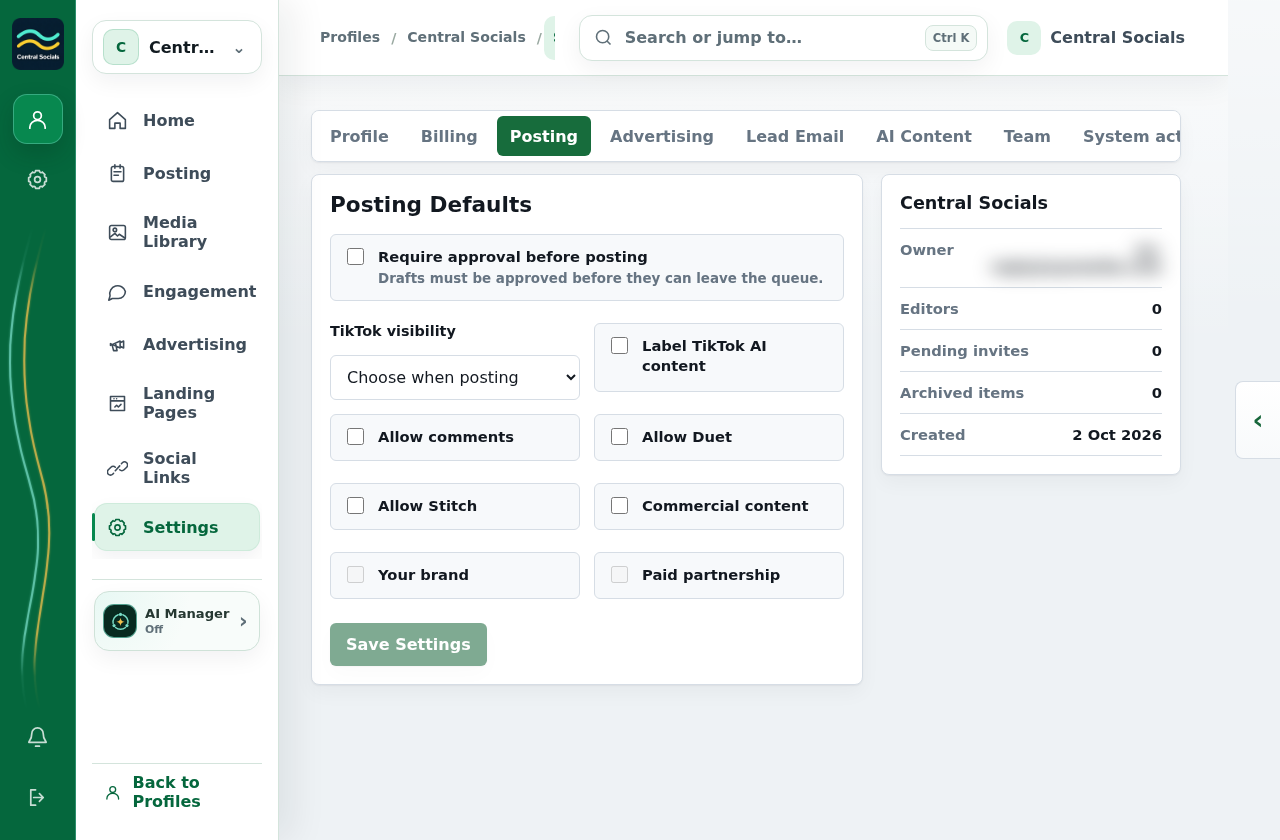
Profile Settings Posting tab showing the approval requirement and other defaults, with the owner email blurred.
Step 1 Posting settings can require approval before a post leaves the queue.Tap the screenshot to view it full size.
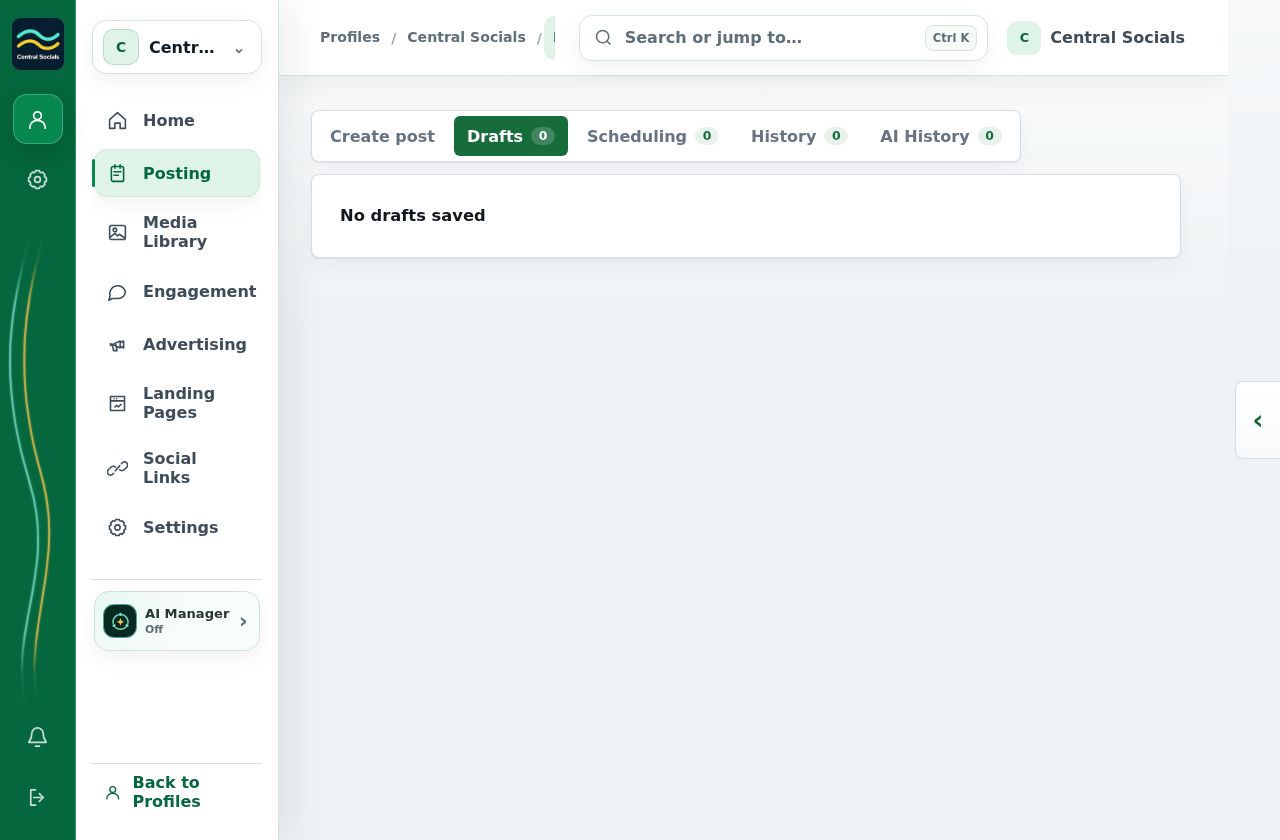
Posting Drafts tab showing that no drafts are saved.
Steps 2–3 A saved draft is the starting point for submission and review.Tap the screenshot to view it full size.