Connections and integrations

How to connect your CRM

  1. Open Social Links → CRM.
  2. Select an available CRM provider and complete its connection flow.
  3. Return to CRM to confirm the connection before using it for form submissions.

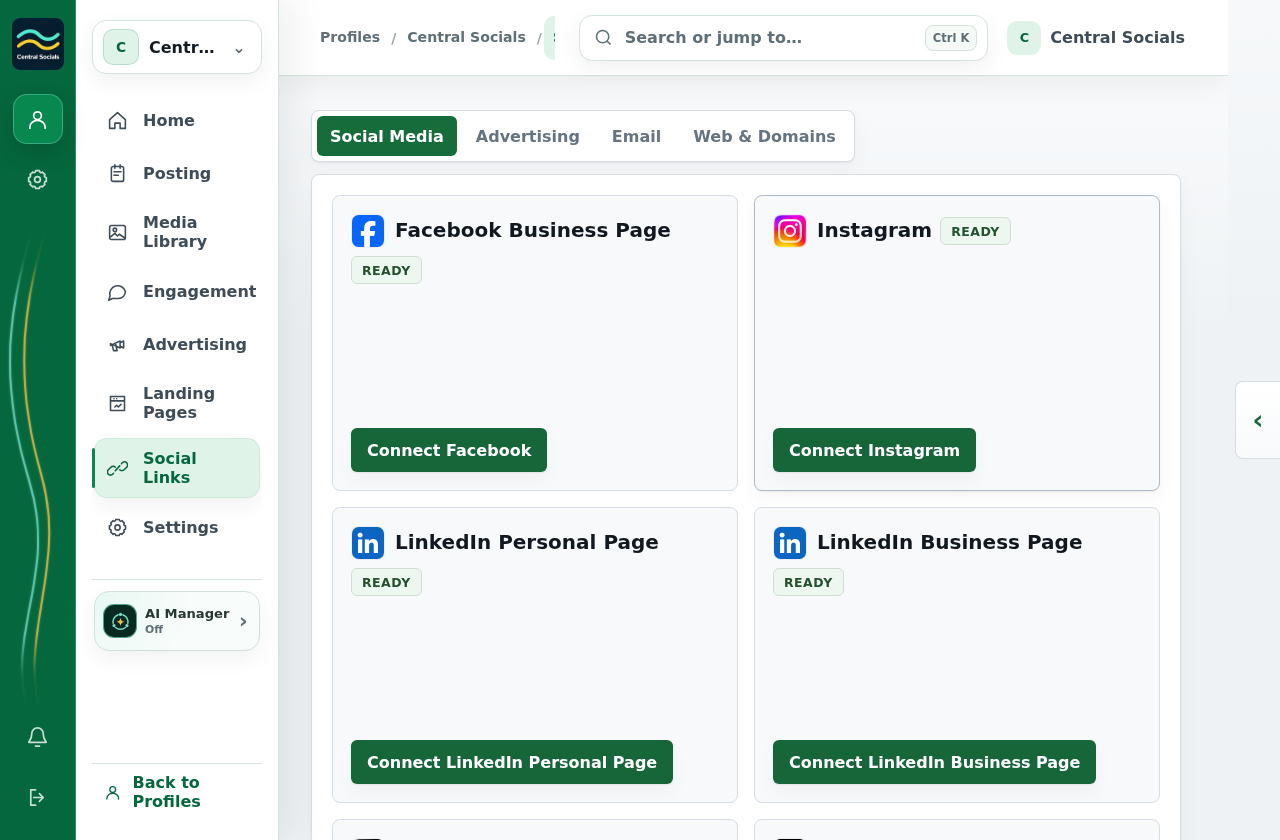
The captured Social Links navigation does not show a CRM tab. The form builder still shows its CRM delivery setting; no CRM was connected.
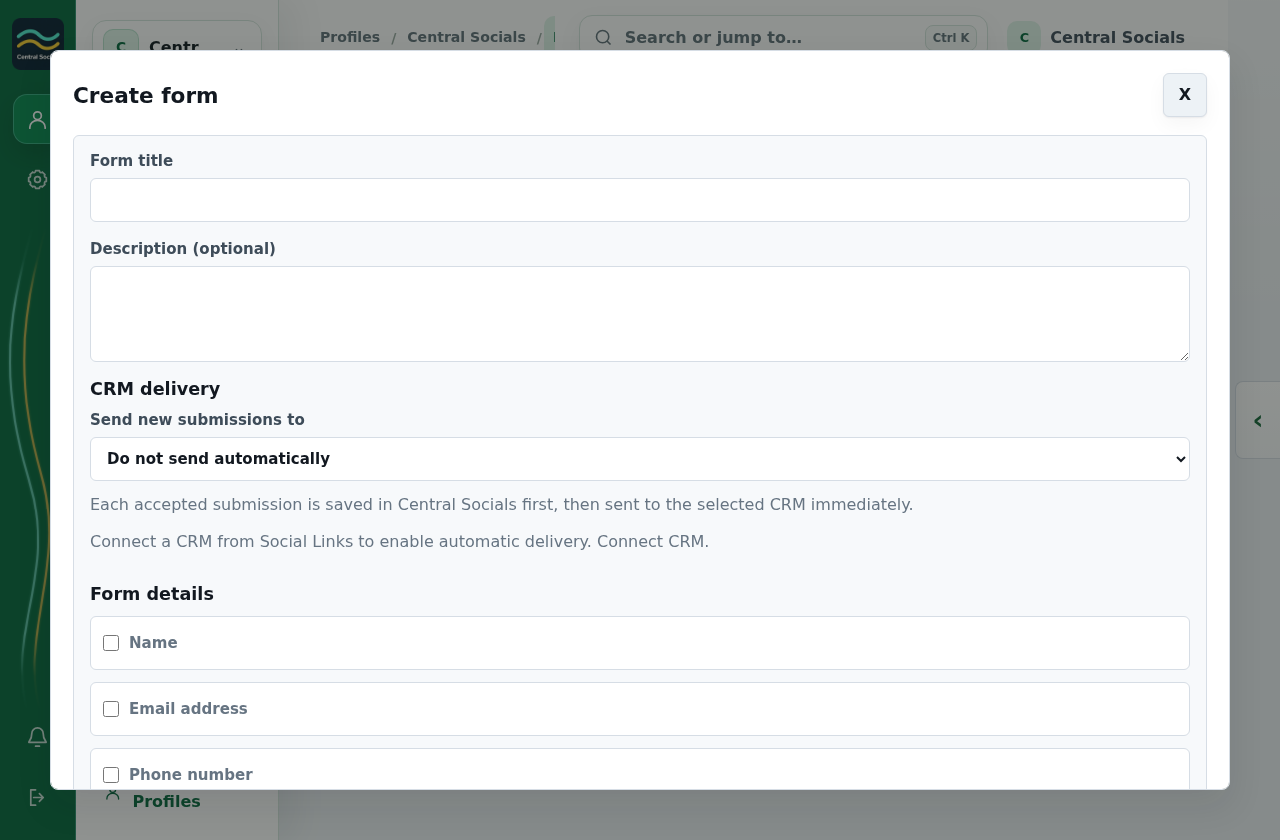
Create form builder showing title, fields, and CRM delivery settings.
Form delivery The form builder shows where CRM delivery is configured.Tap the screenshot to view it full size.
Social Links Social Media tab showing available Connect buttons.
Connection area Social Links displays available connection tabs; CRM is not shown in this captured profile.Tap the screenshot to view it full size.