Account and billing
Plans and billing
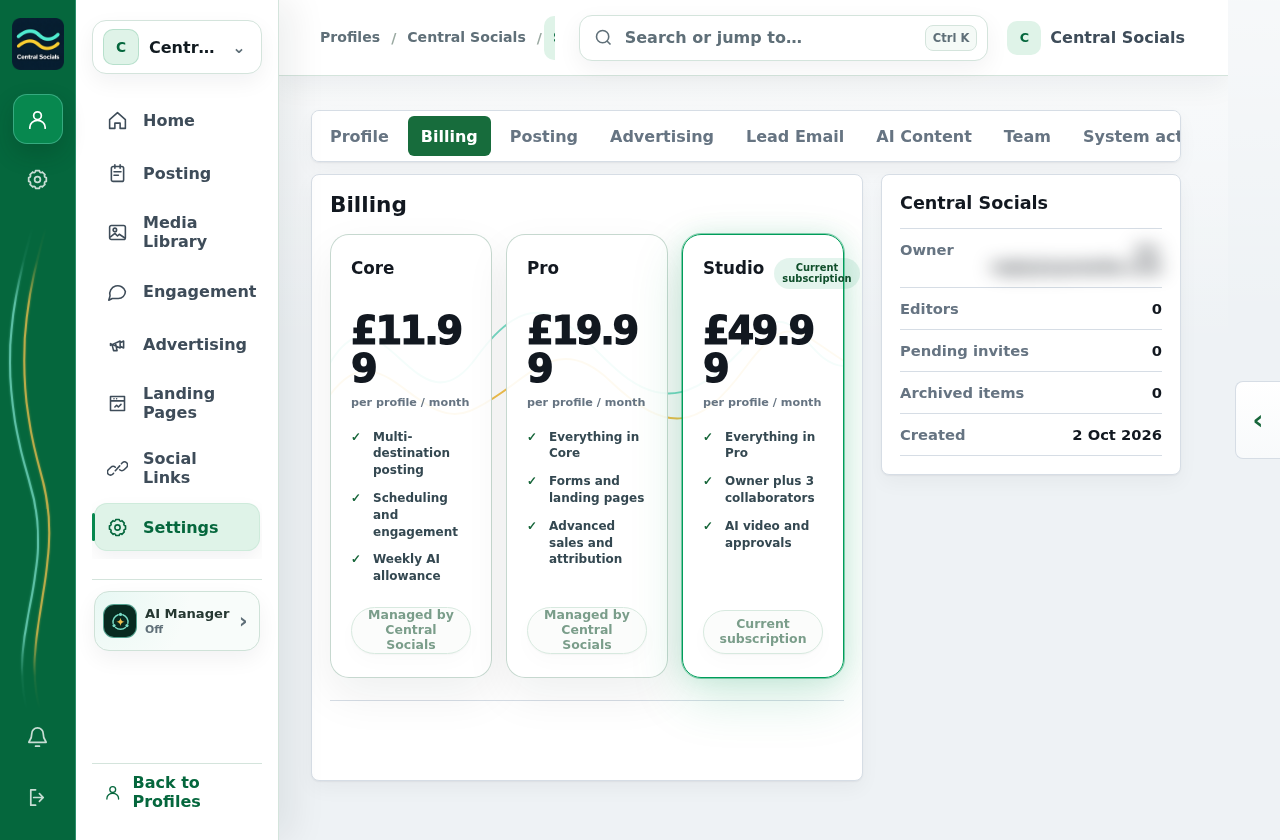
Plans are per profile. Free includes 20 posts per publication month, scheduling, total views, likes and followers, one user and 1 GB of media. Lite (£20/month) adds unlimited posting, detailed engagement, comment and DM automation, the Lite AI Manager, 3 users and 10 GB of media. Business (£90/month) adds leads, forms, CRM, customer email connections, webpage tracking, advertising, the full AI Manager, 5 users and five times the included AI usage. Extra users on either paid plan cost £10/month each.
The 14-day trial applies to Lite, requires a card and converts automatically unless cancelled. Purchased AI credits survive weekly resets. When a plan ends, excess schedules become recoverable drafts and newest team members over the plan capacity are frozen. Existing advertising results remain available.
- Open the profile’s Settings → Billing to see its current plan and available profile plans.
- Choose an available plan action to change that profile’s subscription.
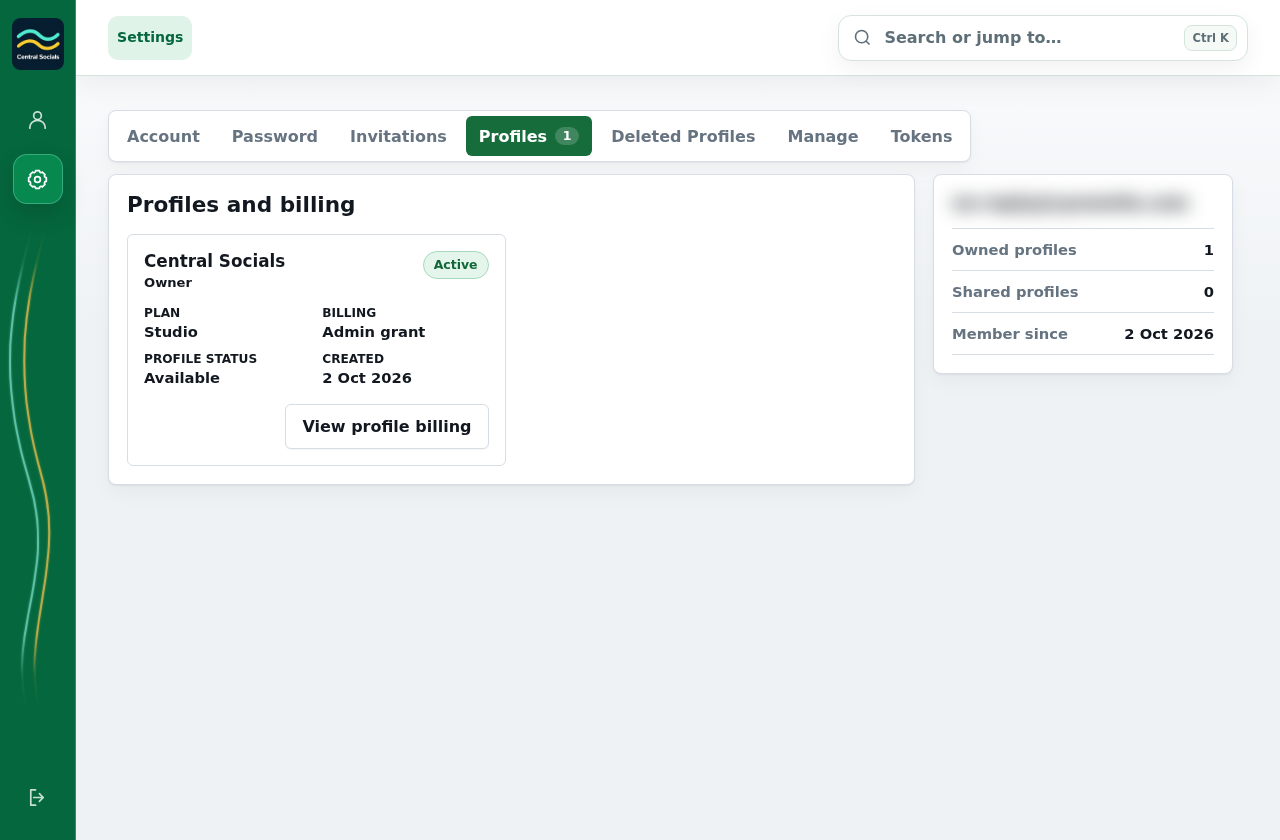
- Open Account Settings → Profiles to see the plans attached to your profiles.