Publish and approve
How to approve social media posts
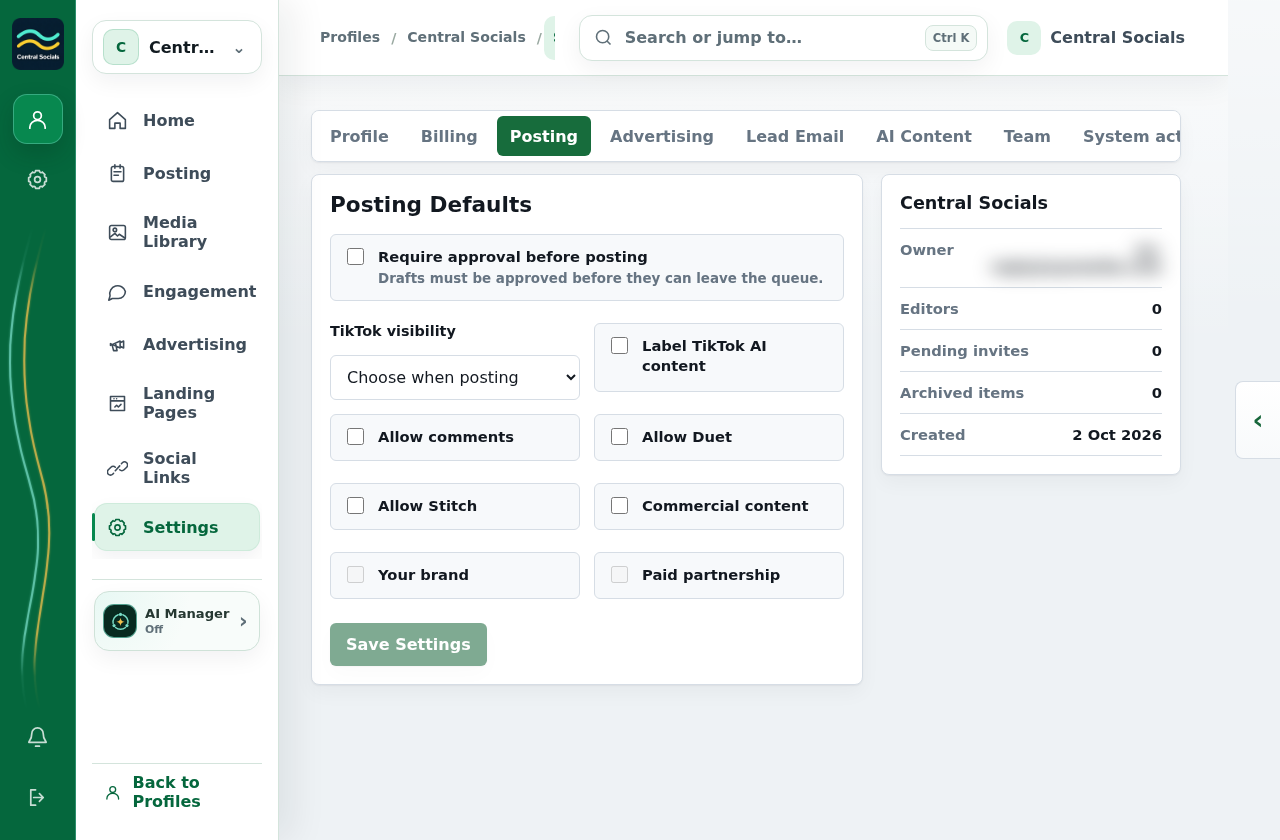
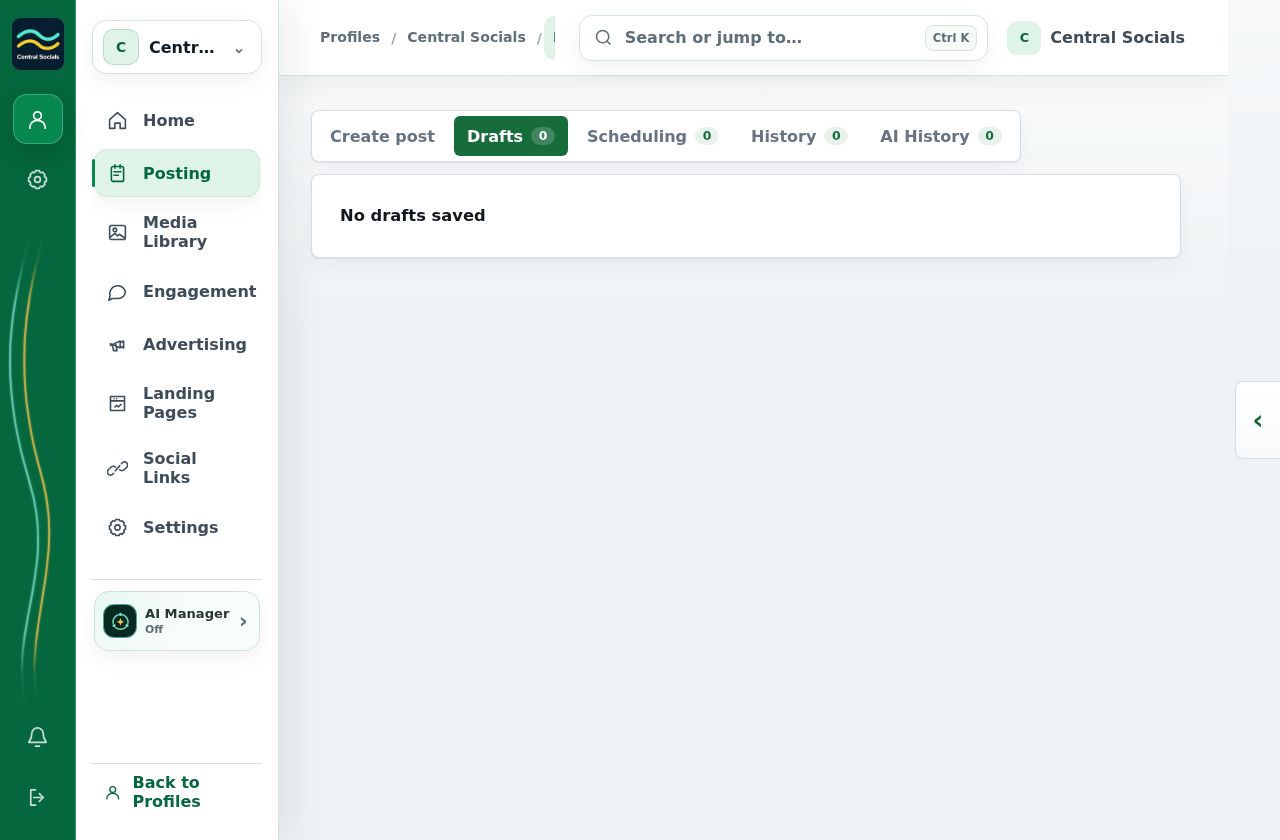
- Open a draft in Posting → Drafts and select Submit Review when approval is required.
- An authorised reviewer opens the post and selects Approve or Request Changes. A review note can be added.
- After approval, select Post Approved or enter a time and select Schedule Approved.
No draft or reviewer was created for these screenshots; review actions appear only when a post is submitted.