Connections and integrations
Reconnect or remove an integration
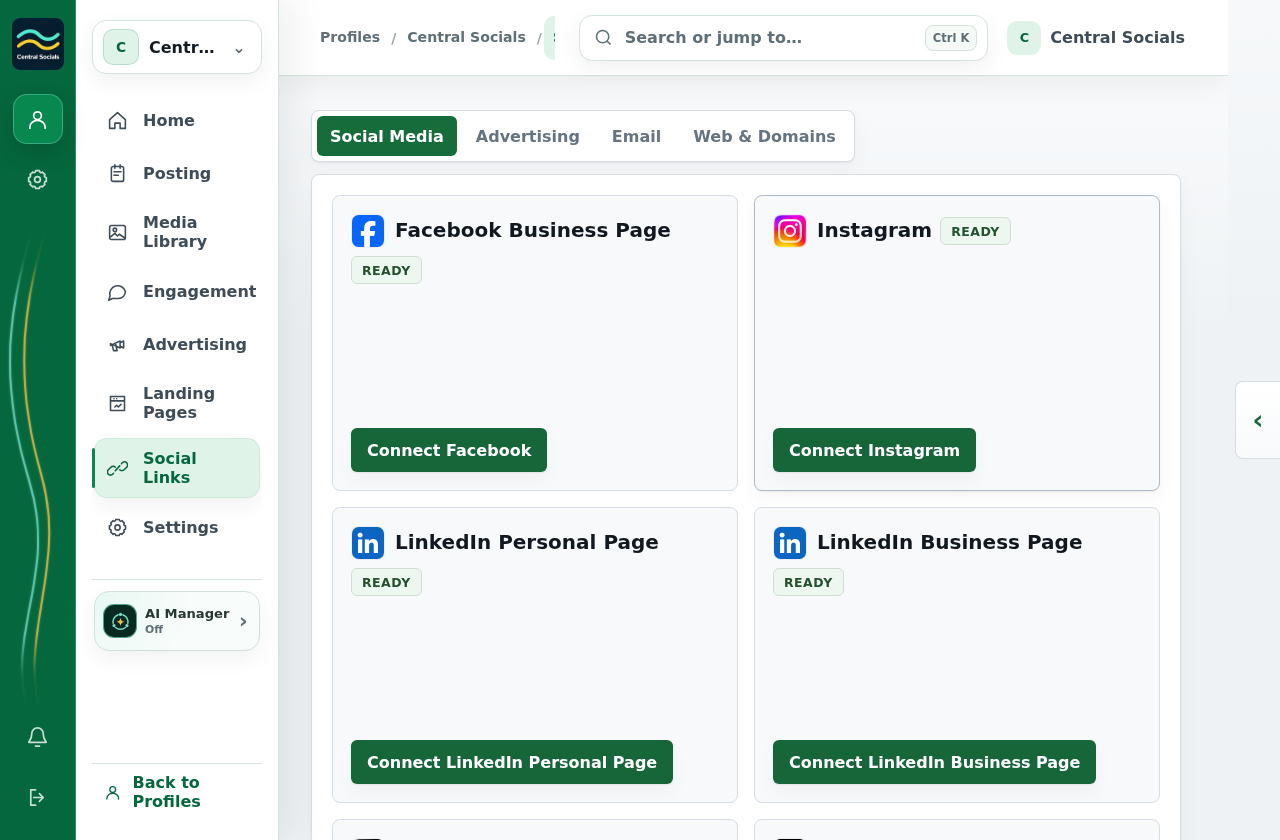
- Open Social Links and select the integration’s tab.
- Use Re-link or Connect again when the connection needs renewed access.
- To remove a linked social account, select Unlink on its tile and confirm.
This profile has no linked account. Re-link and Unlink cannot be shown until a provider connection exists.