Getting started

Invite your team

  1. Open the profile’s Settings and select Team.
  2. Enter the teammate’s email address and choose Editor or Admin.
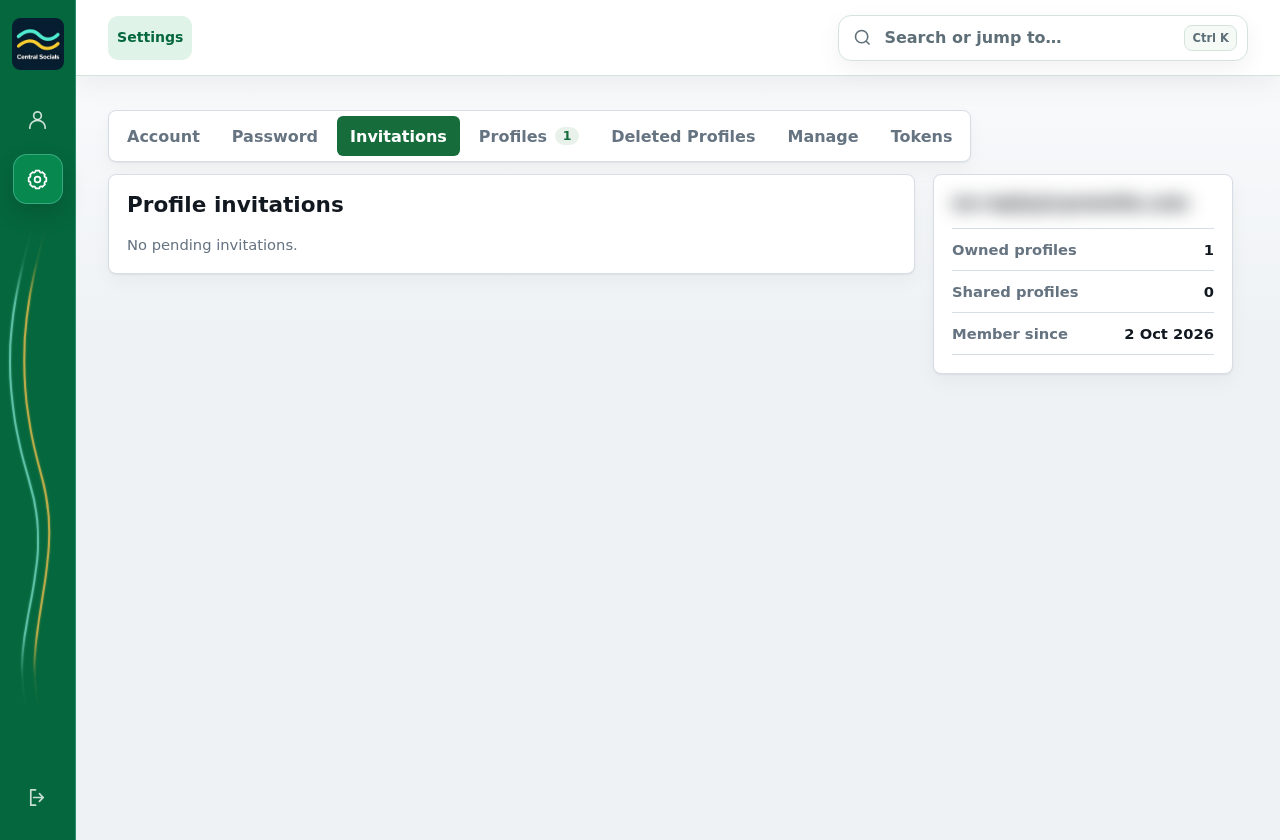
  3. Select Invite Teammate. The recipient accepts from Account Settings → Invitations.
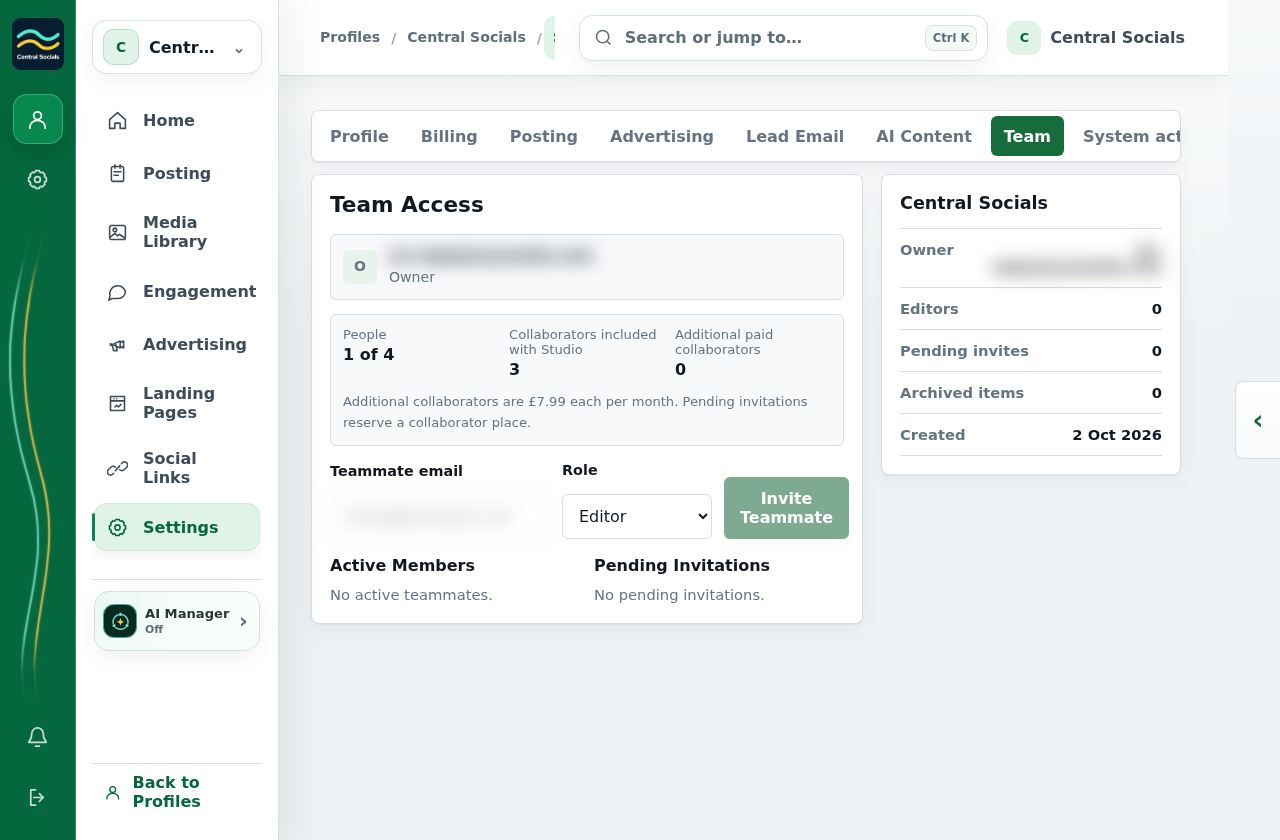
Profile Settings Team tab showing access and invitation controls, with the owner email blurred.
Steps 1–3 Open Settings → Team to choose a role and enter a teammate address.Tap the screenshot to view it full size.
Account Settings Invitations tab with the account email blurred.
After an invitation The recipient uses Account Settings → Invitations to review invitations.Tap the screenshot to view it full size.