Create content
How to organise images and videos
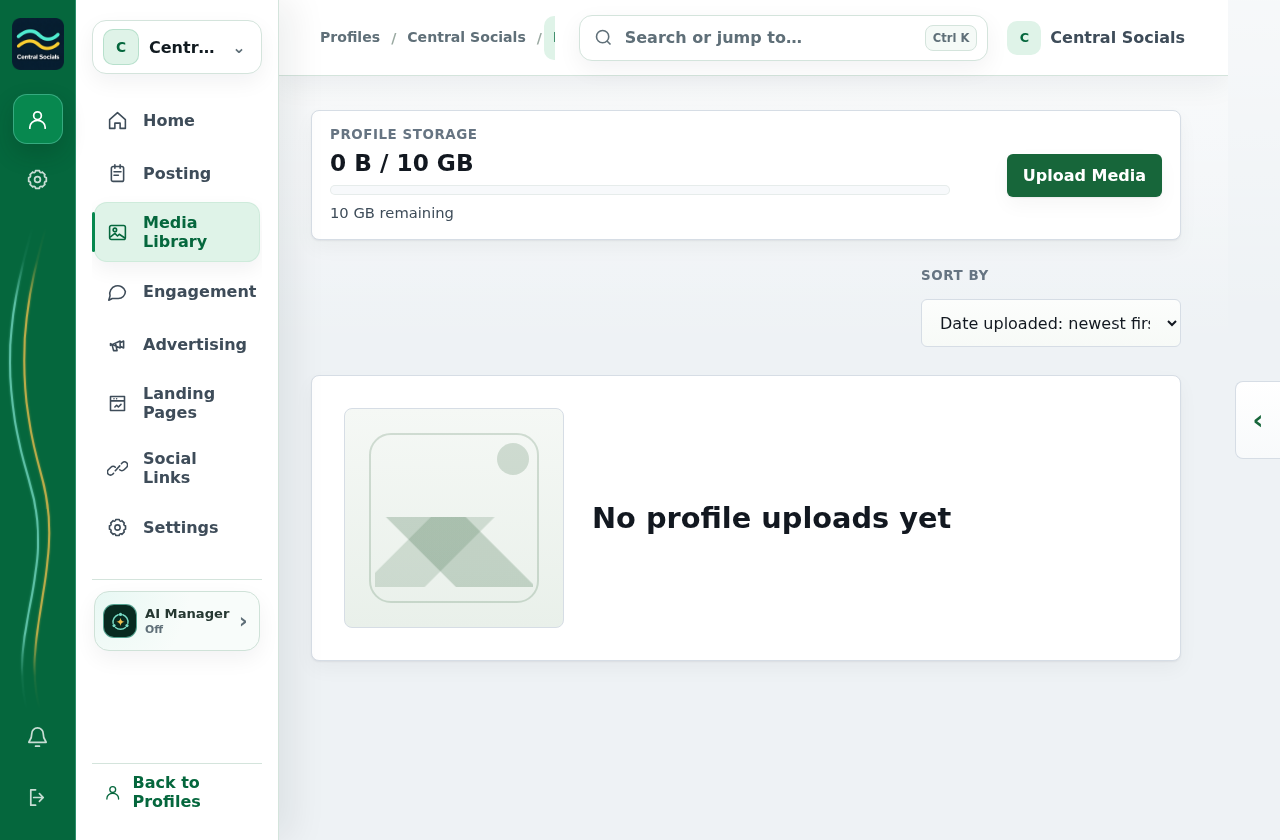
- Open the profile’s Media Library.
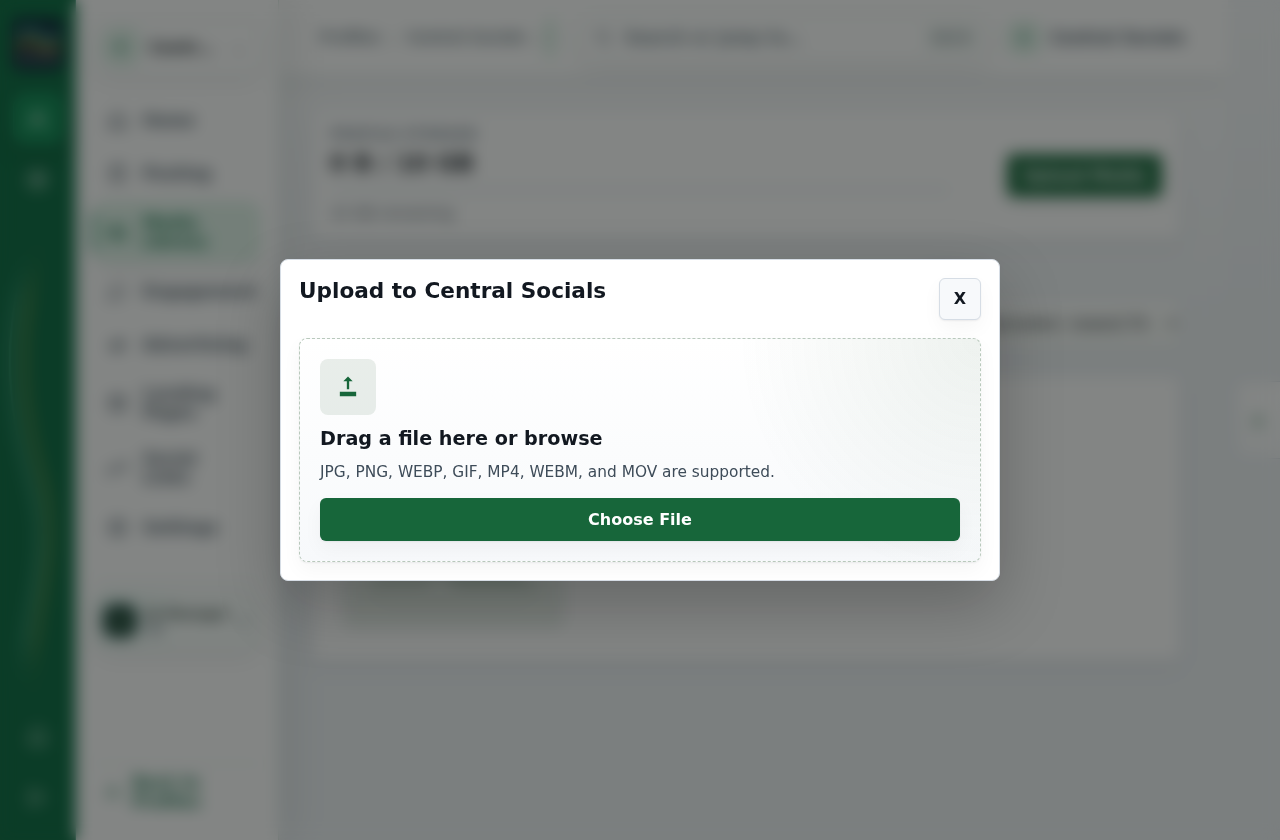
- Select Upload media, then browse for a file or drag it into the upload area.
- Open an uploaded item to view its details or use it in a post from Posting → Create post.
 Central Socials
Help Centre
Try a different word or browse the help topics.
Create content