Campaigns and growth
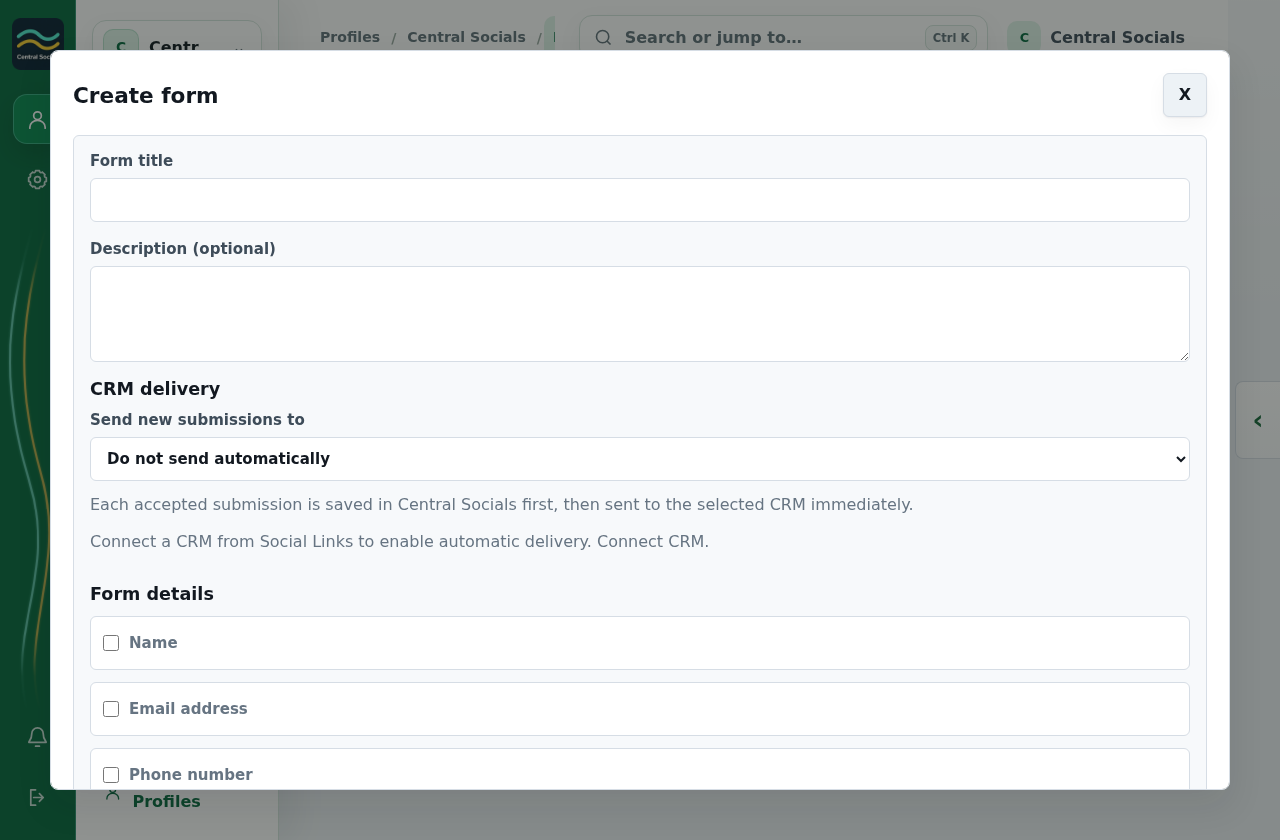
Contacts and CRM
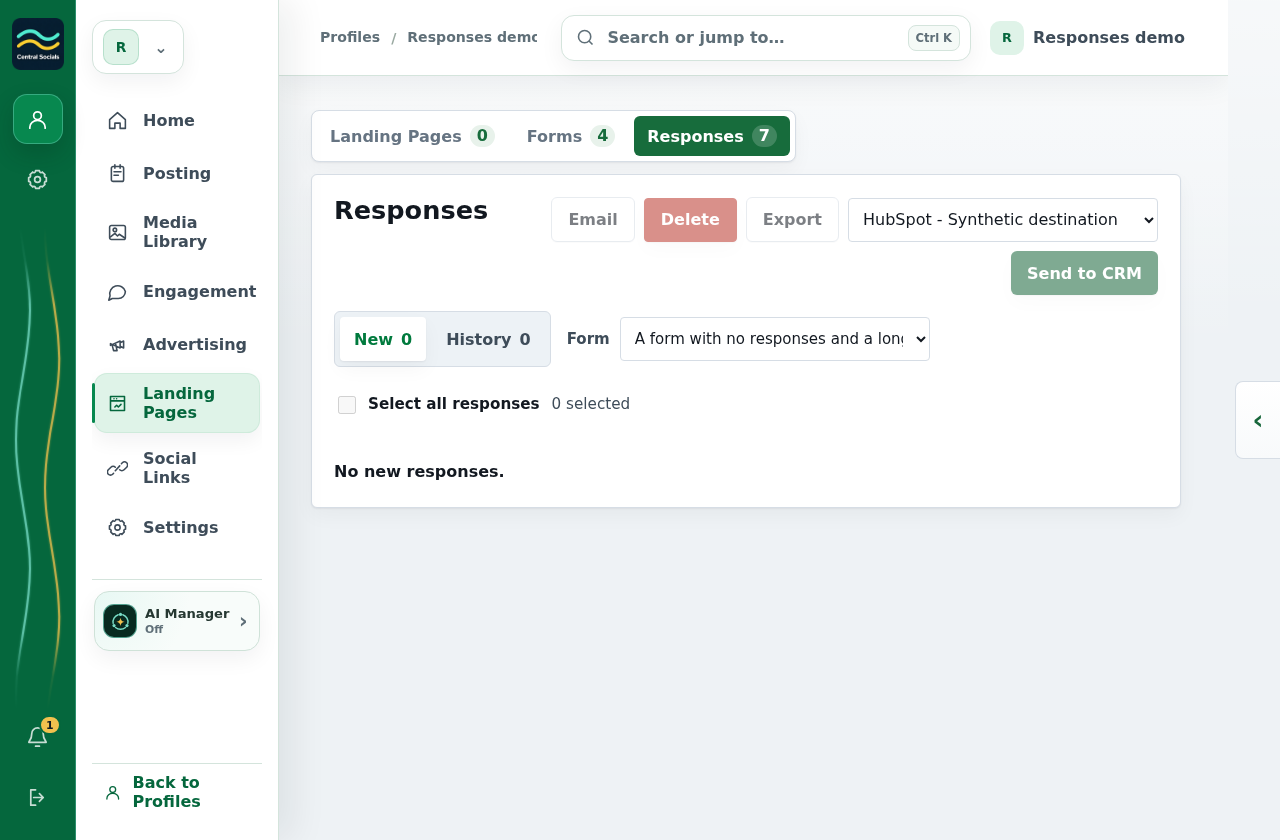
- Open Landing Pages → Responses to review form responses.
- Choose All forms or a specific form to filter New and History responses. Open a response to view its details, or select responses to email, export or send to CRM.
- Use the Opportunities area to add an opportunity and update its stage.
No response or CRM connection was created. The current captured Landing Pages navigation does not expose an Opportunities tab.