Publish and approve
Fix a failed post
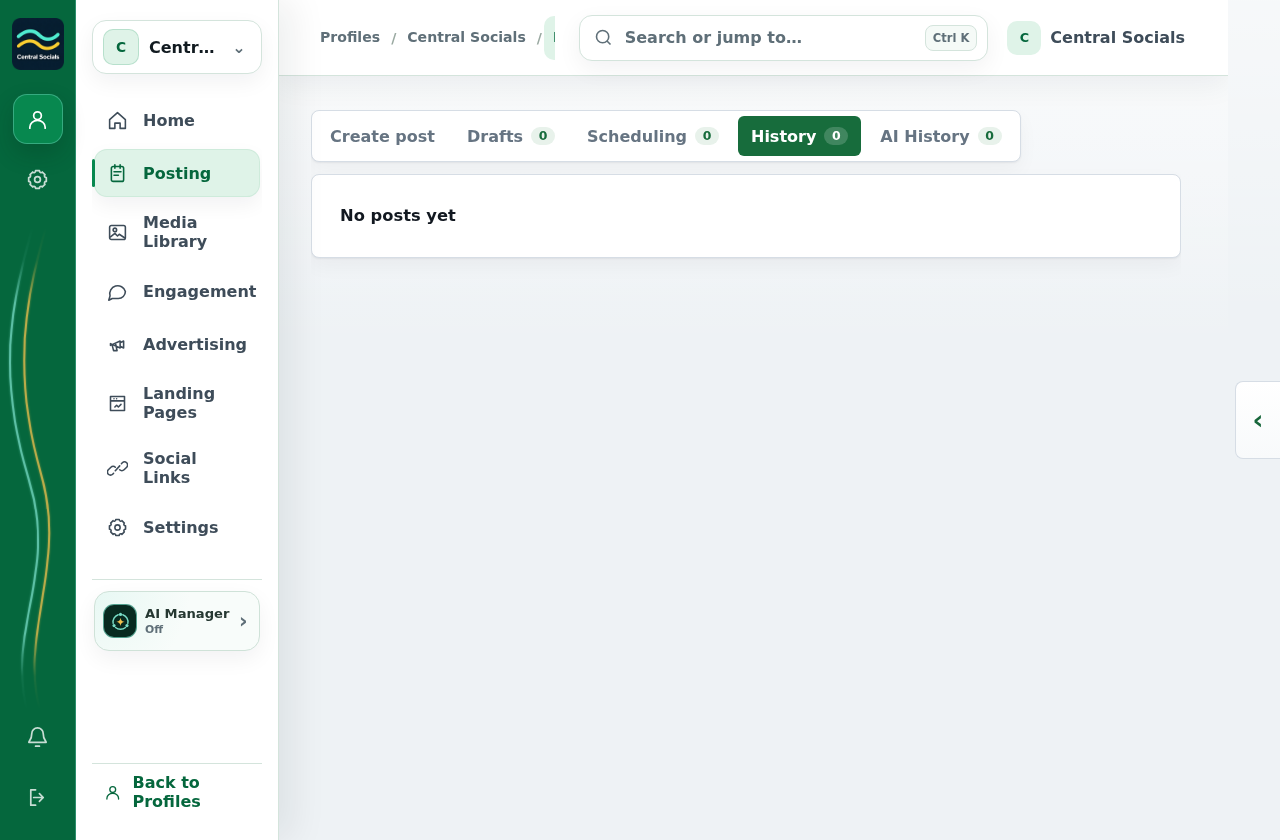
- Open Posting → History and select the failed or partially posted post.
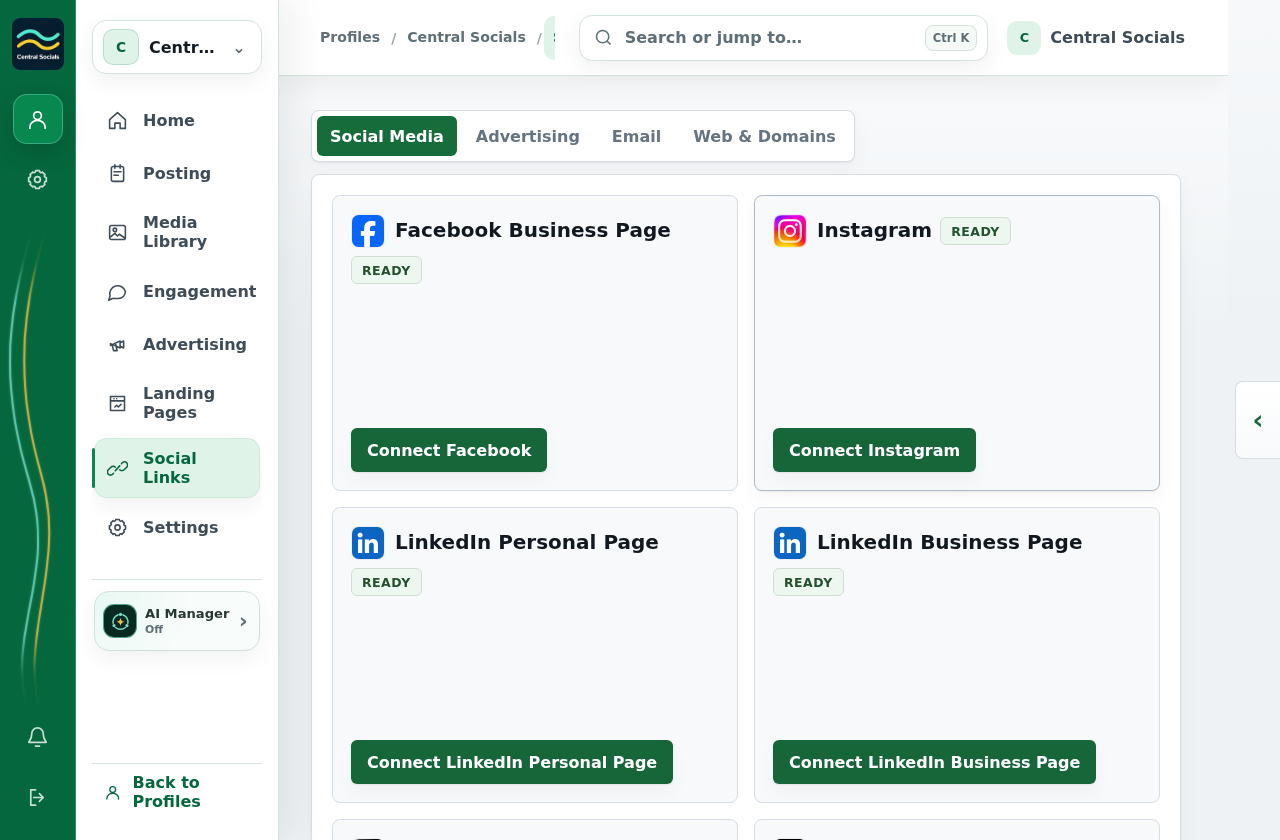
- Read the destination status and error. If the connection needs attention, open Social Links and reconnect it.
- Return to the post and select Retry Failed when that action is available.
The example profile has no failed post to inspect. The screenshots show the History and connection entry points.