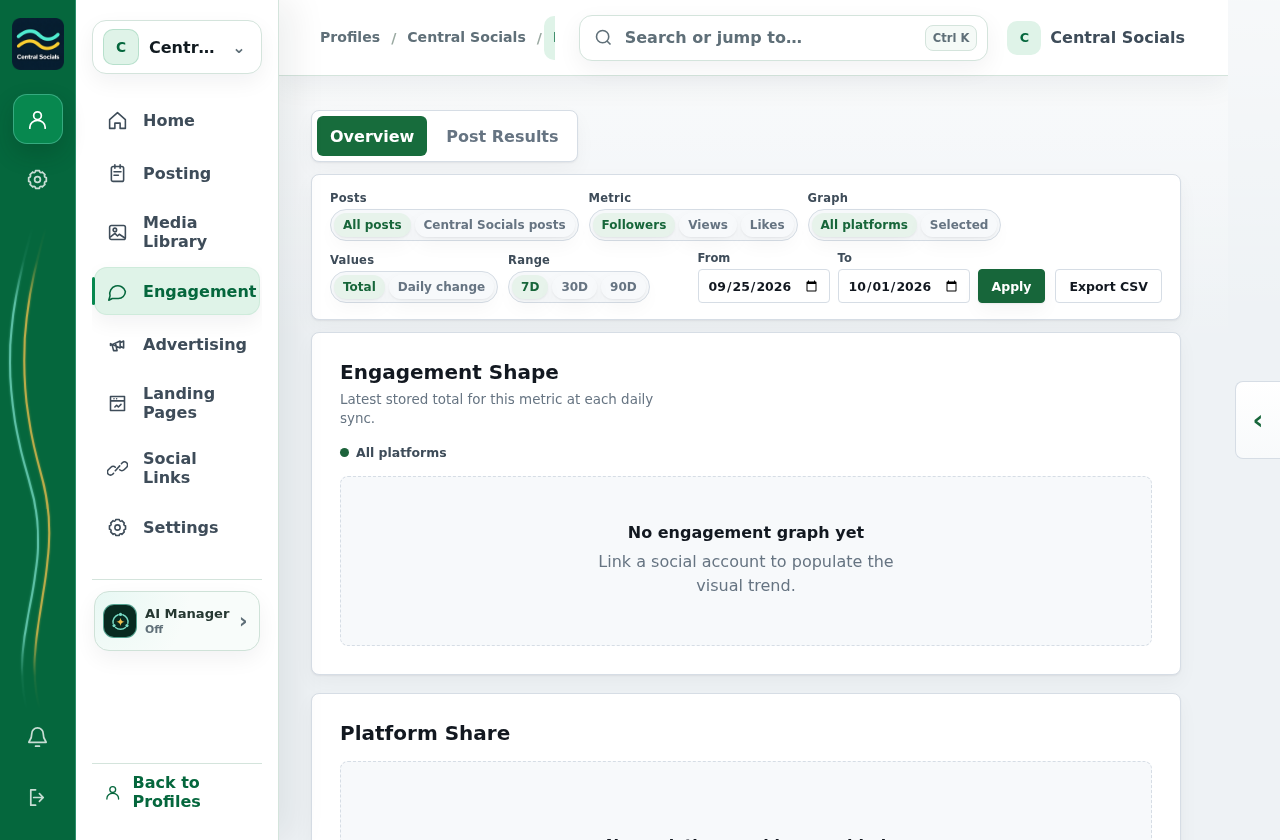
Choose a metric and date range to inspect the chart.
Scroll to Individual Account Metrics to compare linked accounts.
No social account is linked, so the charts contain the genuine empty state.
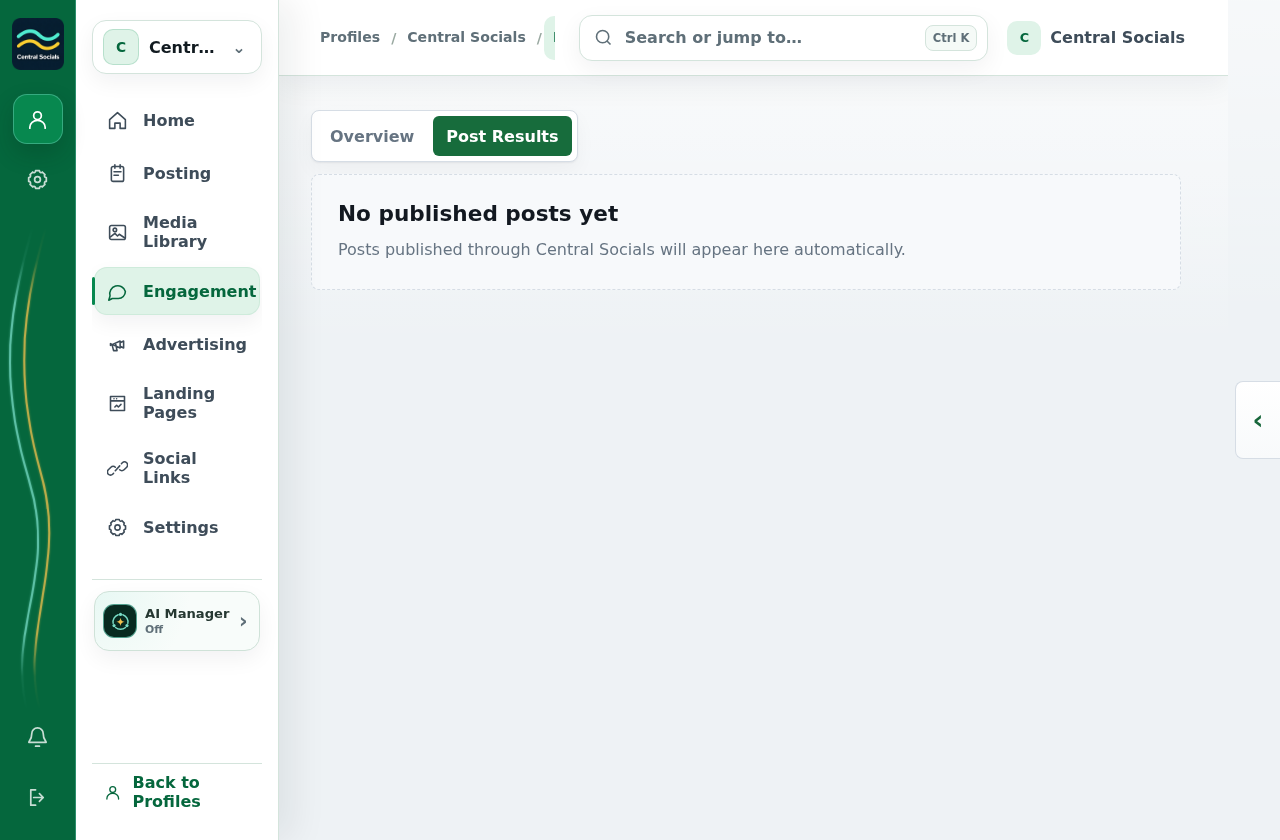
Steps 1–2 Overview contains metric, date-range, and chart controls.Tap the screenshot to view it full size.Related results Post Results provides per-post reporting when post data exists.Tap the screenshot to view it full size.Walkthrough: switch between Engagement Overview and Post Results.