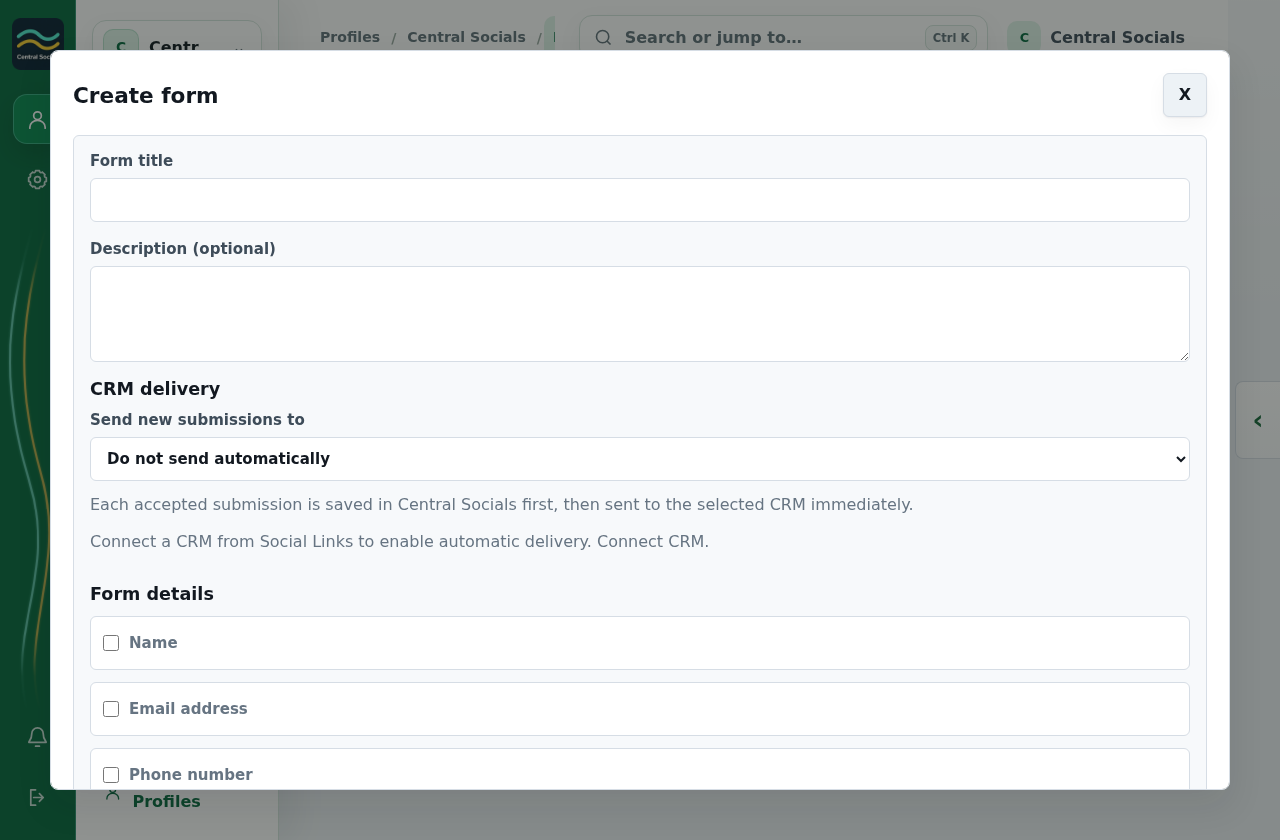
Add the fields and choose where submissions should go. Connect a CRM in Social Links → CRM if needed.
Save the form, then open it to review its link and submissions.
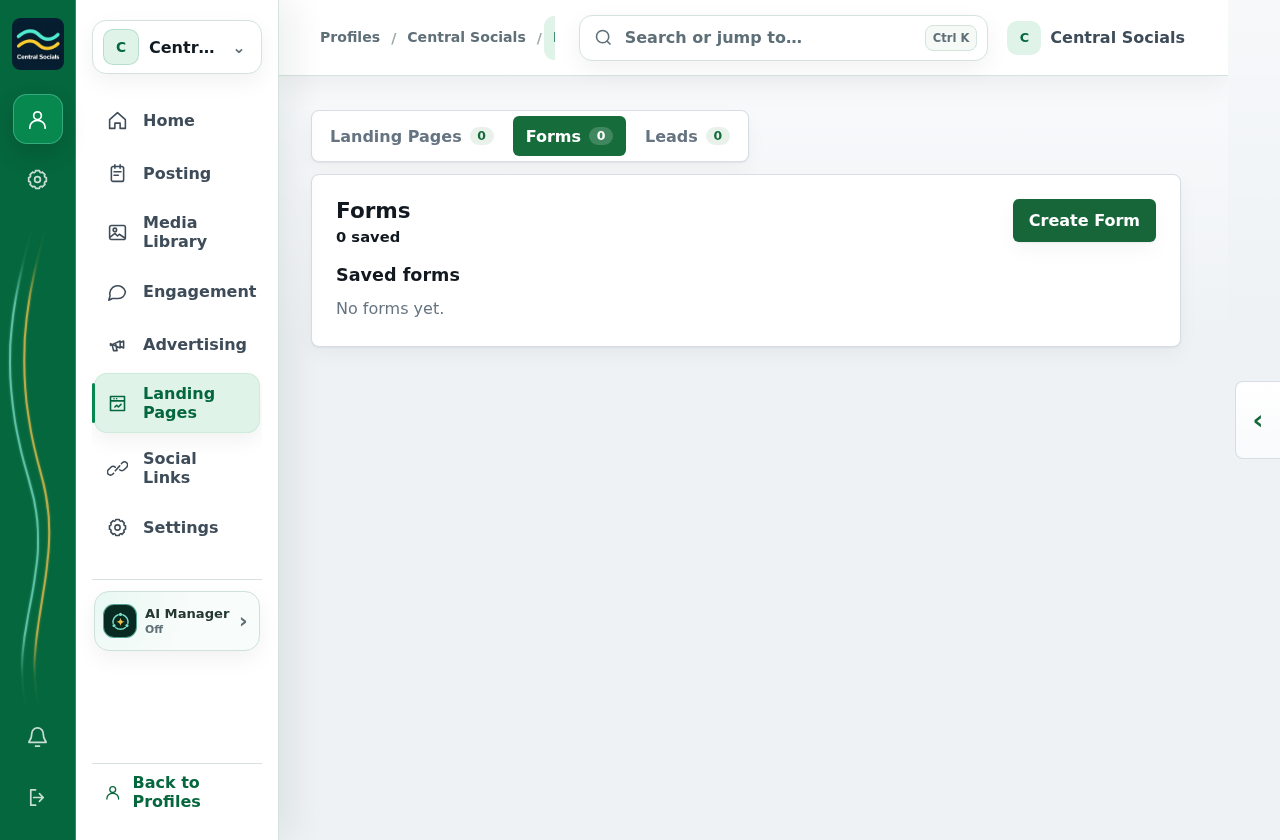
Step 1 Open the Forms tab and select Create Form.Tap the screenshot to view it full size.Step 2 The form builder includes fields and CRM delivery choices; no form was saved.Tap the screenshot to view it full size.Walkthrough: open the form builder without creating a form.