Account and billing
Cancel or change a subscription
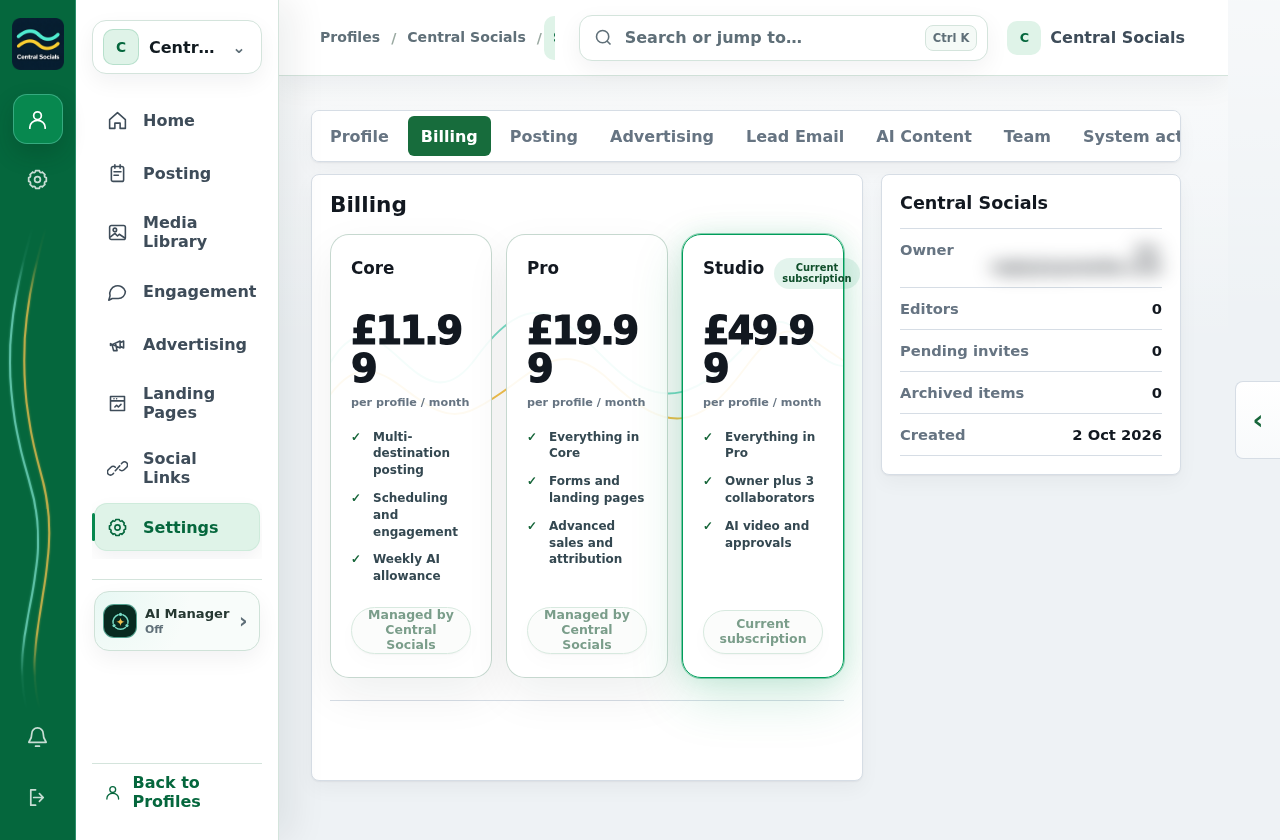
- Open the profile’s Settings → Billing.
- For a plan change, choose an available action on the target plan and follow the confirmation.
- To cancel, select Cancel subscription, then Confirm cancellation. The Billing panel shows when the change takes effect.
This earlier example subscription is managed by Central Socials and does not display self-service cancellation controls.