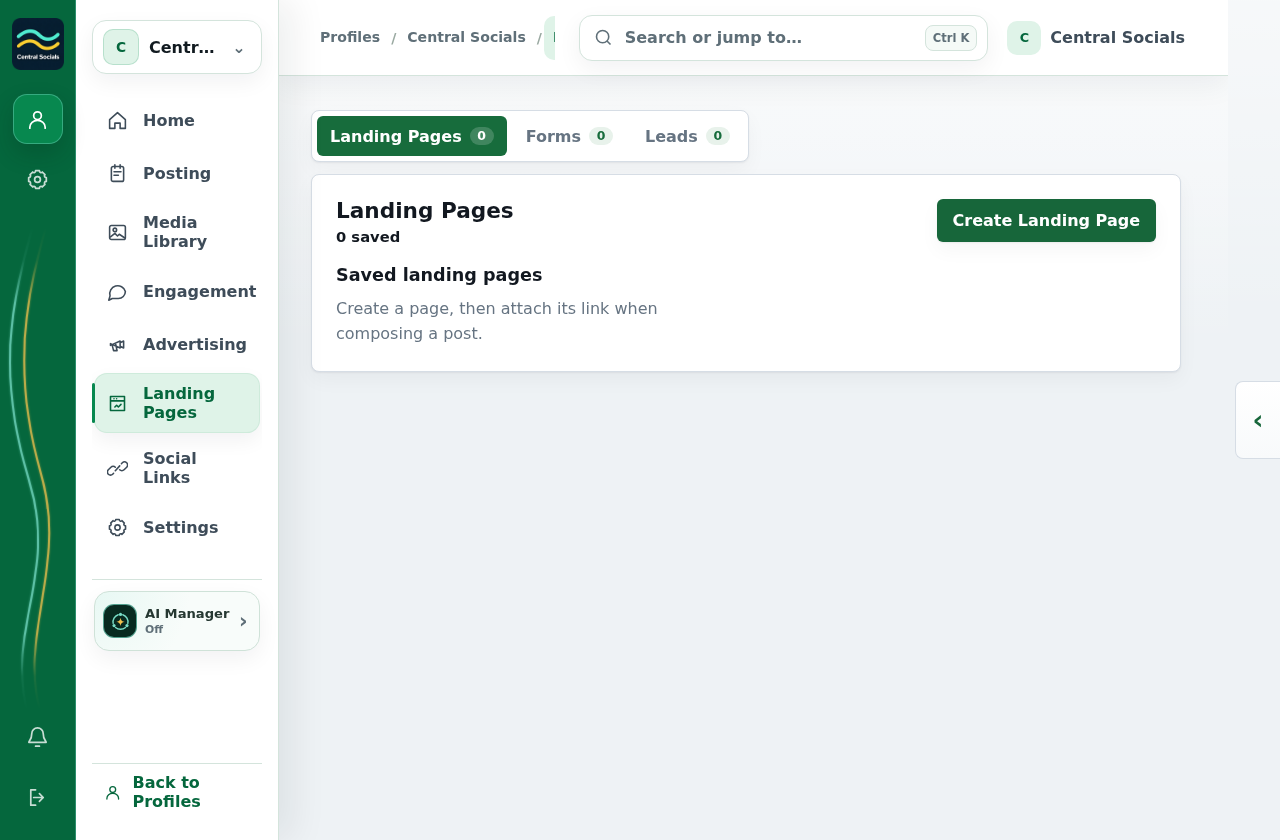
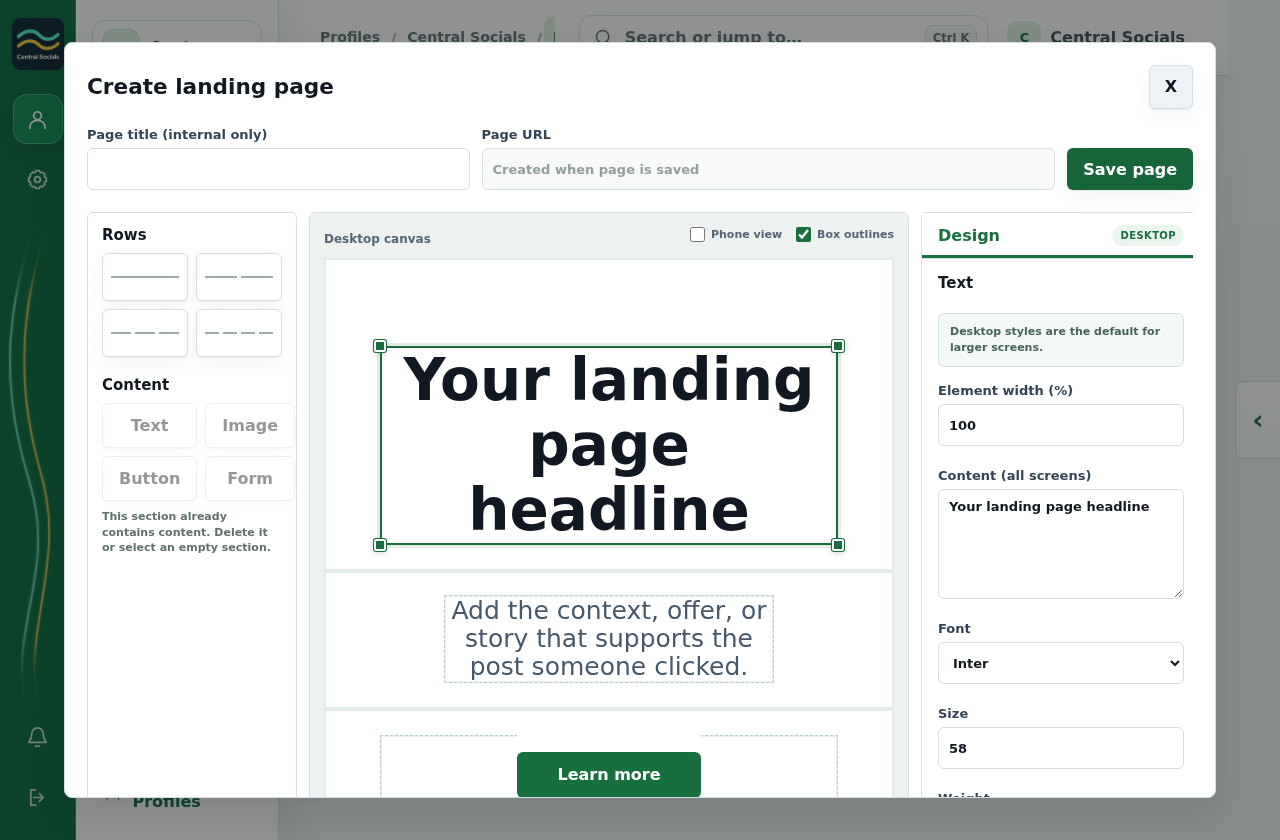
Select Create landing page, add content in the builder, and select Save page.
Open the saved page to preview or edit it.
Step 1 Open Landing Pages and select Create Landing Page.Tap the screenshot to view it full size.Step 2 The builder opens with rows, content blocks, and design controls; no page was saved.Tap the screenshot to view it full size.Walkthrough: open the landing page builder and navigate to Forms and Responses without saving.
 Central Socials
Help Centre