Connections and integrations
How to connect Gmail, Outlook or SMTP email
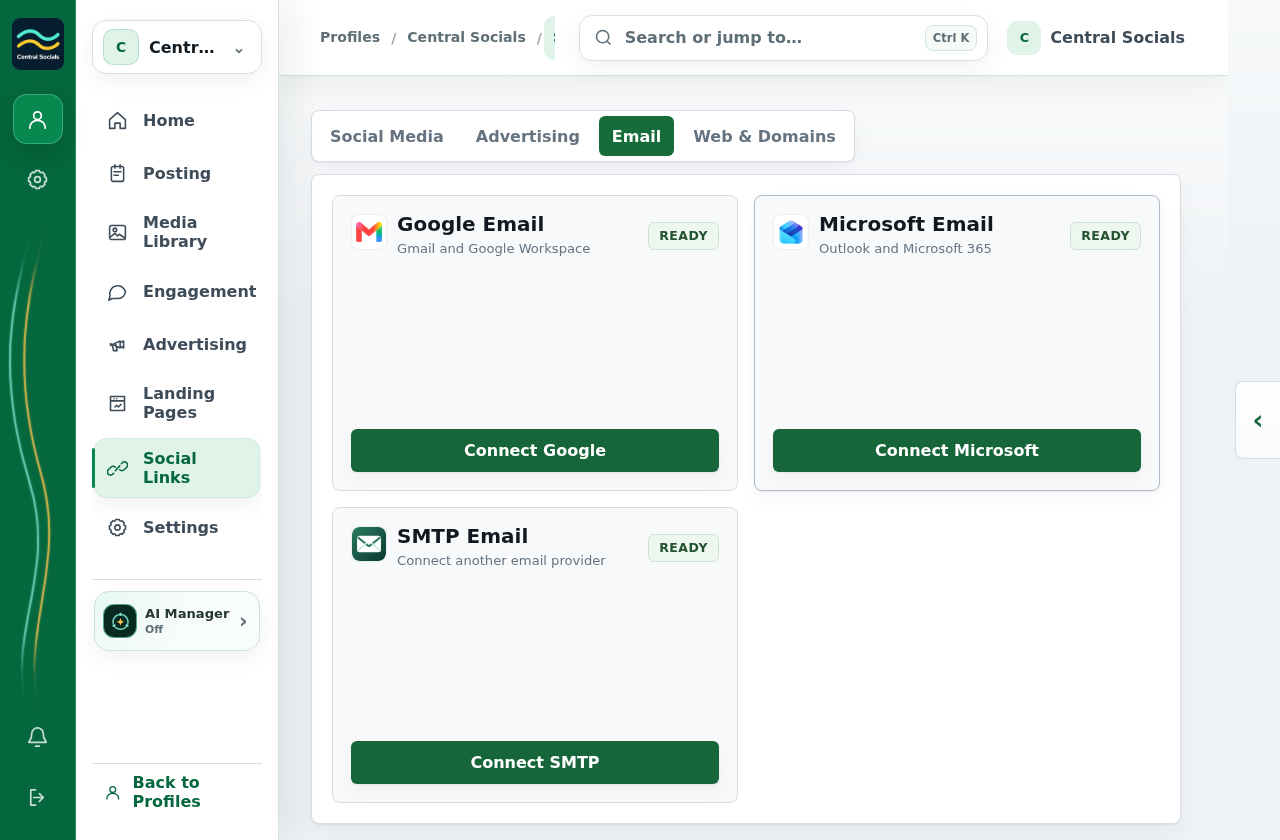
- Open Social Links → Email.
- Select an available email provider and complete its connection form or authorisation flow.
- Return to Email to confirm the connected address.
 Central Socials
Help Centre
Try a different word or browse the help topics.
Connections and integrations