Profiles, teams and permissions
Profile settings
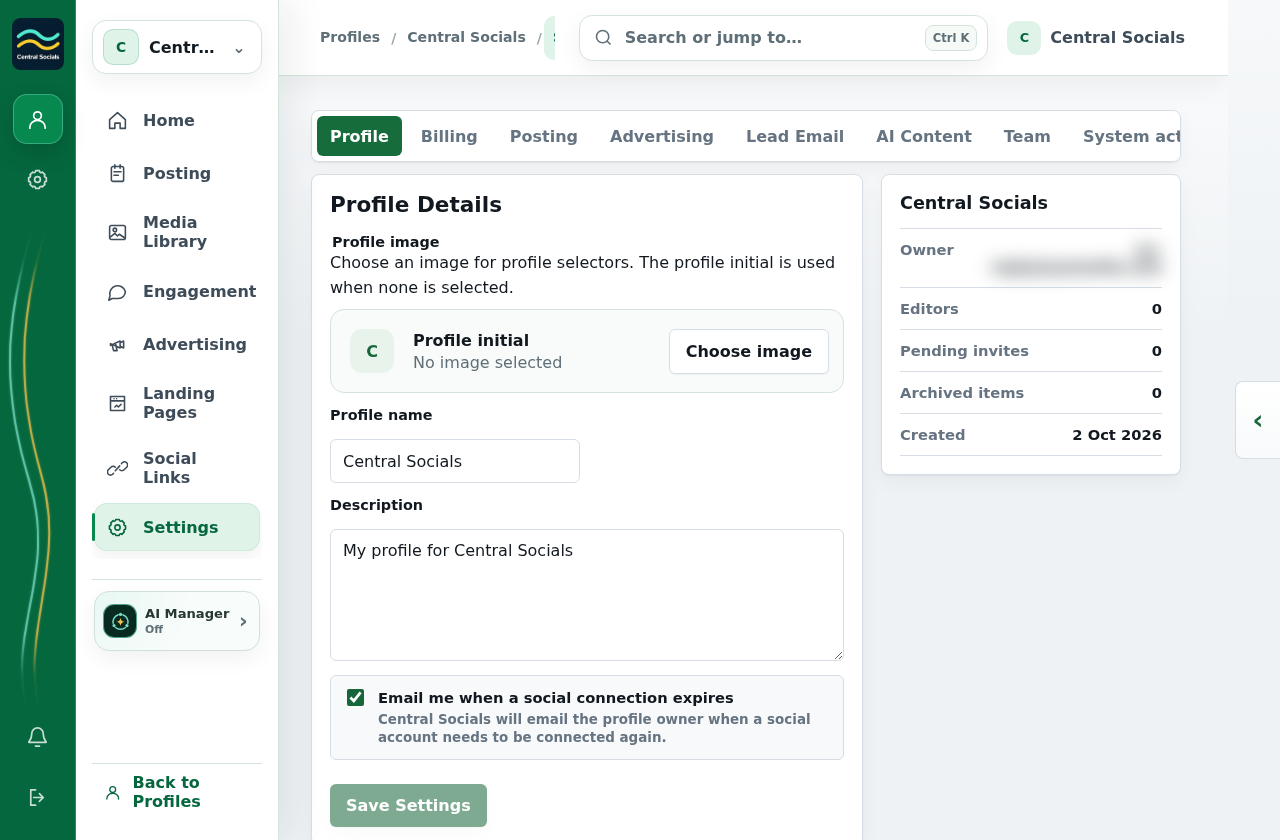
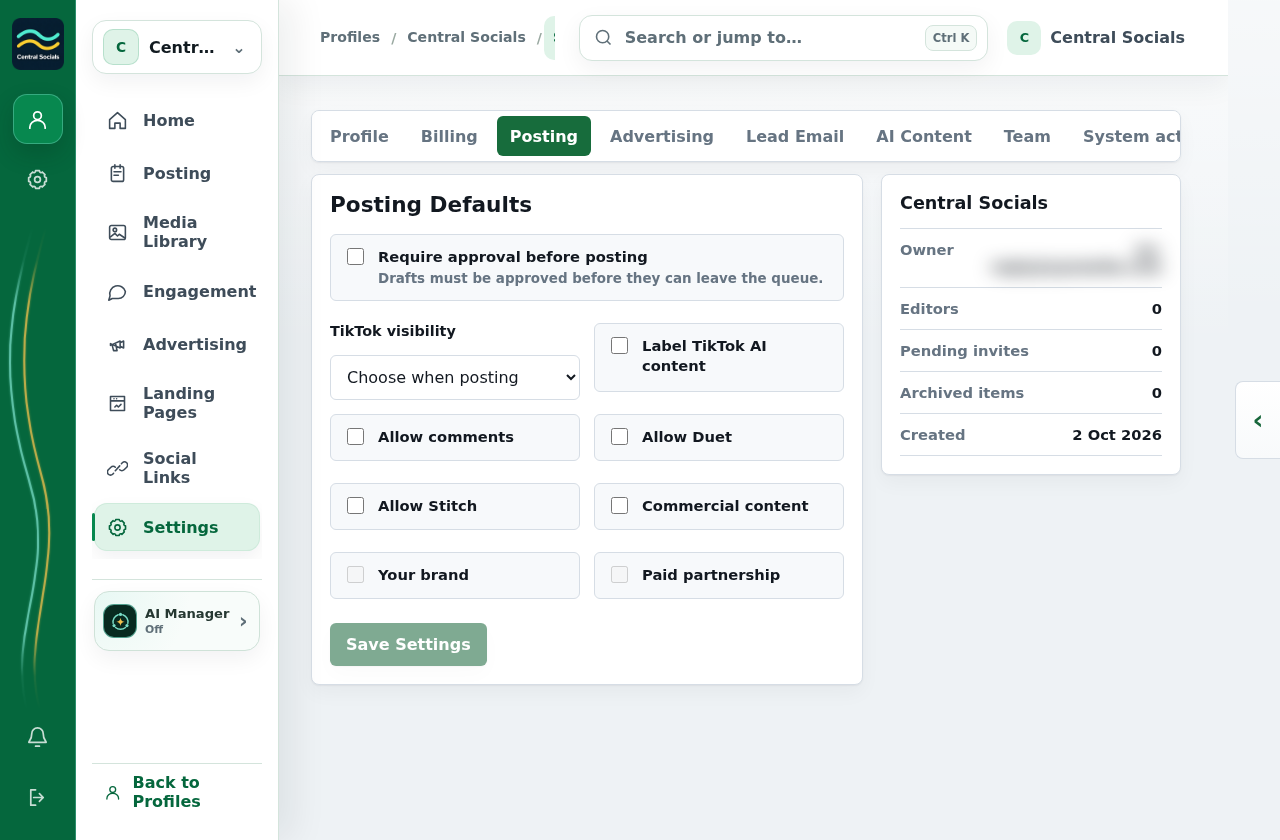
- Open the profile and select Settings.
- Choose Profile, Posting, Advertising, Response Email, AI Content, Team, Billing or another available tab.
- Edit the fields on that tab and save the changes.
 Central Socials
Help Centre
Try a different word or browse the help topics.
Profiles, teams and permissions