Analytics and reporting
Reporting
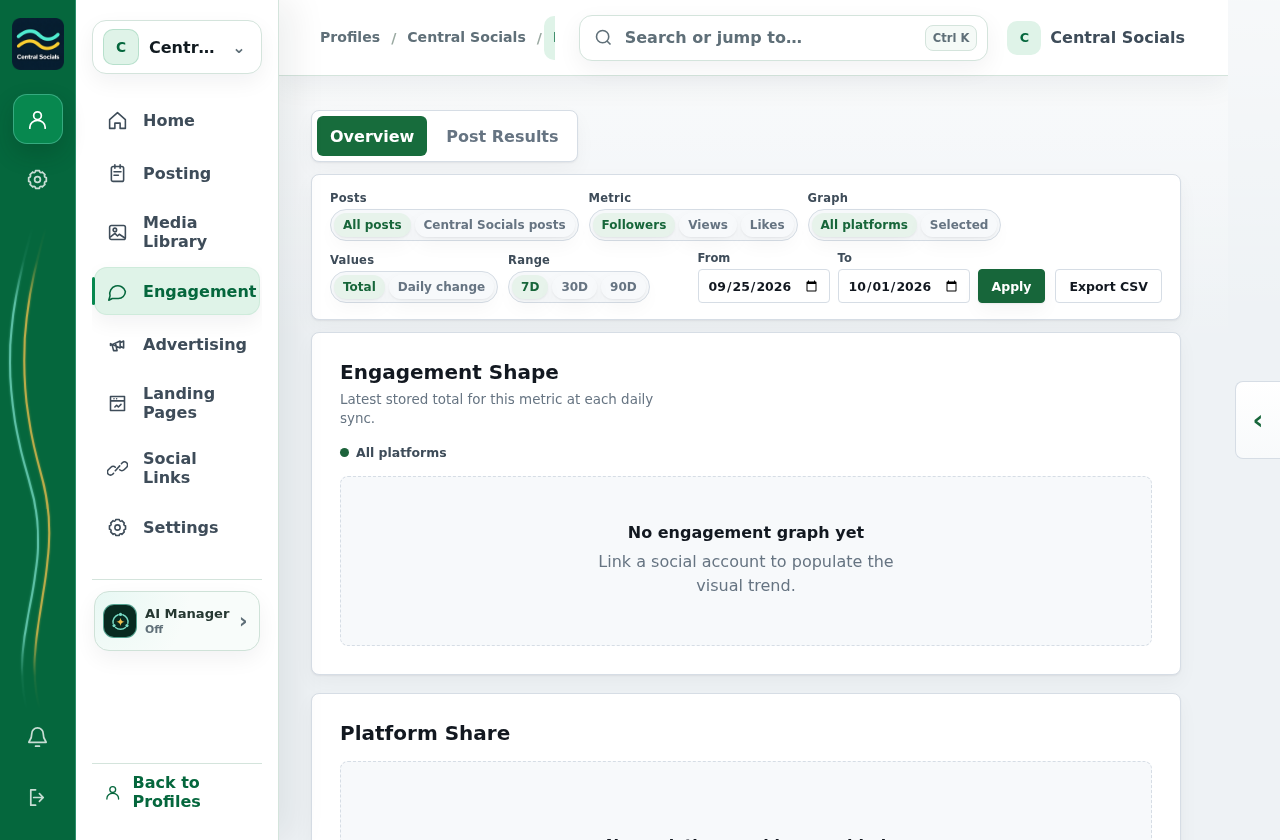
- Open Engagement → Overview.
- Choose the date range and content scope.
- Select Export CSV to download the available engagement report.
 Central Socials
Help Centre
Try a different word or browse the help topics.
Analytics and reporting