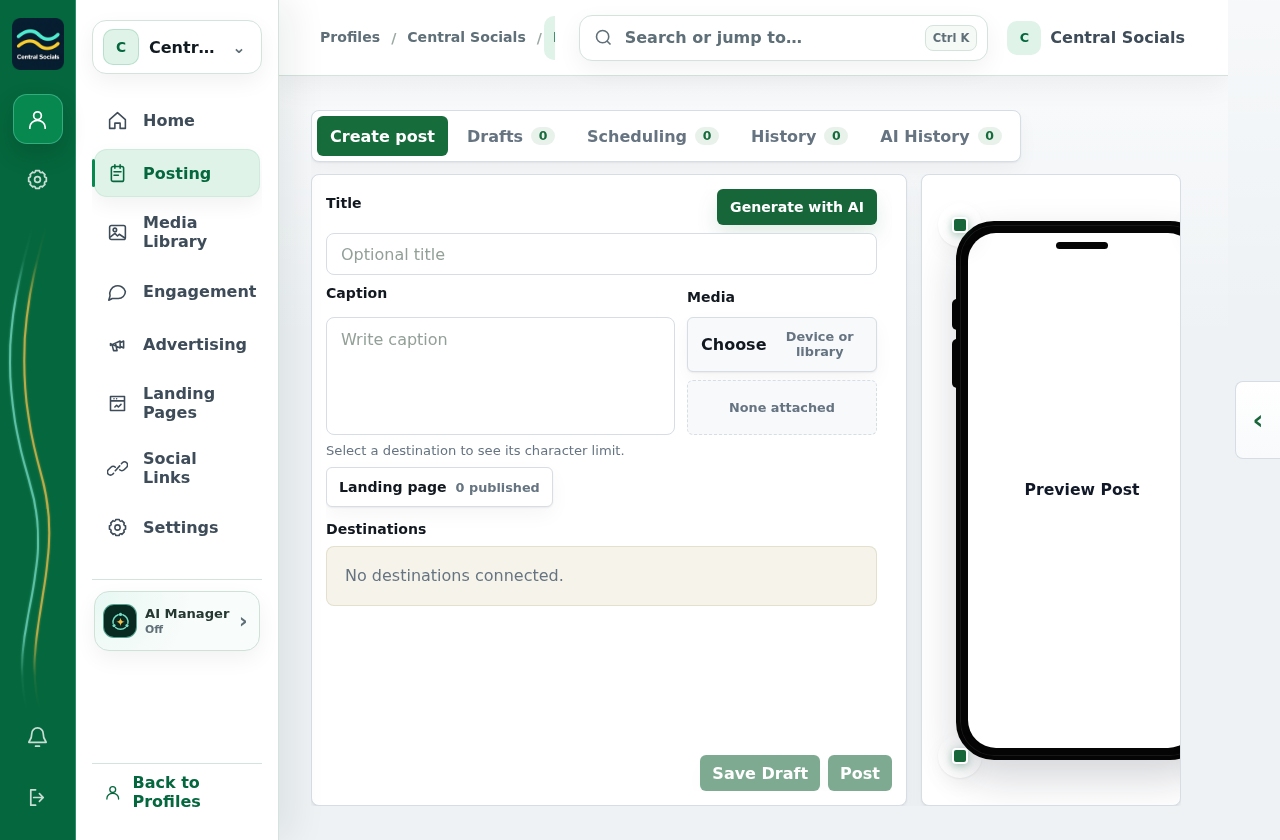
Add text, choose linked destinations, and add media if needed.
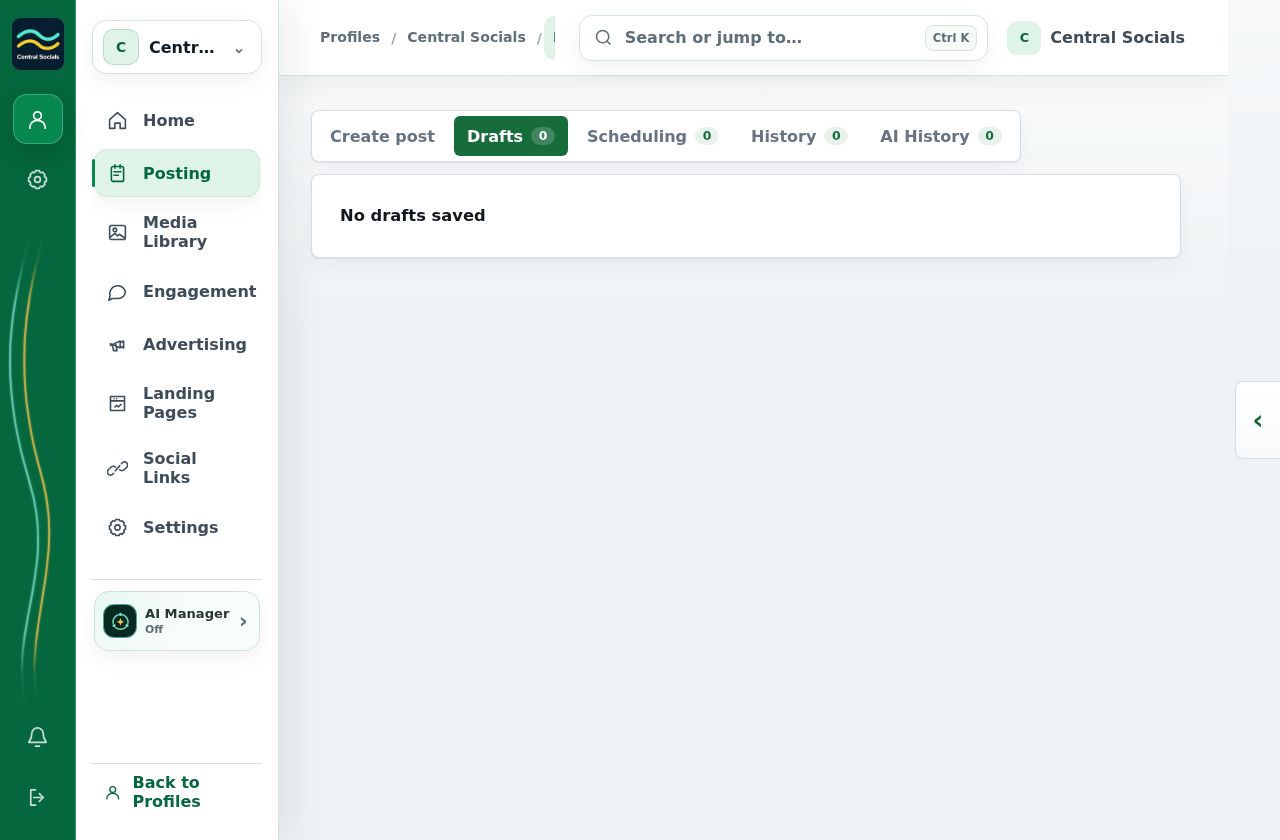
Select Save Draft. To edit it later, open Posting → Drafts and select the draft.
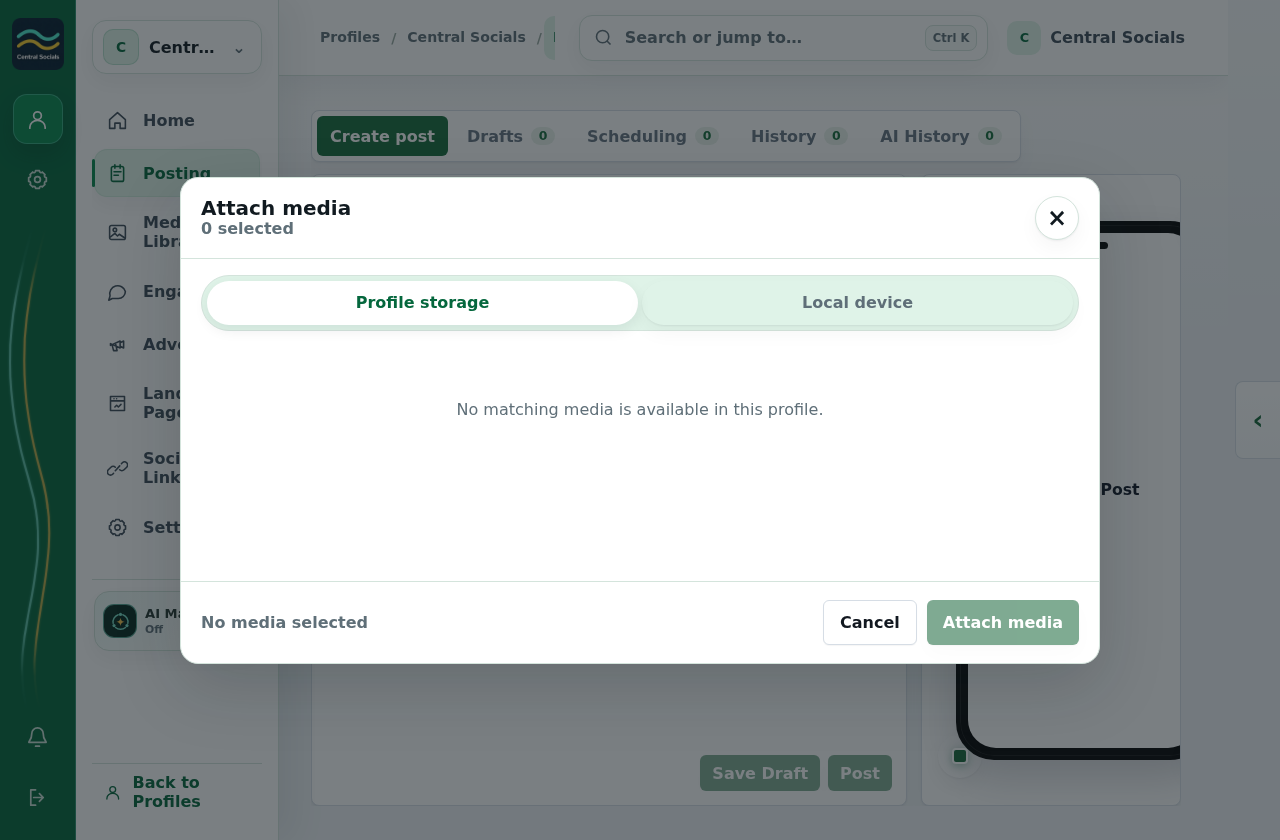
Step 1 Open Posting → Create post to prepare content.Tap the screenshot to view it full size.Step 2 The media picker opens from Choose; this test profile has no uploaded media.Tap the screenshot to view it full size.Step 3 Saved drafts appear under Drafts; this test profile has none.Tap the screenshot to view it full size.Walkthrough: move between Create post, Drafts, Scheduling, and History.
 Central Socials
Help Centre