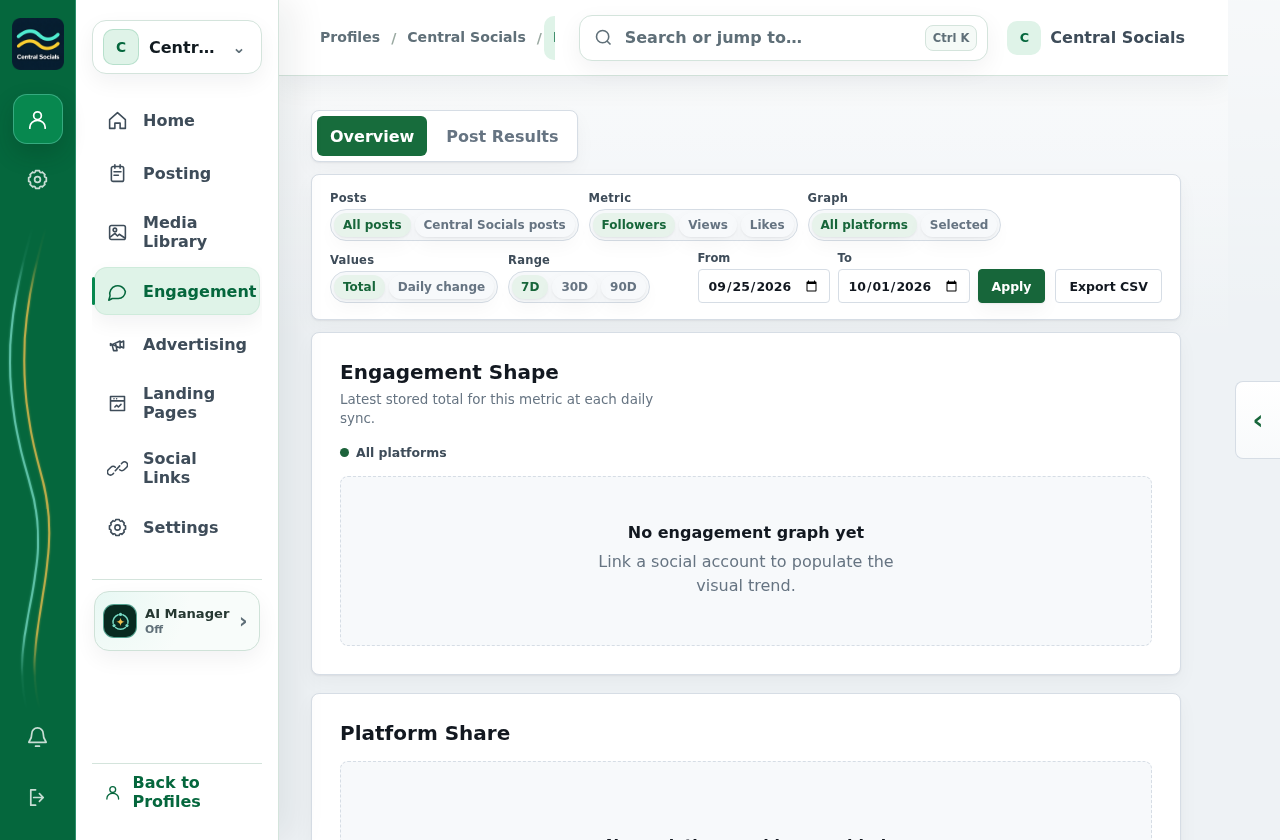
Open Engagement → Overview and choose the social account or provider view.
Select a metric and date range.
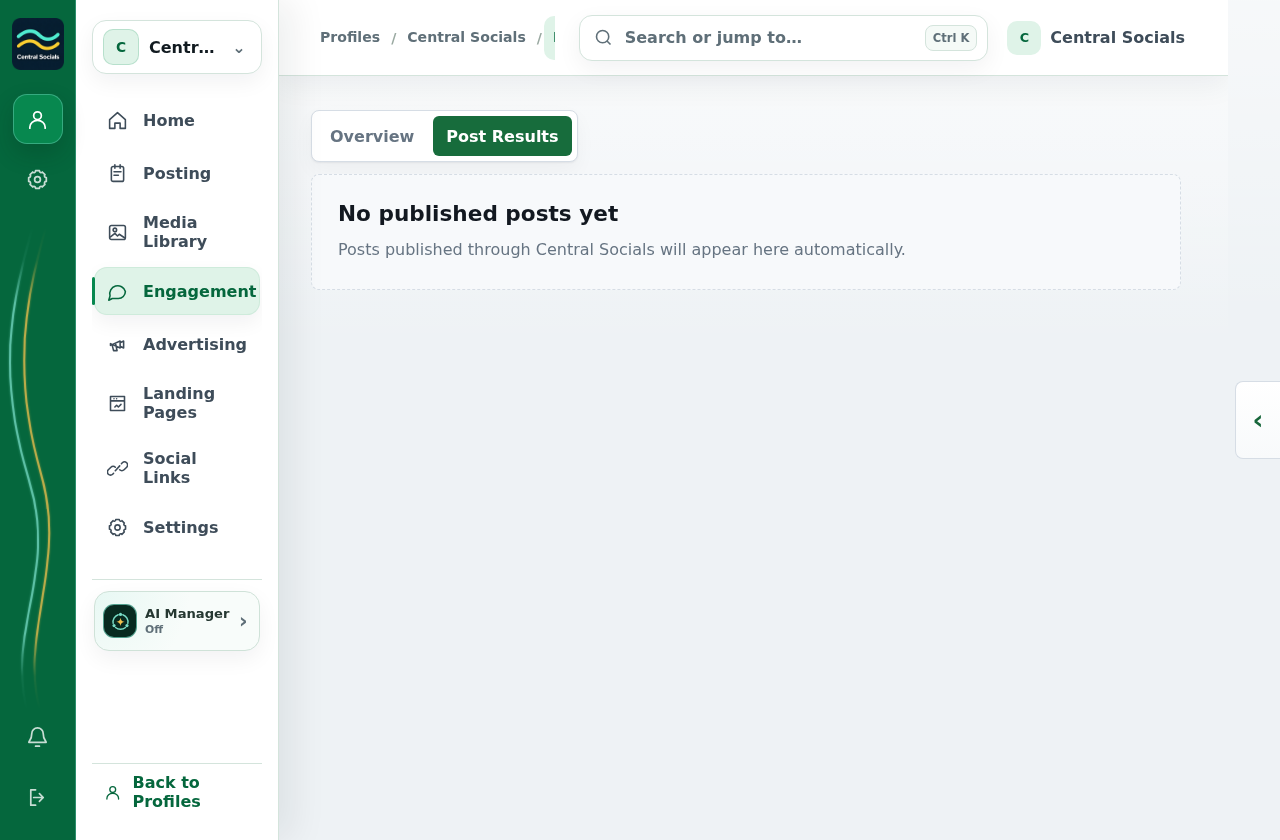
Open Post Results to inspect results for individual posts.
No social account or post result exists in the example profile.
Steps 1–2 Choose a metric and content scope in Engagement Overview.Tap the screenshot to view it full size.Step 3 Open Post Results to inspect individual post performance.Tap the screenshot to view it full size.