Account and billing
Login and security
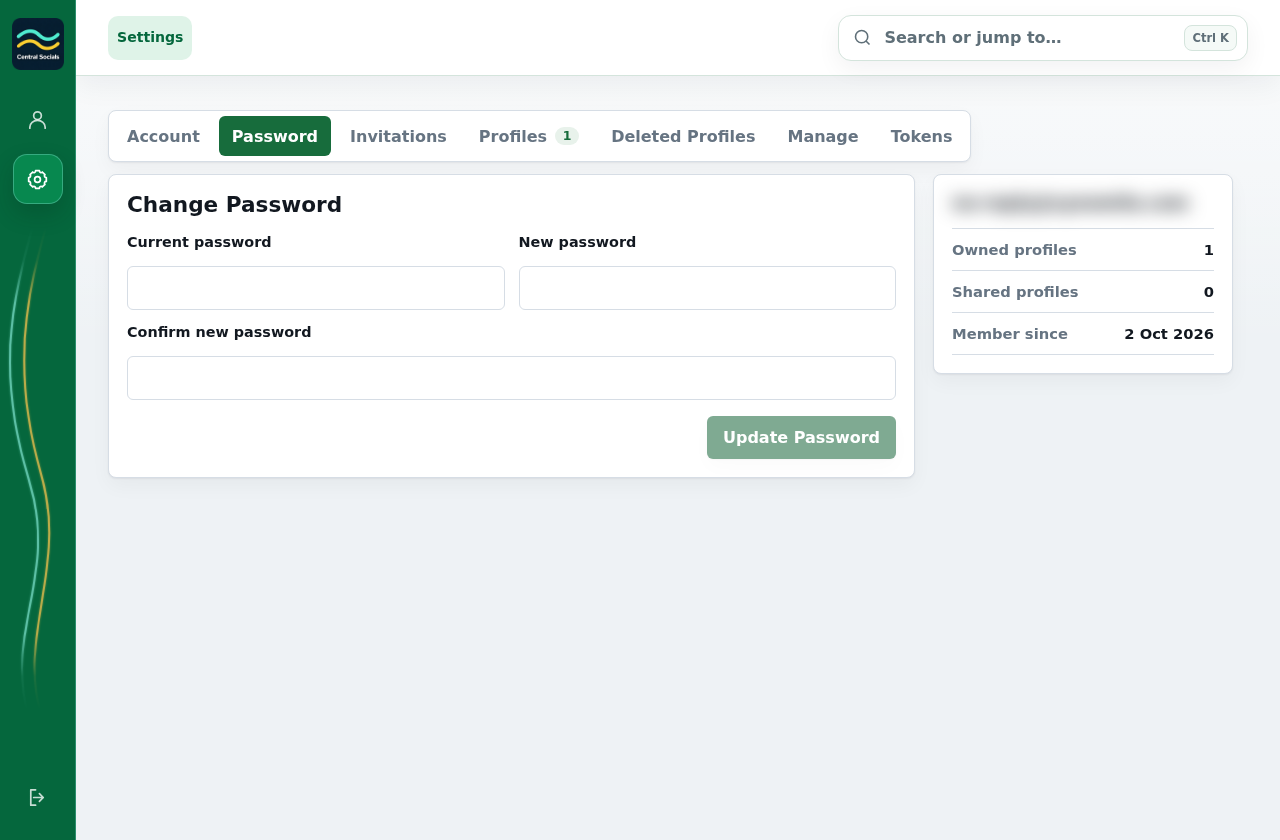
- Open Account Settings → Password.
- Enter the requested password fields and save the change.
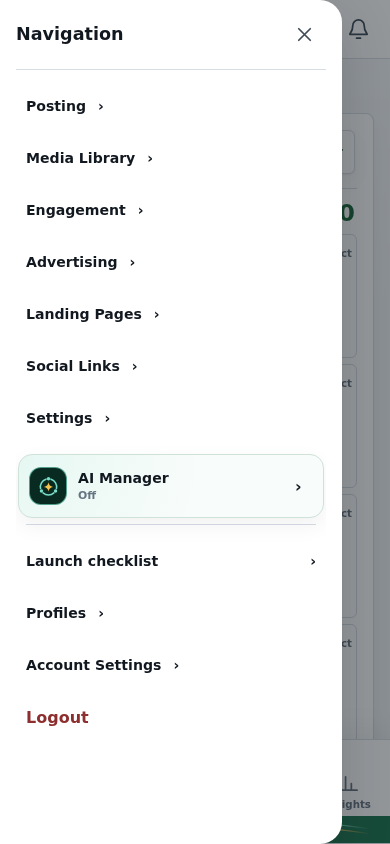
- Use Logout in the application navigation when leaving a shared device.
 Central Socials
Help Centre
Try a different word or browse the help topics.
Account and billing