Create content
How to plan your social media content calendar
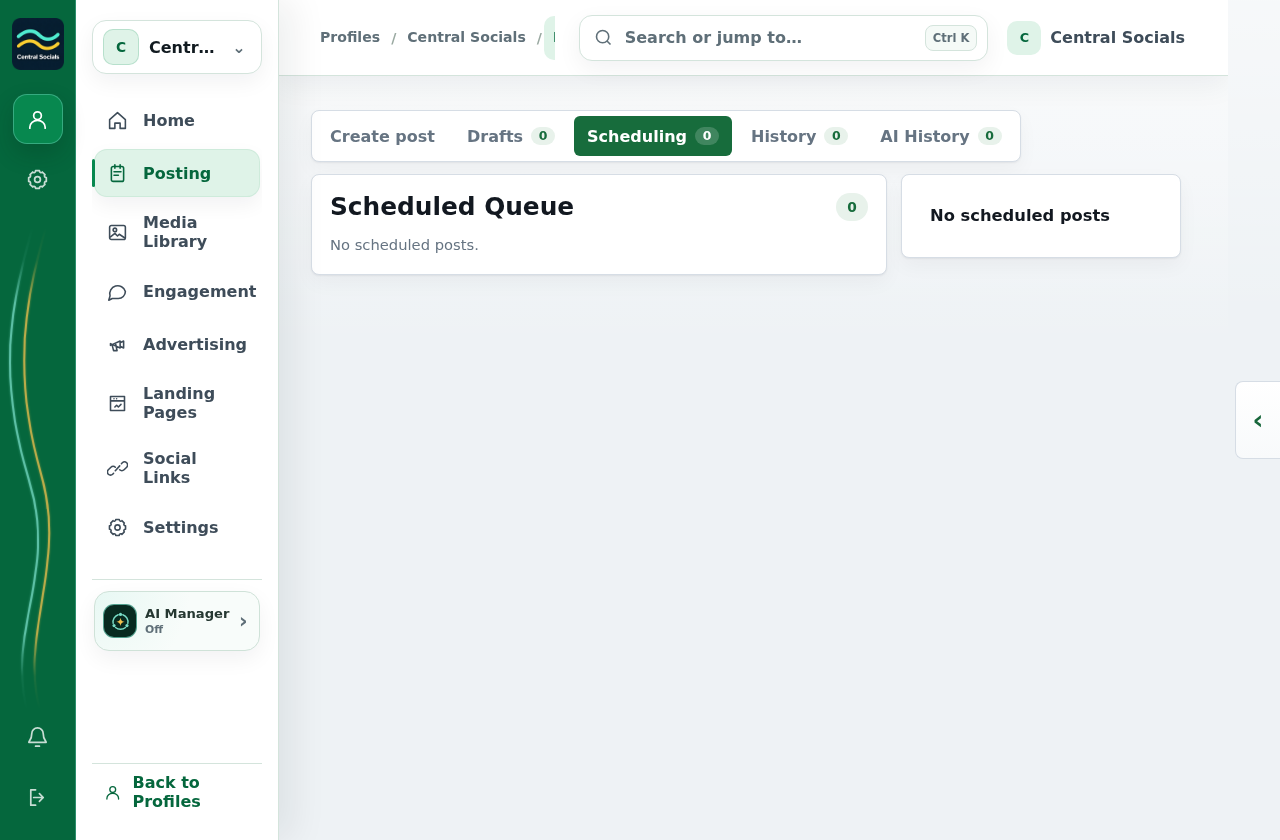
- Open Posting → Scheduling to see the Scheduled Queue.
- Select a scheduled post to review its date, time and destinations.
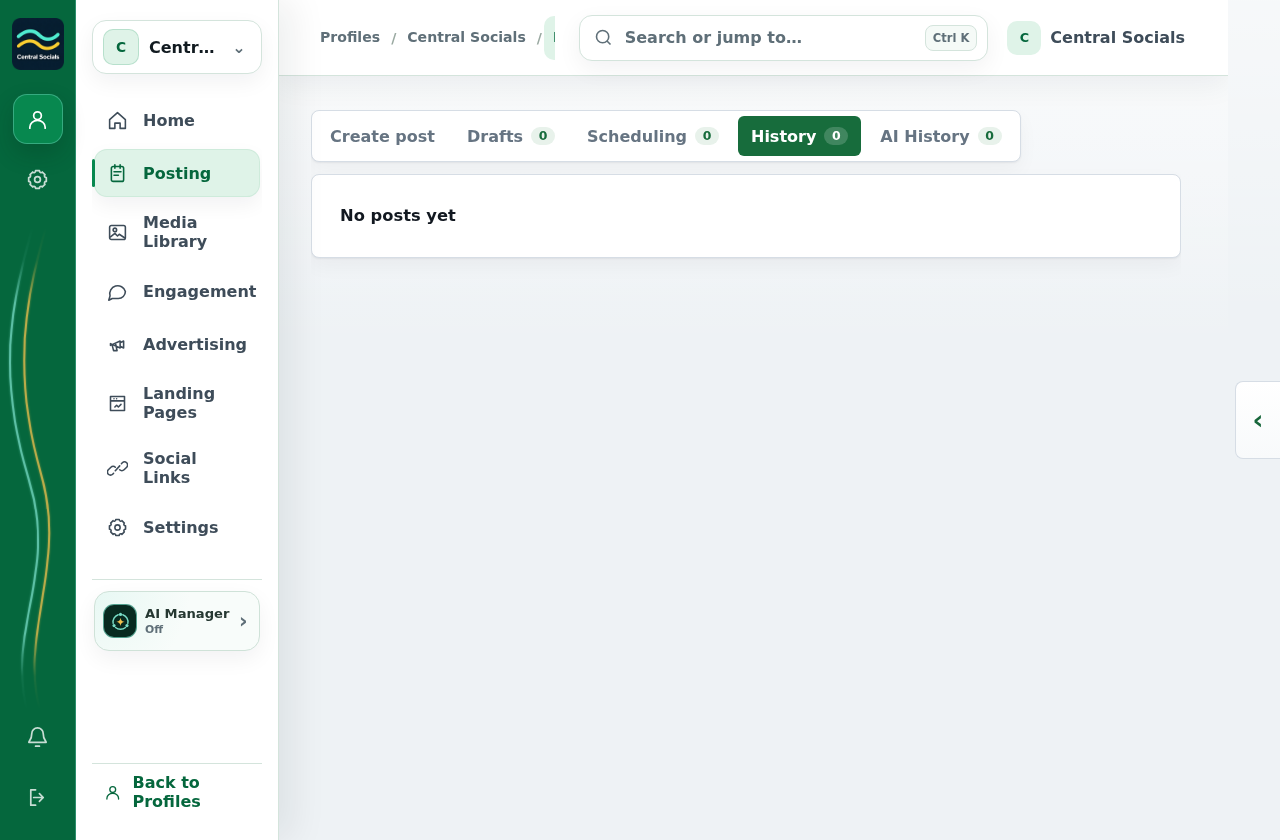
- Open Posting → History to see completed posts.
 Central Socials
Help Centre
Try a different word or browse the help topics.
Create content