Getting started
How to publish your first social media post
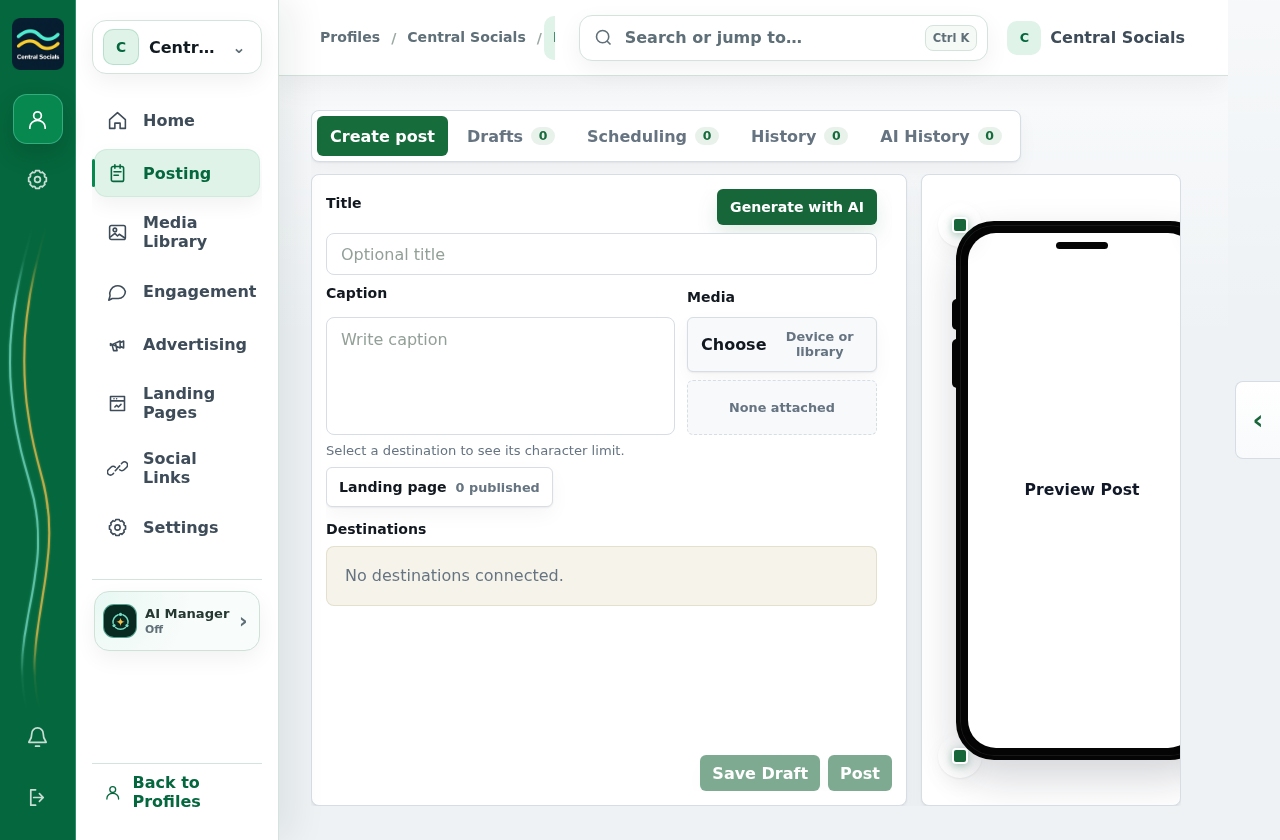
- Open the profile’s Posting page and select Create post.
- Enter the post content and select at least one linked destination.
- Select Post, review the confirmation, then select Post again. If approval is required, submit the post for review first.
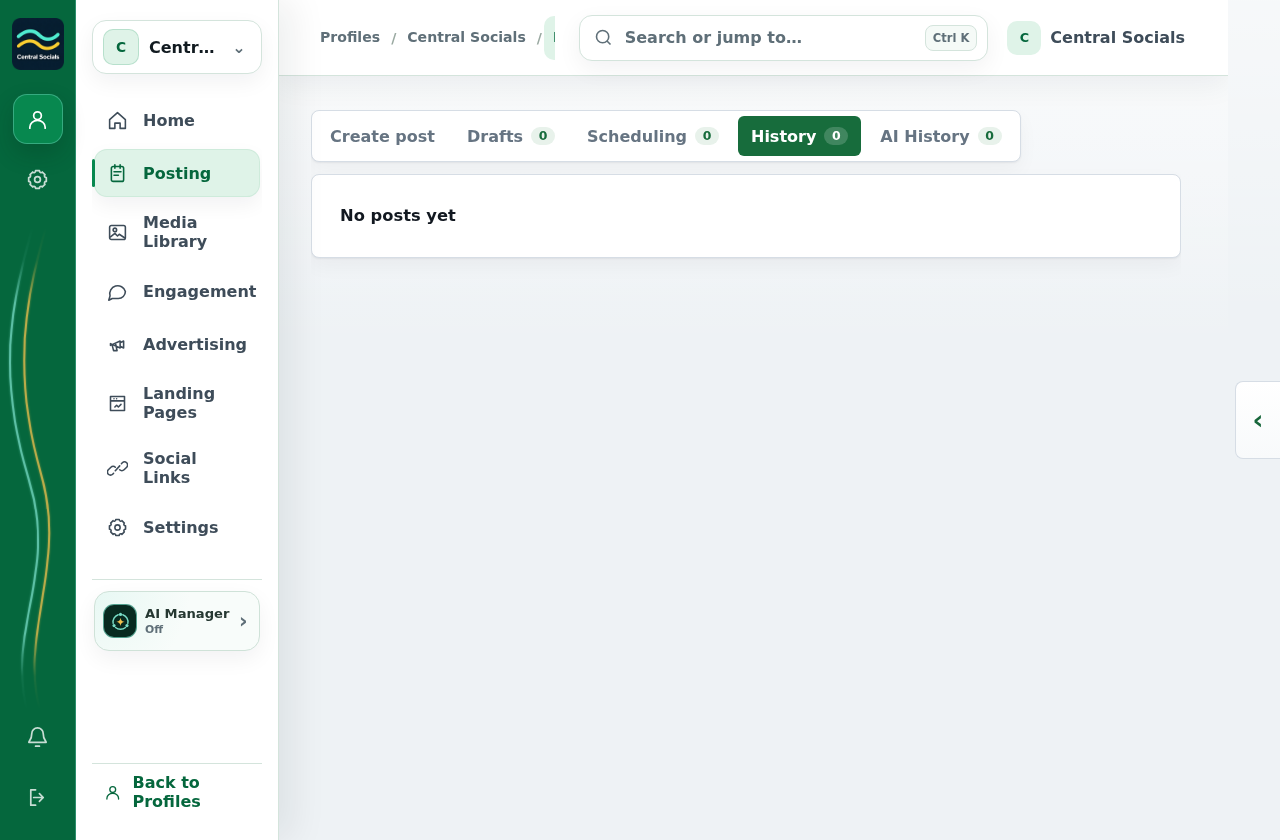
This example profile has no linked social account, so the screenshots show where to compose and where published history would appear; no post was sent.