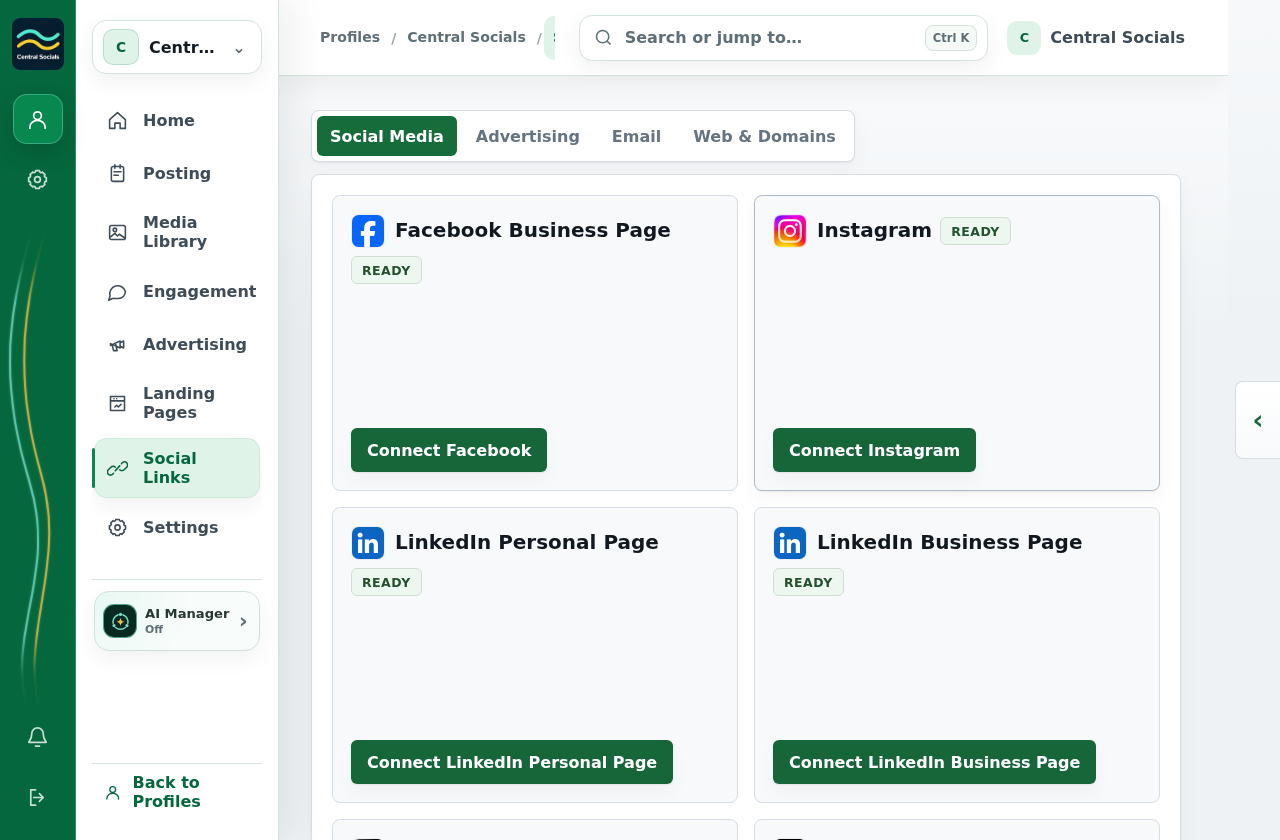
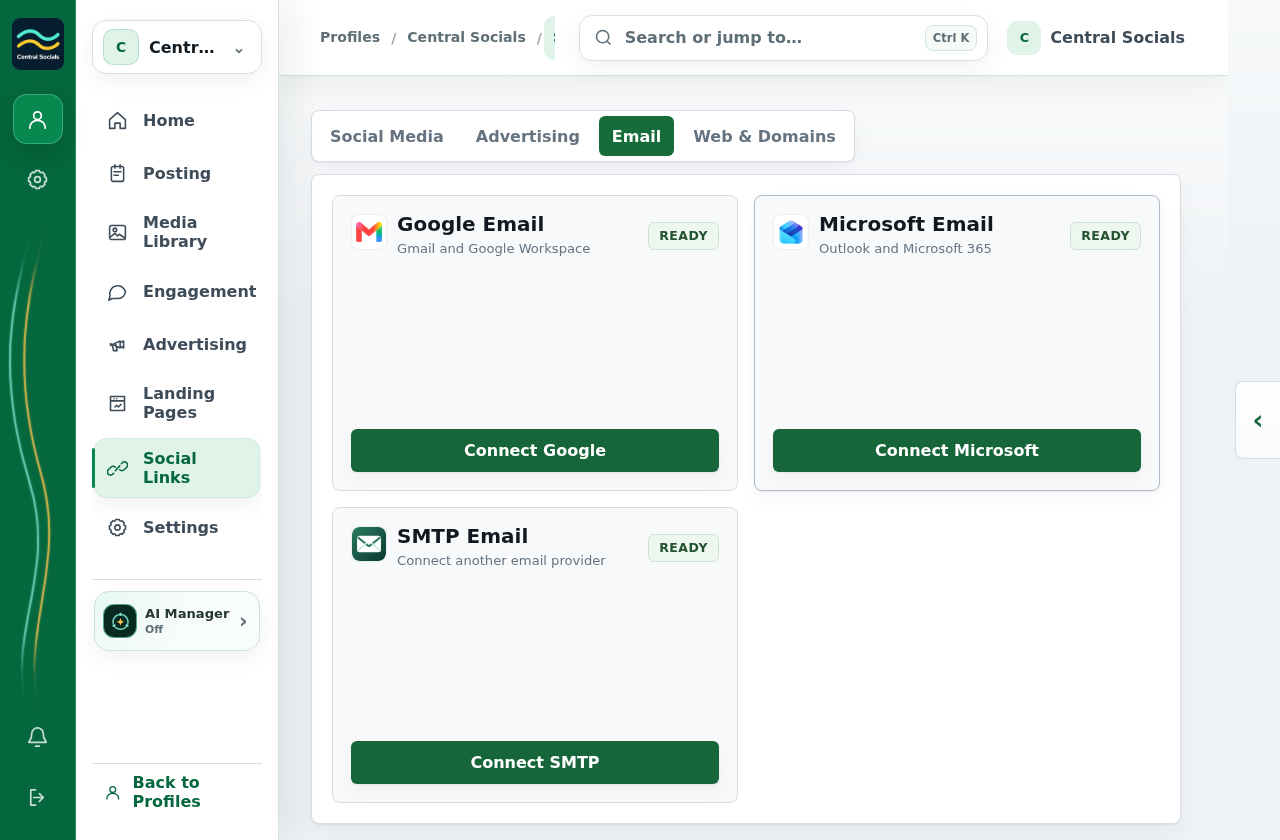
Open the profile’s Social Links and select the relevant tab.
Find the connection warning and use Re-link or Connect again when offered.
Complete the provider authorisation flow and return to confirm the connection.
Step 1 Open Social Links → Social Media to inspect a provider connection.Tap the screenshot to view it full size.Other connection types Email connections have their own status area.Tap the screenshot to view it full size.Walkthrough: locate provider connection areas in Social Links.