Community and engagement
How to reply to social media conversations
- Open Engagement → Community Inbox and select a conversation.
- Read the thread and enter a reply in the reply field.
- Select Send reply when replying is available for that conversation.
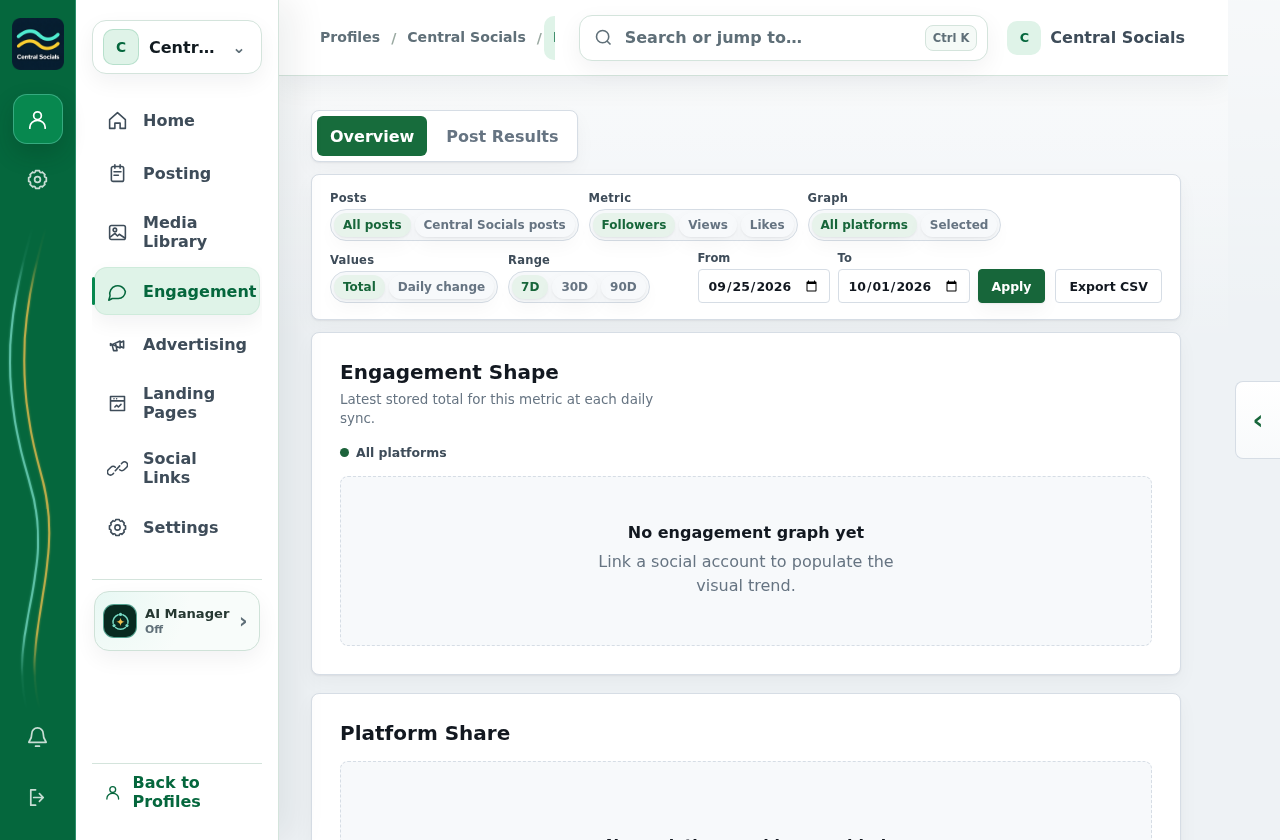
The captured profile does not expose Community Inbox, so no reply field or send action is shown.