Reload the page and sign in again if your session has ended.
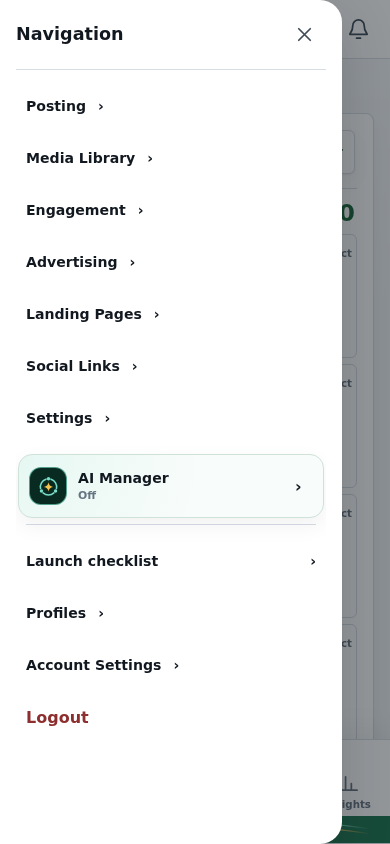
If a control is hidden on a phone, open the navigation menu and select the same workspace.
If the problem persists, contact support with the page address, browser and device.
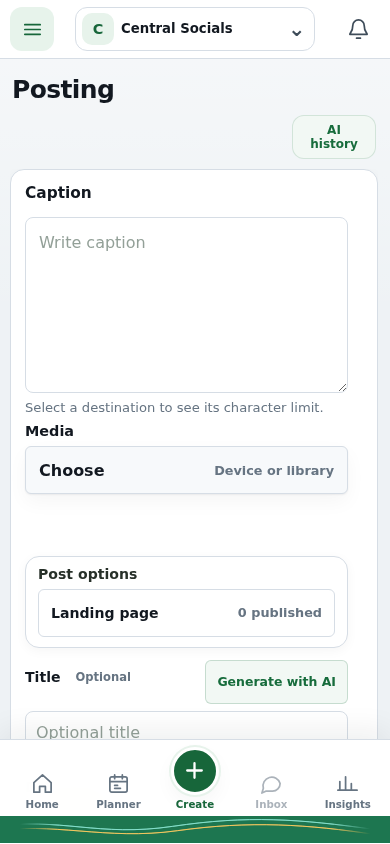
Step 2 The phone navigation drawer exposes the same workspaces.Tap the screenshot to view it full size.Phone workspace Posting remains available in the phone layout.Tap the screenshot to view it full size.