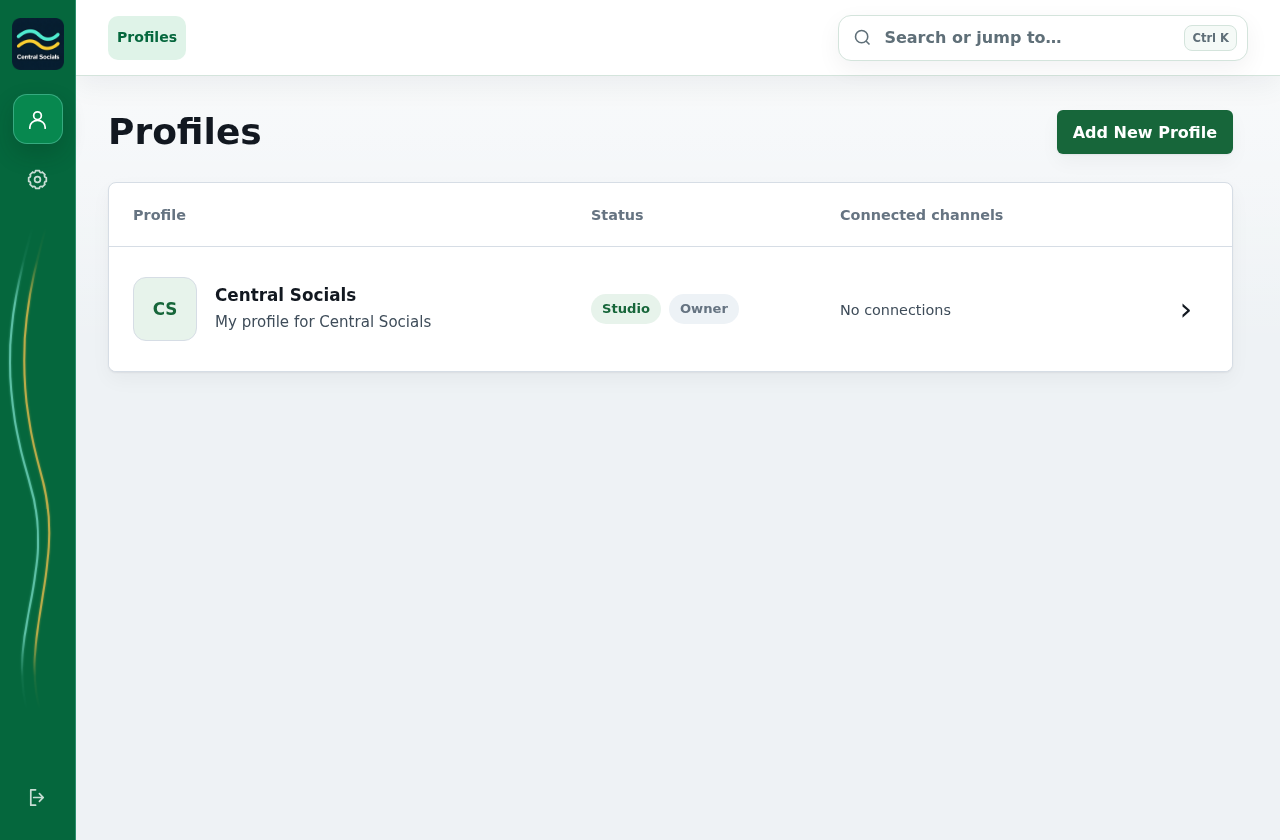
Open Profiles and select Add New or Create Your First Profile.
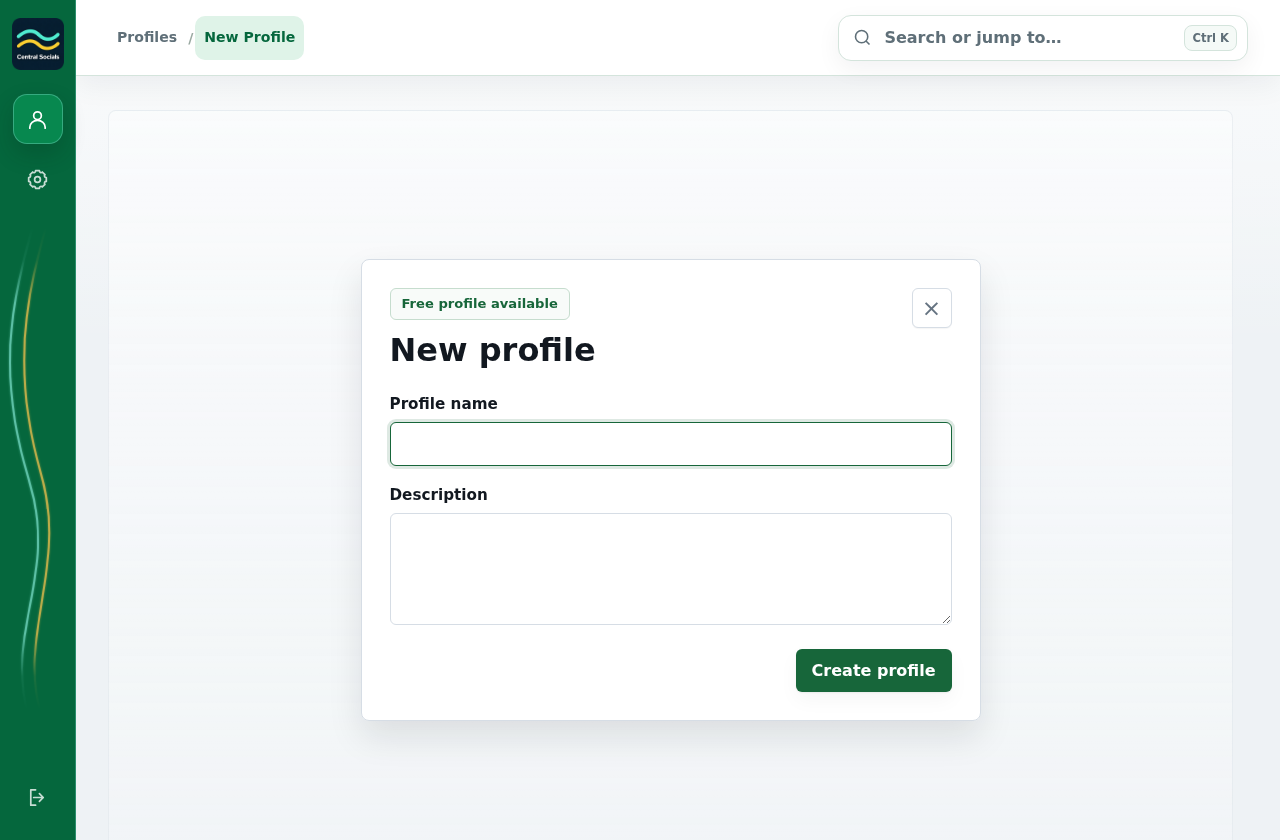
Enter a profile name. Add a description if needed.
Select Create profile. If your free profile is already in use, choose a paid profile tier first.
Step 1 Open Profiles to add a profile.Tap the screenshot to view it full size.Steps 2–3 Enter the name and optional description in the new-profile form, then use Create profile.Tap the screenshot to view it full size.