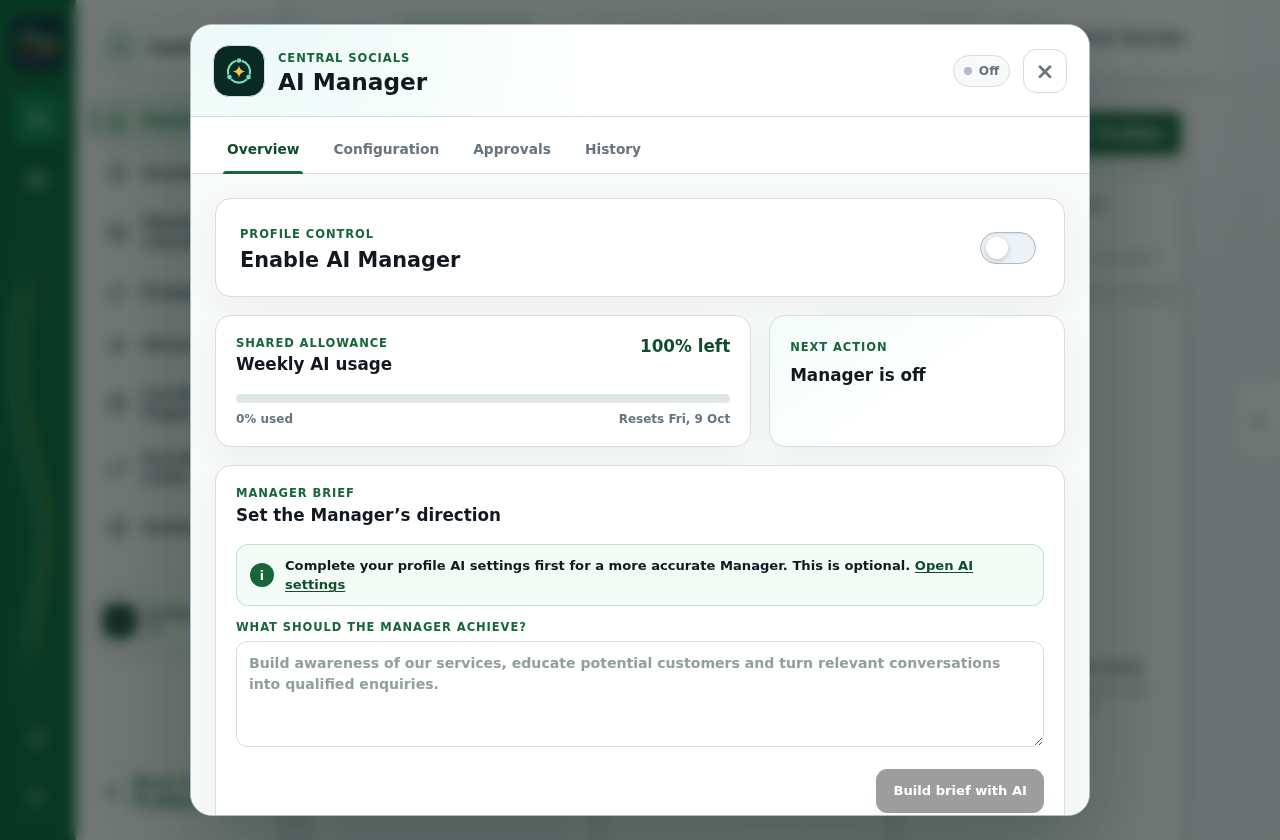
Open a profile and select AI Manager in the navigation.
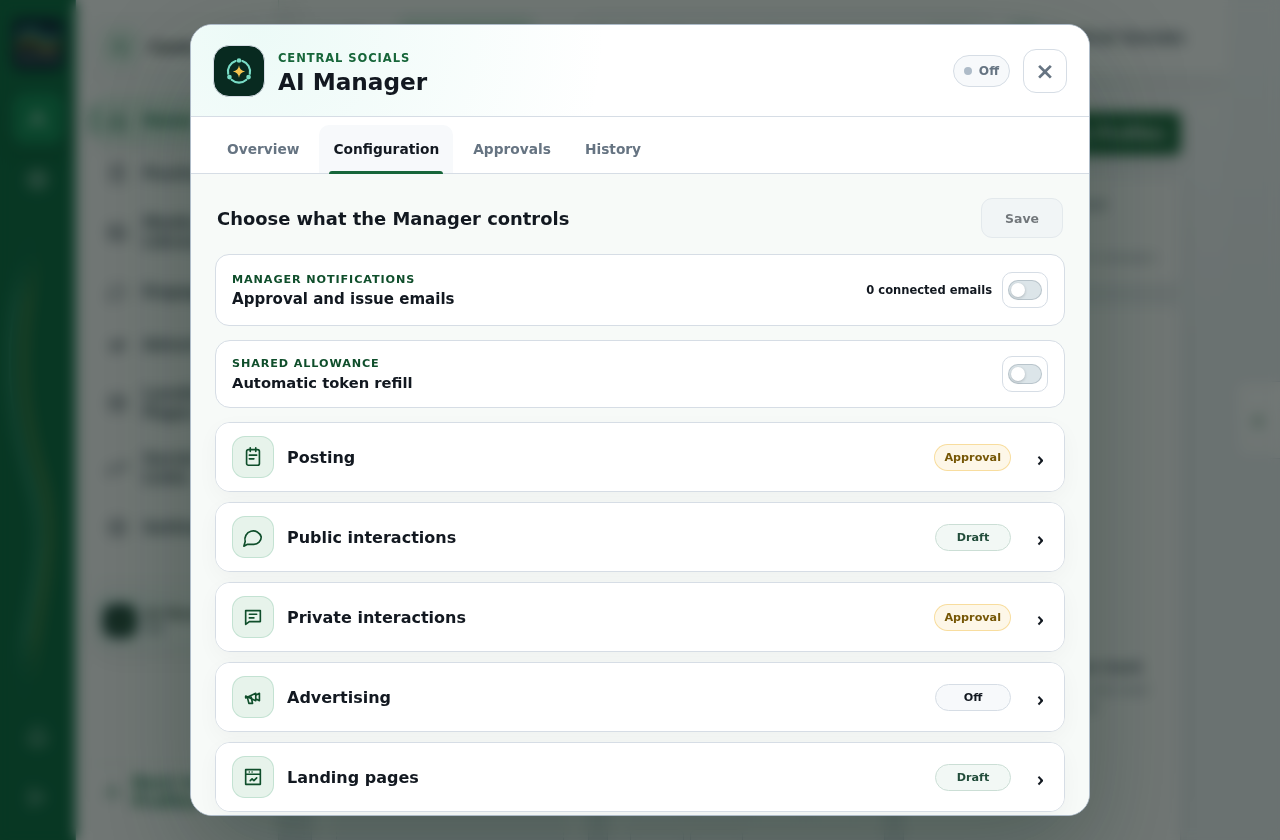
Open Configuration, set the instructions and allowed actions, and save the configuration.
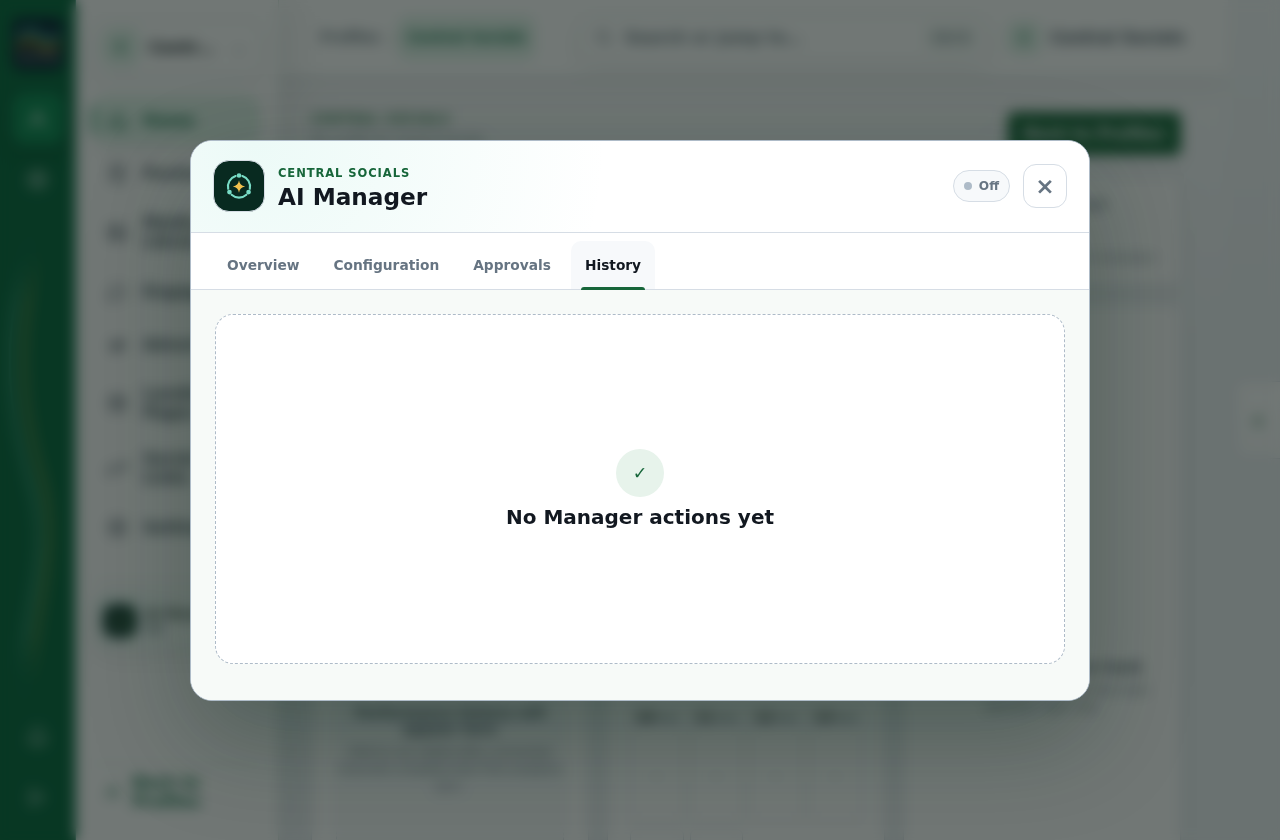
Open Overview and use Enable AI Manager to turn it on. Review its Approvals and History tabs for work requiring attention.
Step 1 Open AI Manager from the profile navigation; this test manager remains off.Tap the screenshot to view it full size.Step 2 Configuration contains the manager controls and approval choices.Tap the screenshot to view it full size.Step 3 History is where manager activity appears after it runs.Tap the screenshot to view it full size.Walkthrough: inspect AI Manager tabs while the manager remains off.