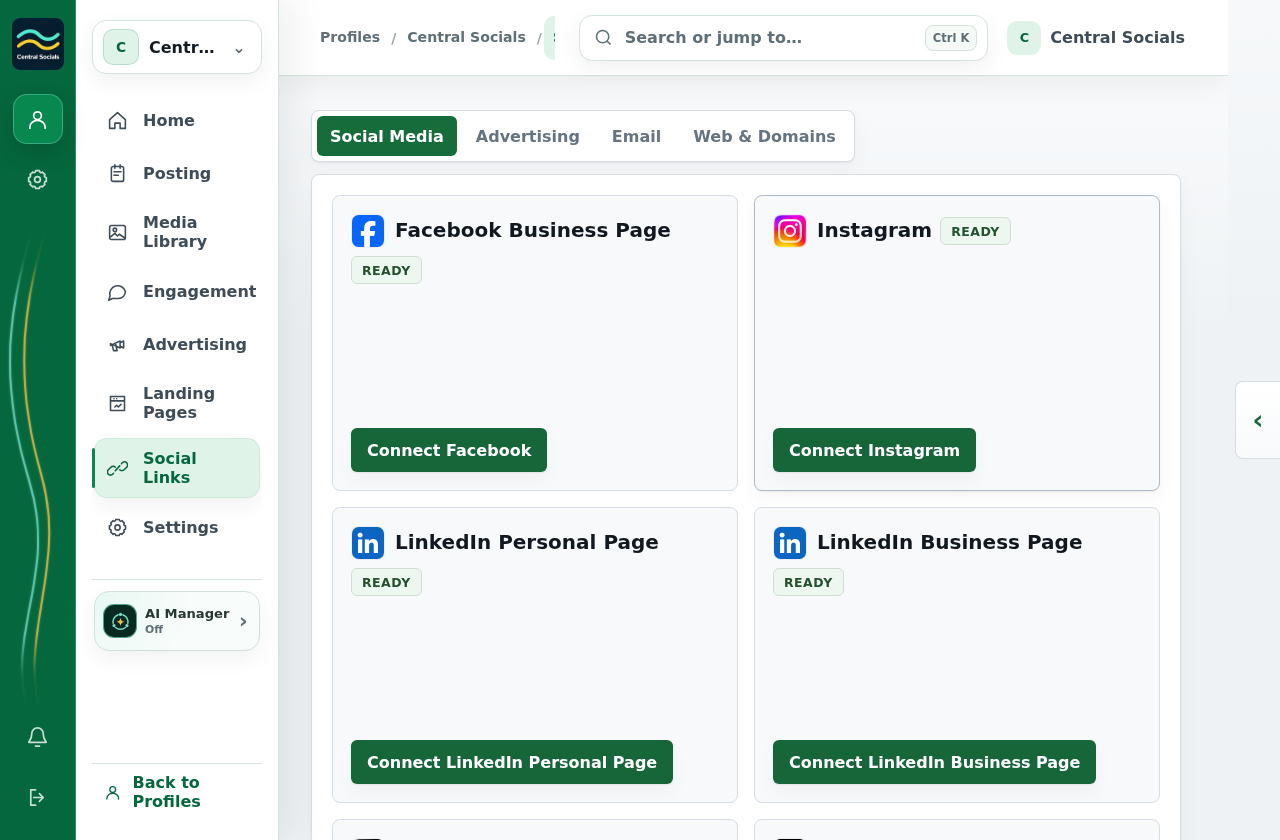
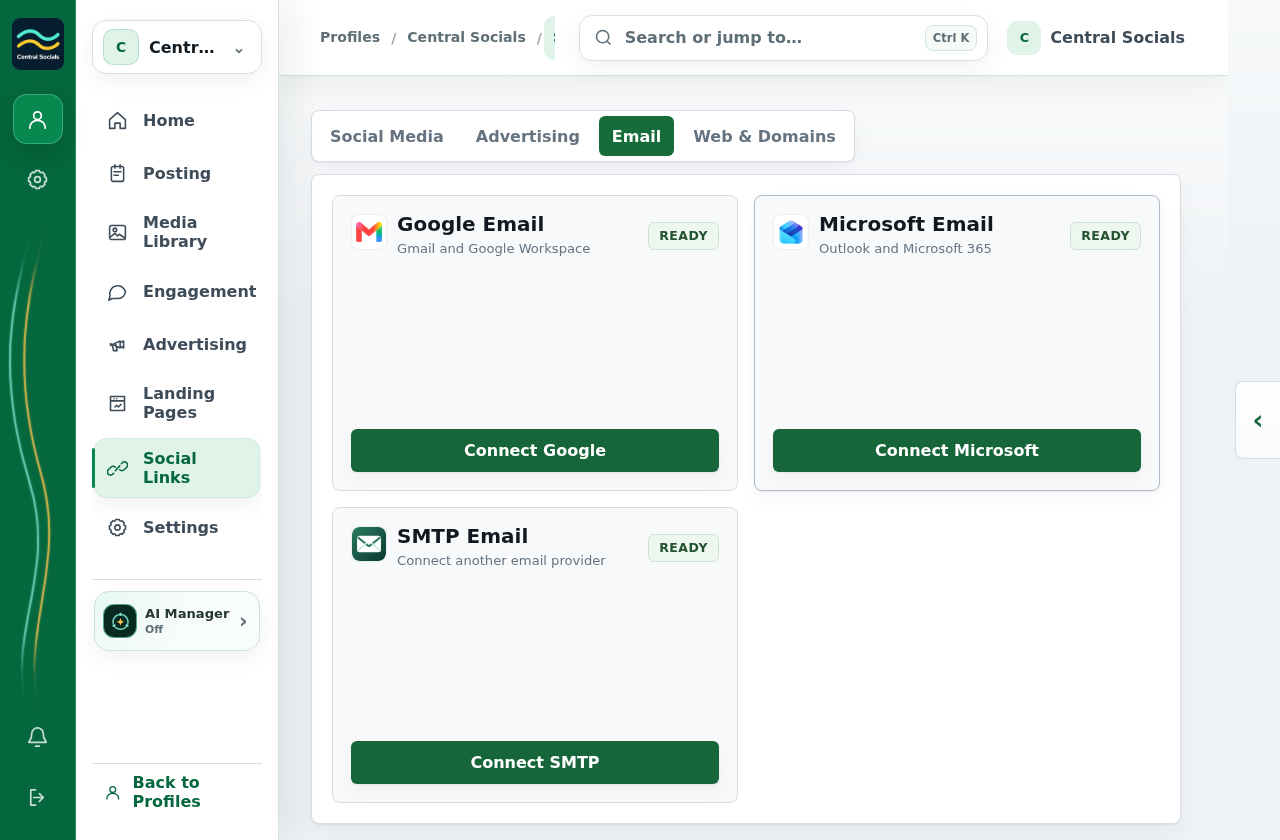
Select a provider’s Connect button and complete its authorisation flow.
Check the account tile for the linked account and any connection warning.
Steps 1–2 Choose a social provider from Social Links → Social Media.Tap the screenshot to view it full size.Other providers Email providers are available in a separate Social Links tab.Tap the screenshot to view it full size.Walkthrough: browse Social Links connection tabs without authorising providers.