Community and engagement
How to manage social media comments and messages
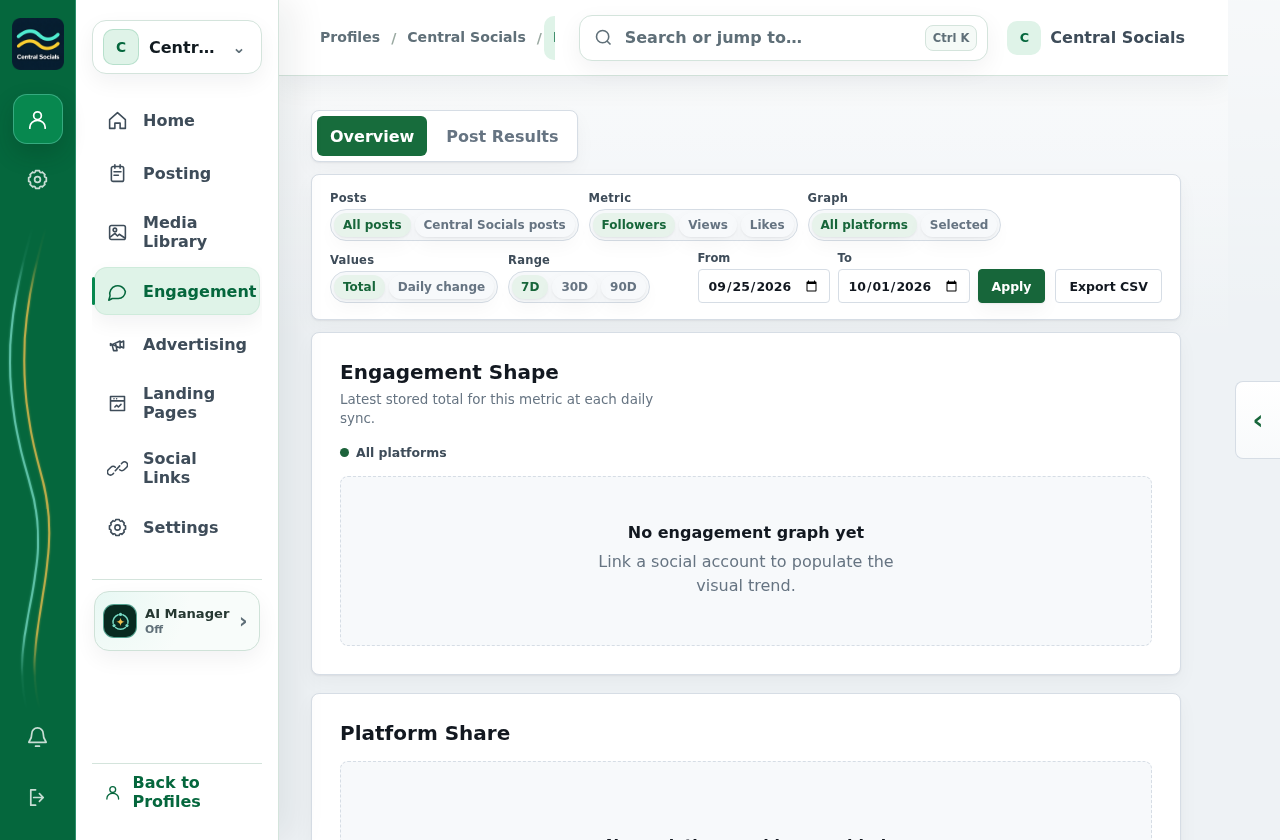
- Open the profile’s Engagement page and select Community Inbox, when available for the profile.
- Use the platform and status filters to find a conversation.
- Select a conversation to read the thread and available actions.
Community Inbox is not exposed in the captured production profile. Conversation and filter states are therefore not shown.