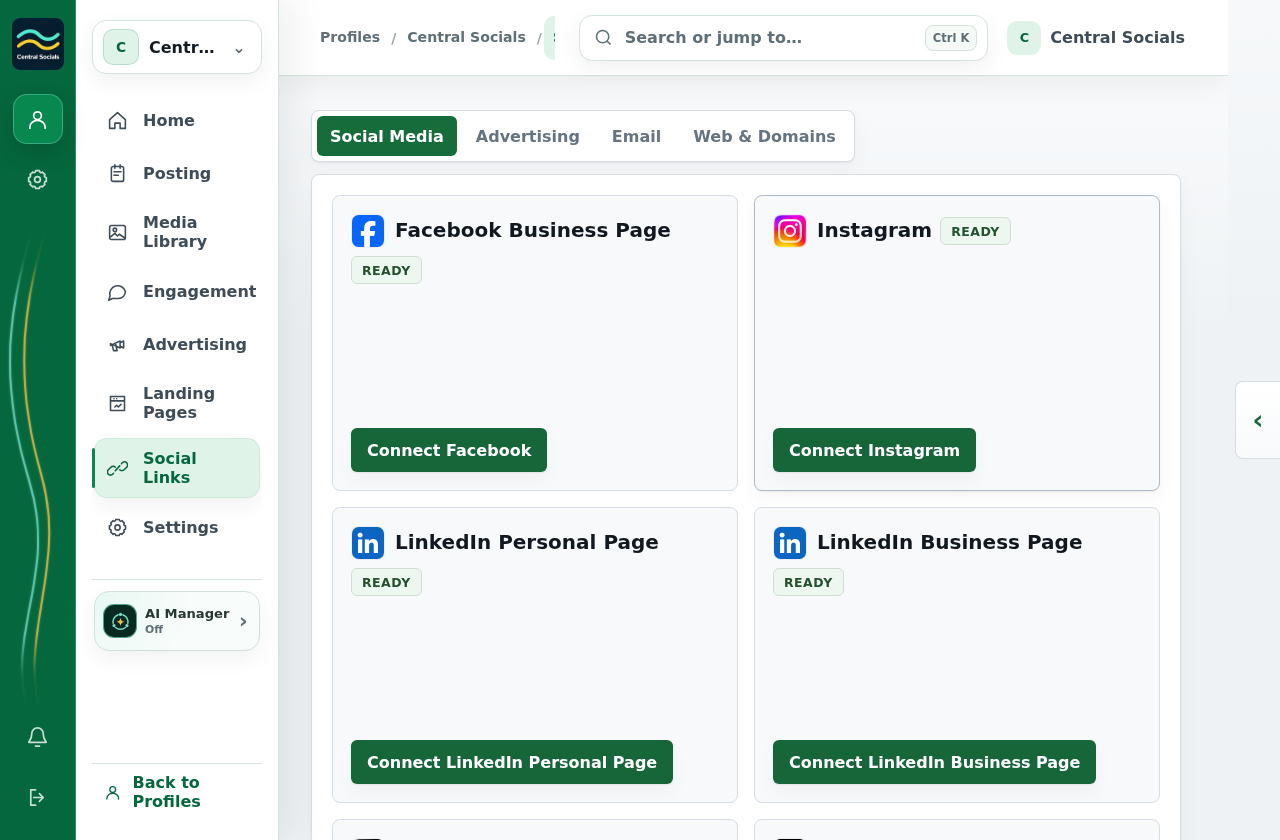
On Social Media, select the provider’s Connect button.
Sign in with the provider, grant the requested access, and return to Social Links to confirm the account appears.
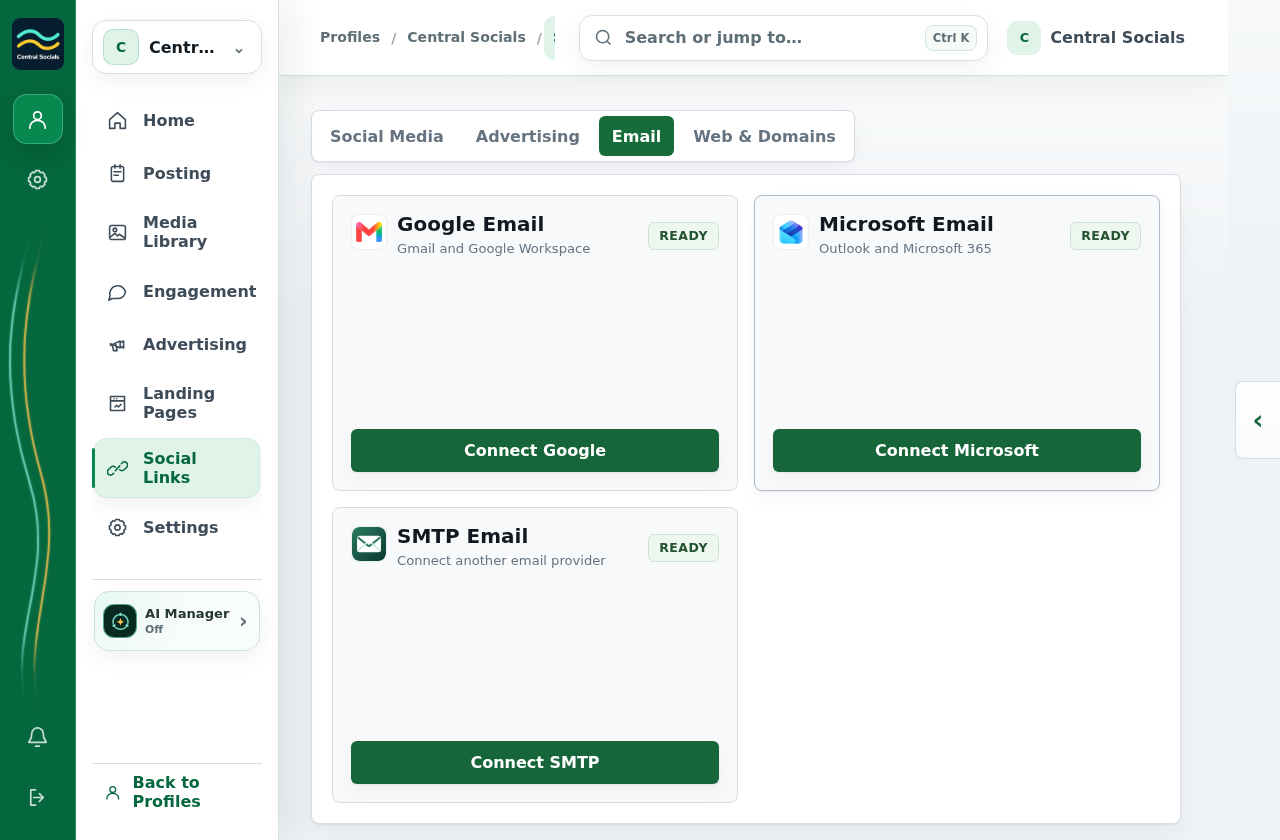
Steps 1–2 Open Social Links → Social Media and choose a provider Connect action.Tap the screenshot to view it full size.Other connections Email connections have their own tab in Social Links.Tap the screenshot to view it full size.Walkthrough: move between available Social Links tabs without connecting an account.