Getting started

Central Socials overview

  • A profile contains its own posts, media, linked accounts, engagement, advertising, landing pages and settings.
  • Use the profile selector to switch profiles. Use the profile navigation to open each workspace.
  • Available features depend on the profile plan and your access to that profile.
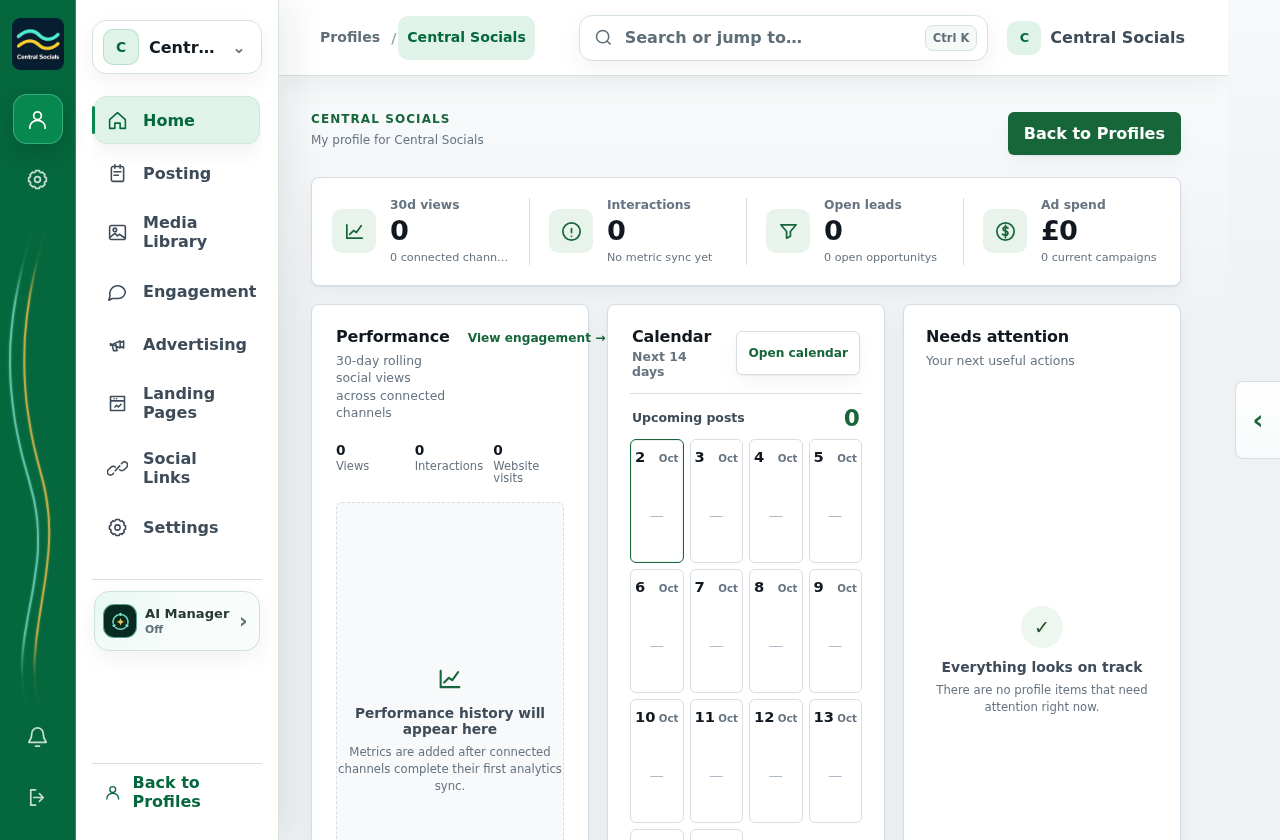
Profile home with workspace navigation and genuine empty metrics.
Start here The profile home links to the main workspaces.Tap the screenshot to view it full size.
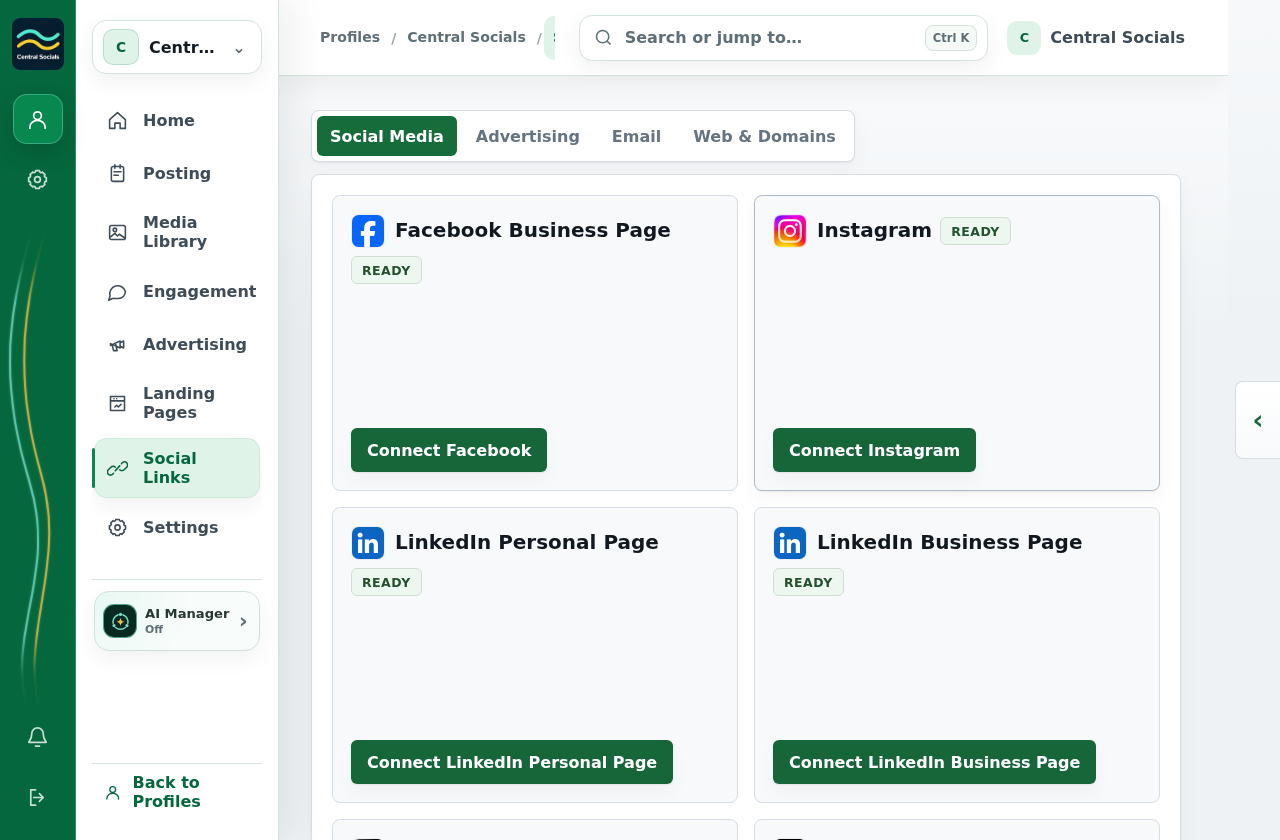
Social Links Social Media tab showing available Connect buttons.
Profile connections Social Links shows the connection options for this profile.Tap the screenshot to view it full size.